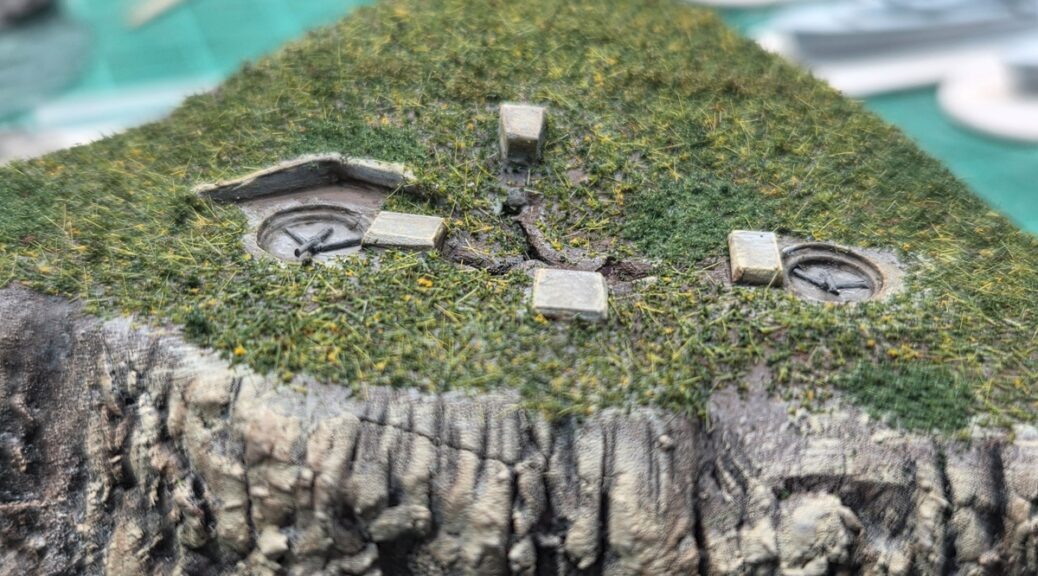
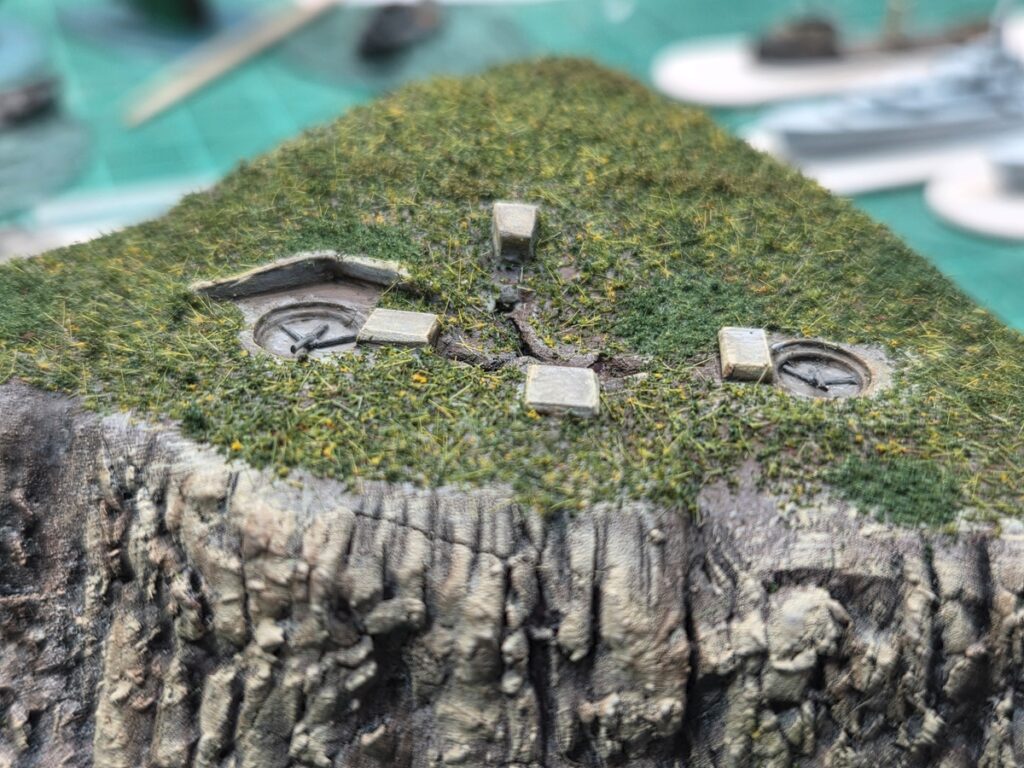
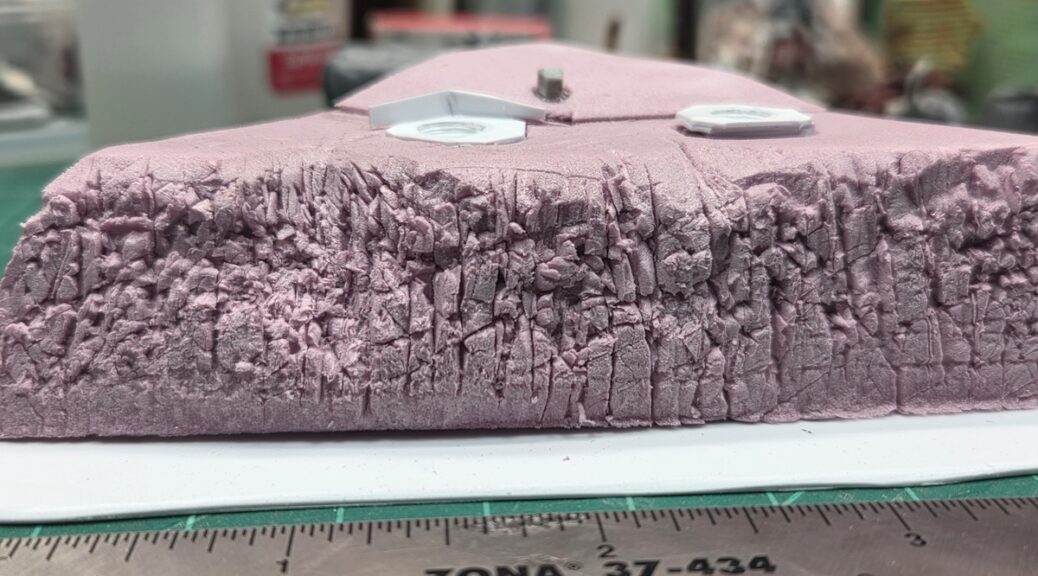
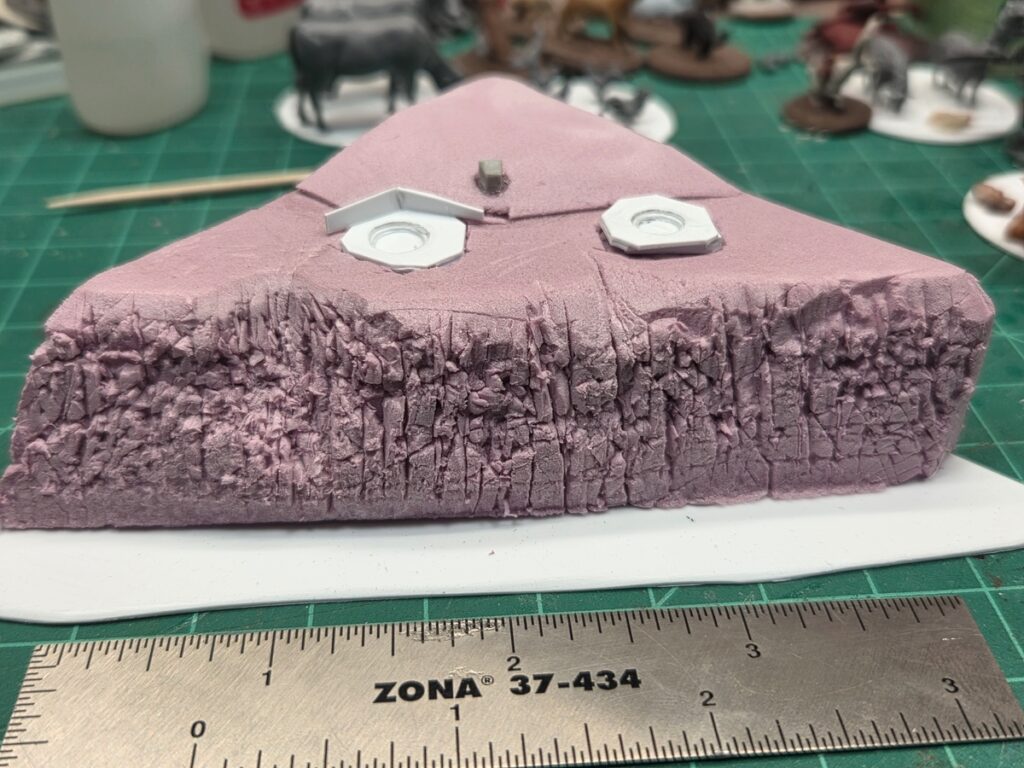
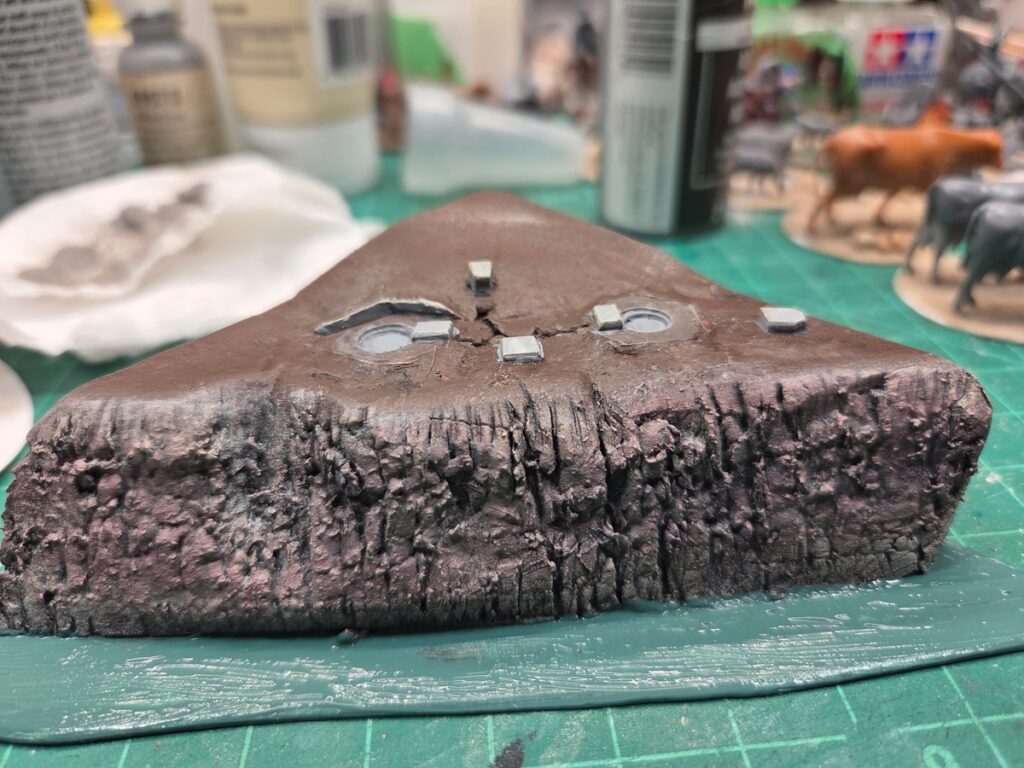
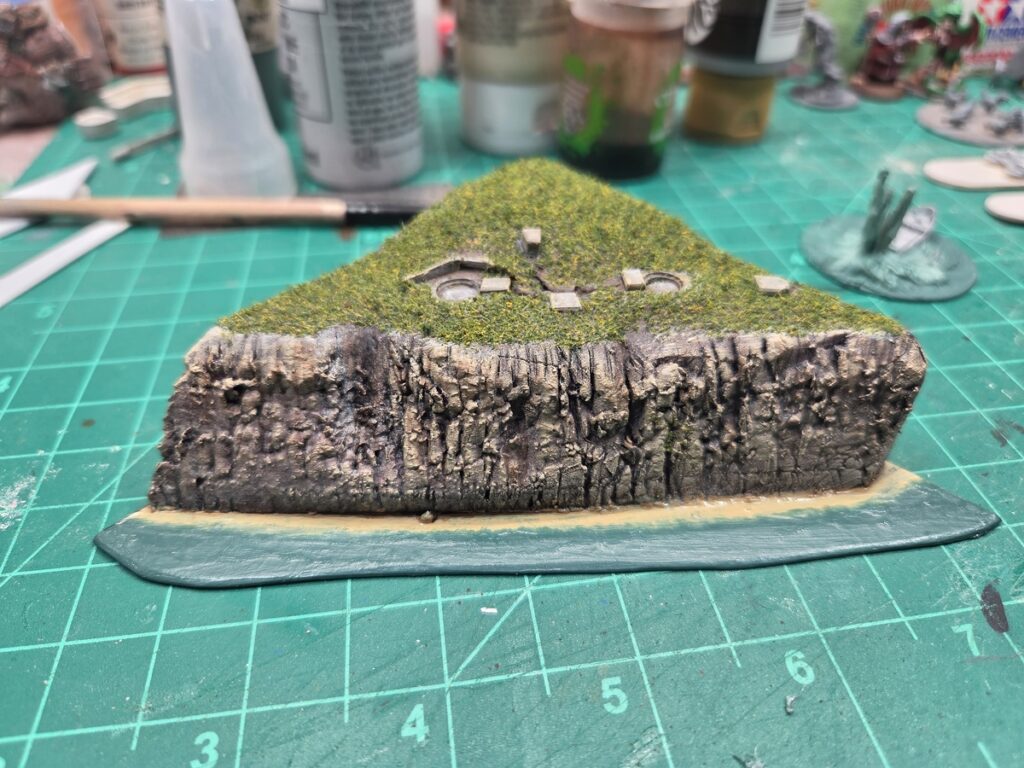
The 1/1200 shore battery has had it’s pair of guns installed. They’re tiny bits of plastic broom bristle installed with superglue and very fine tweezers. Measuring the gun pits and bunkers, the whole thing is probably slightly underscale for 1/1200 (the gun pits are about 1/4″ across, they should probably be more like 1/3″ across) but it all works as an edge-of-table representation of a shore battery!
The 1/1200 shore battery in closeup, with guns in the two open gun pits.
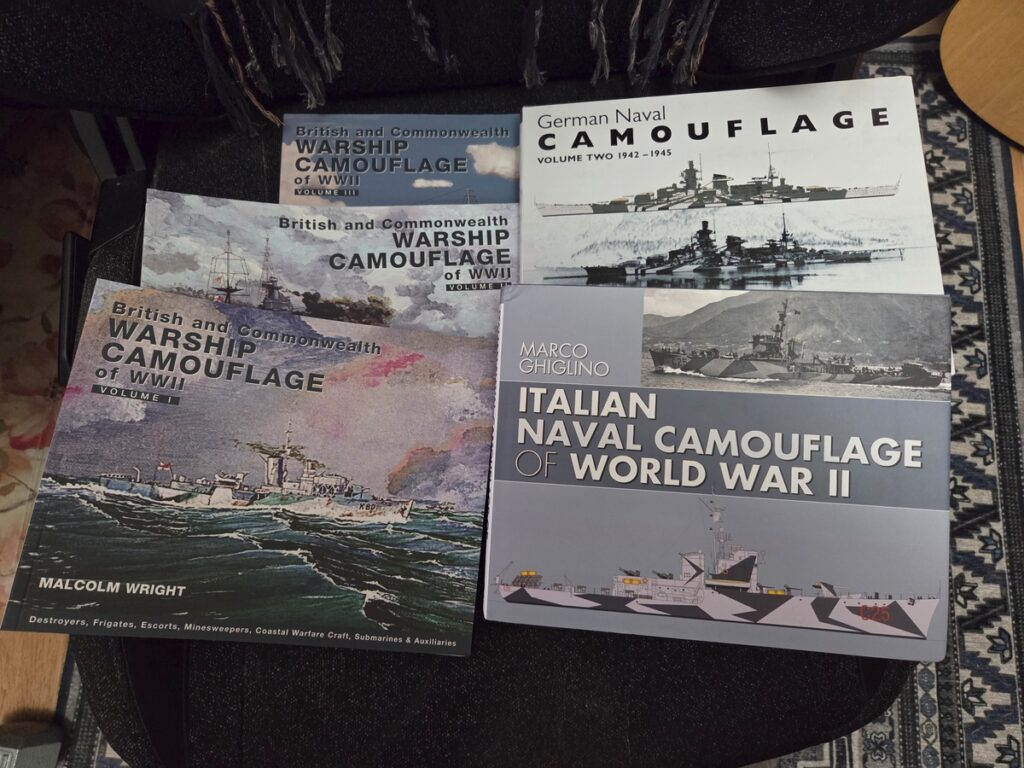
I took advantage of a holiday sale at Pen & Sword Books and got a good solid naval camouflage library in physical form – I already owned a number of these as e-books but the real thing is nice when it’s affordable!
Three Royal Navy books, one Kreigsmarine, and one Italian book!
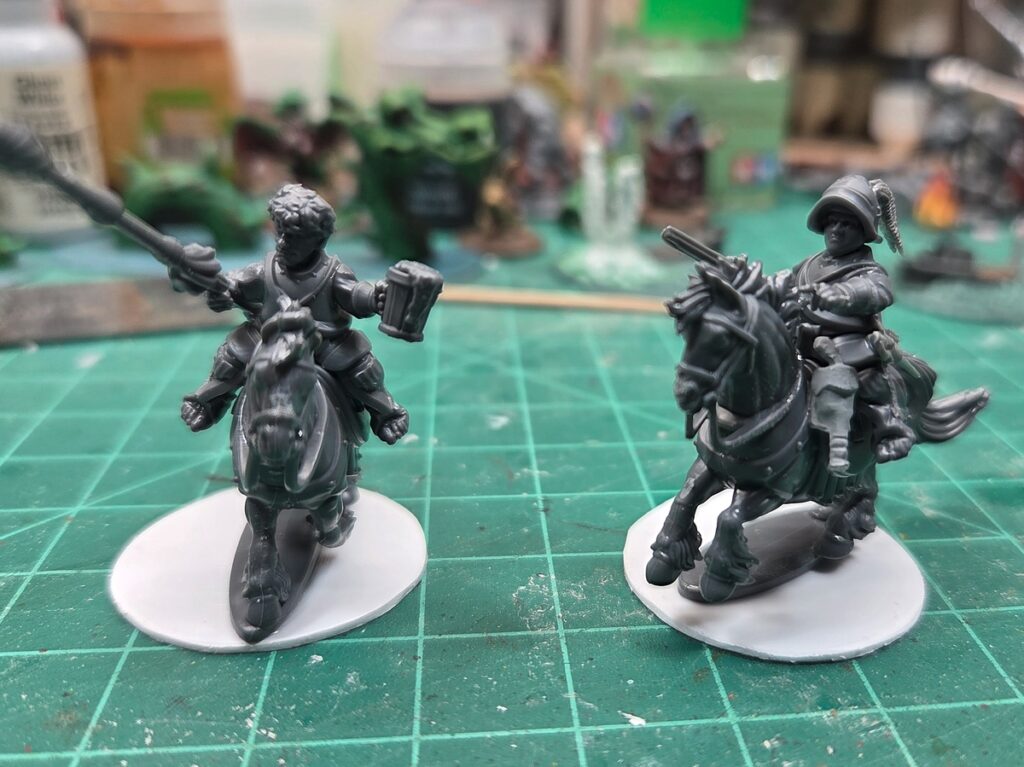
On the actual workbench, some of the 1/1200 3d resin printed vessels mentioned a post or two ago, and a fun pair of halfling pony cavalry from Wargames Atlantic. The chap on the left is intended for Harfoot Jousting mostly and is built straight from the WA halfling cav sprue; the trooper on the right is converted with Warlord Games 17th C pistols and such to be a halfling pistoleer medium cavalry chap.
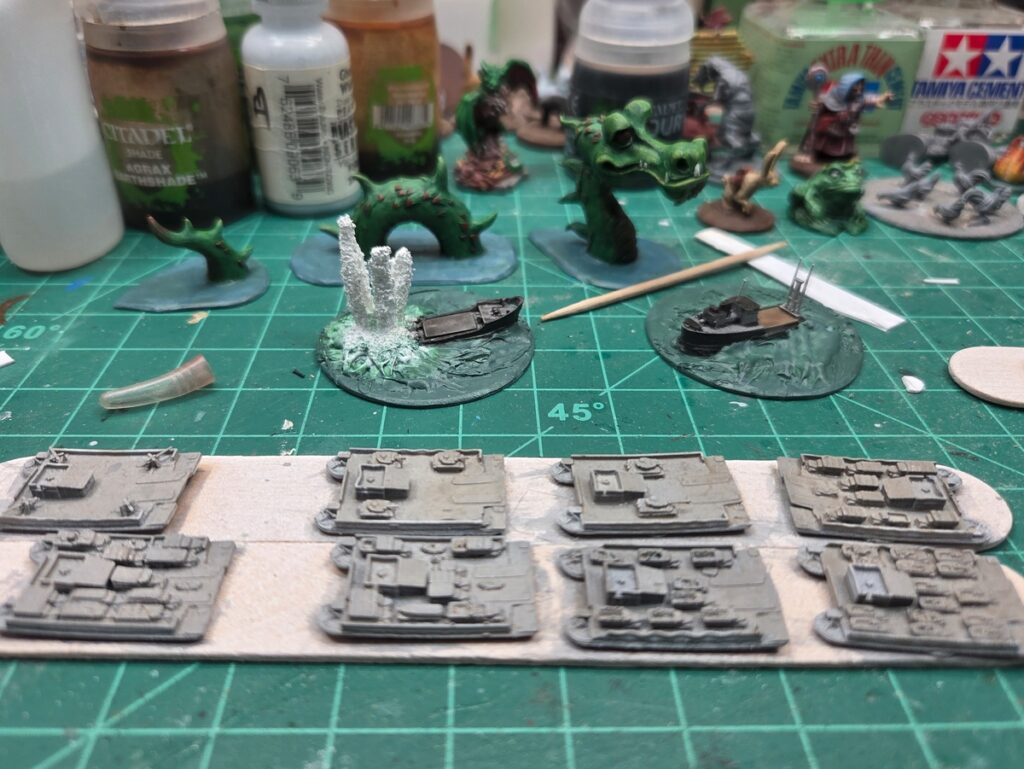
The square vessels are Kreigsmarine Siebelfähre, seven of them with various vehicles as payload and the eighth with four 88mm as an artillery barge. In the background, a pair of sinking/exploding coastal freighters as wreck markers, and that lovely serpent hanging around…
Halfling pony cav, one lancer for Harfoot Jousting and one gunpowder fantasy conversion with Warlord horse pistols.Siebel ferries, freighter wrecks, and a sea serpent.
Going to try to get the halflings based, cleaned up, and primed this weekend, possibly alongside some other very random fantasy figures I found while cleaning my desk up earlier this week…
A bit of 1/1200 naval action this week, as well as the usual random stuff lurking around the edges of the bench!
Aziz, Light!
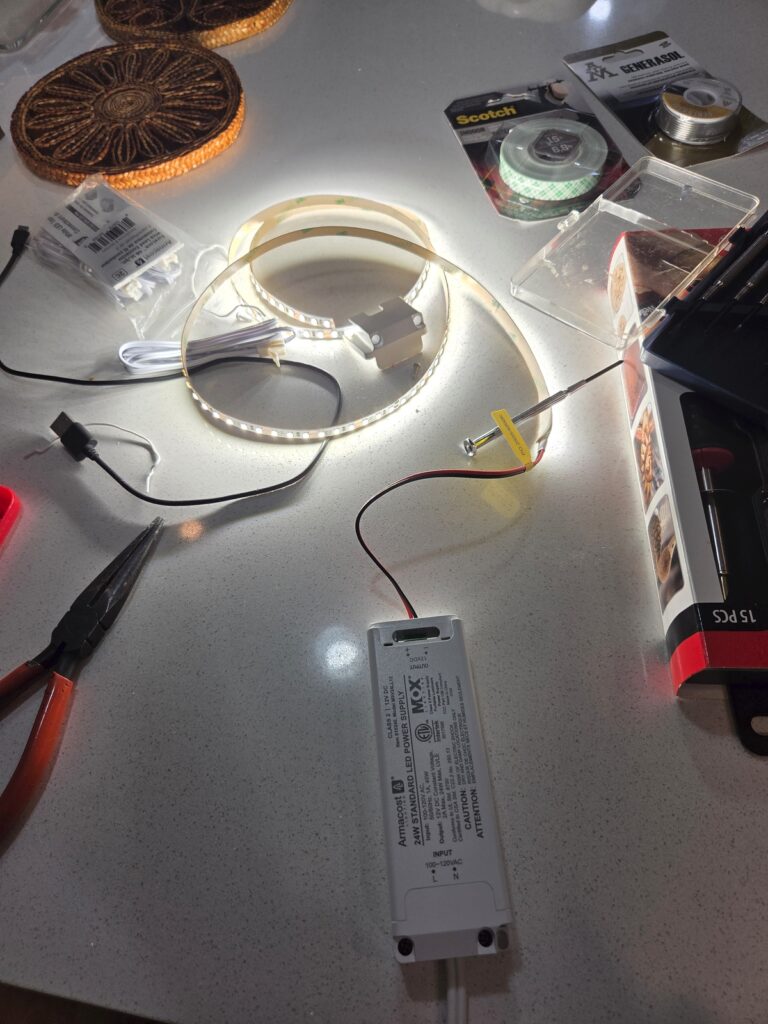
Over the holidays I finally got around to something I’ve been wanting to do for several years, install more lighting over my hobby bench. I’ve got a pair of Ikea task lamps on either front corner of the bench each with a big daylight-balanced (4000K or so) bulb in them, and OK overhead lighting, but middle aged eyes need more light so I finally got around to installing a bunch of daylight LED strip lighting. Four feet of it, cut into a pair of two foot strips. Lee Valley has all the stuff to make this pretty easy, if you’re lucky enough to have an LV nearby. Ikea does too but their stuff is pricier and less flexible. The LED tape light is 120 LEDs per meter (30 per foot, nominally) so they give nice dense even task lighting.
LED tape being set up on my kitchen counter. It’s all 12V after the little transformer box in the foreground, so it’s easy and safe to work on if you have very basic electrical skills! Also, very very bright. Very. Would have made Aziz’s job so much easier…
On the Workbench
The new light strips can actually be seen reflected in the gloss varnish on the two harbour pieces below!
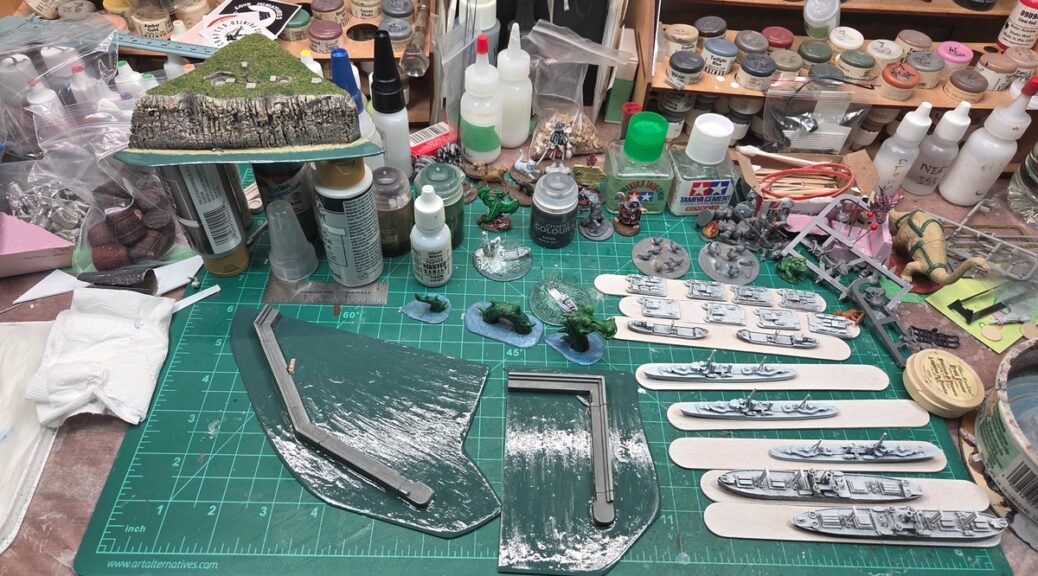
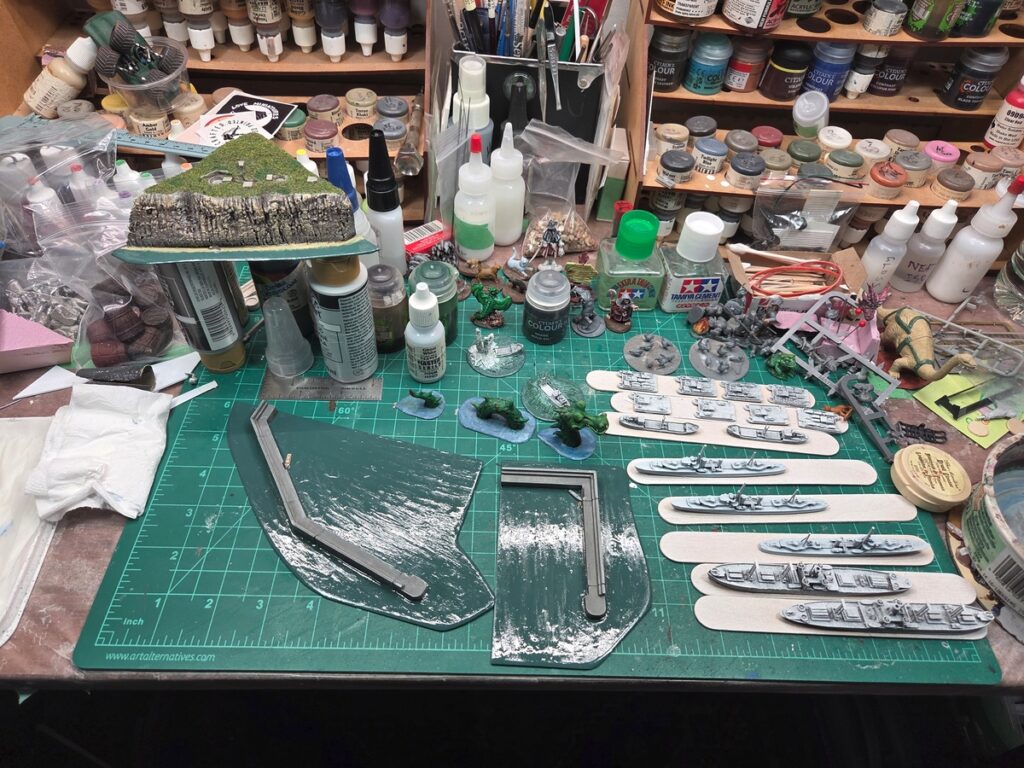
The workbench! Details in text, but yes, that’s a sea serpent in the centre.
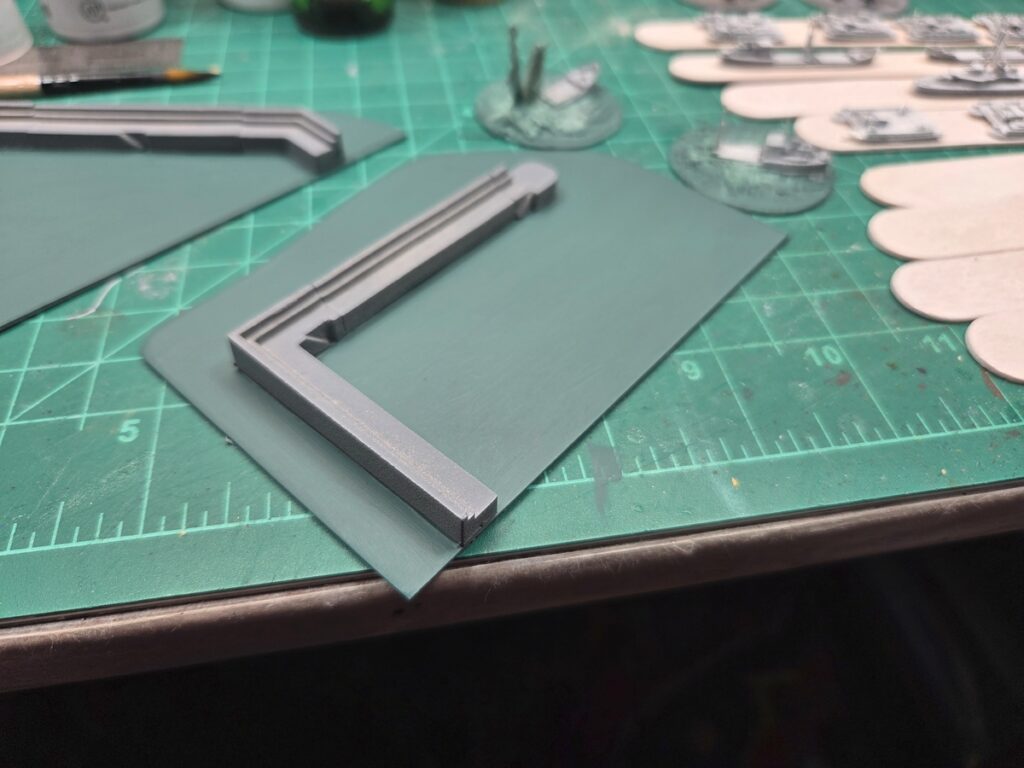
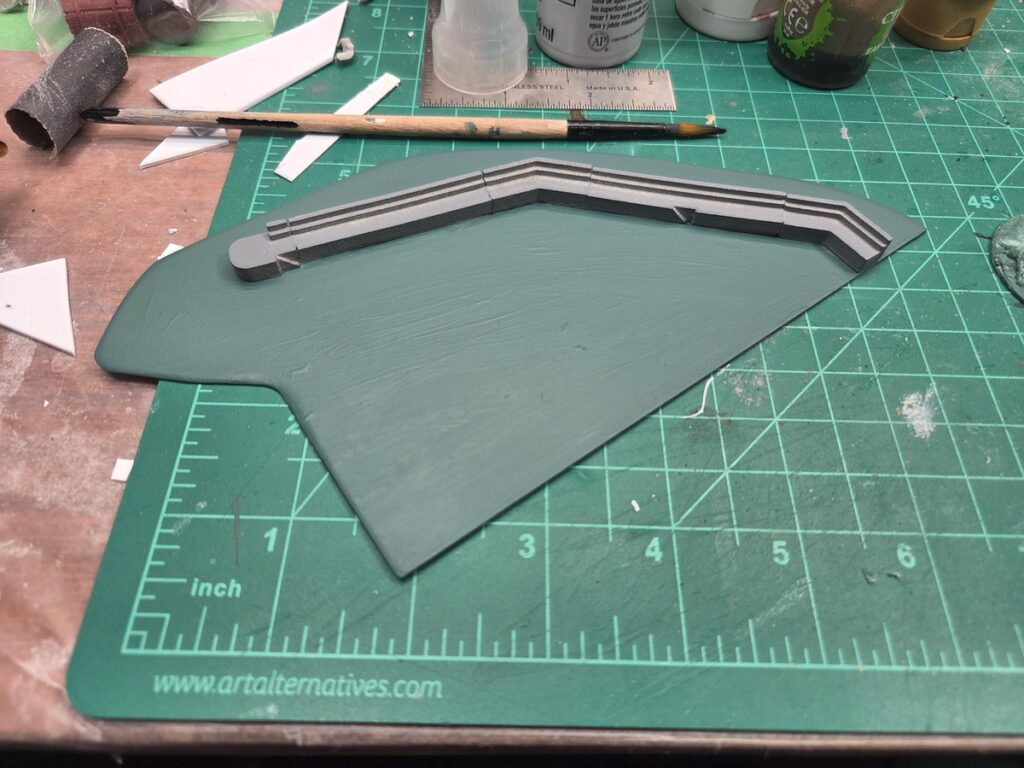
On the actual workbench, two harbour pieces and a shore battery for 1/1200 boat games. With three coats of gloss varnish the harbour bits are done, and there’s just a bit of detail and cleanup to do on the shore battery.
On the right on painting sticks is a batch of 1/1200 boats a good friend 3d resin printed for me sometime last year, or possibly late 2024. There’s a pair of big Liberty ship freighters, a pair of little coastal freighters, three Tribal class Royal Navy destroyers, and a batch of eight German Siebel ferries – one gun platform version and seven with various vehicle loadouts on the decks. The two round bases are another coastal freighter that I cut in half to make a pair of wreck markers, one of which is blowing up real good as it sinks.
Yes, that is a sea serpent in the middle, a gloriously goofy sculpt from Footsore’s Harrowhyrst line sculpted by the incredibly talented Trish Carden (follow her on BSky, she’s awesome). I’m not sure it’ll ever appear in a naval game, but I might set the serpent up on the edge of the table just to worry the players…
Also some of the usual random clutter, like a base of 28mm chickens and another of ducks tucked in behind the lineup of vessels…
Back on the WW2 fast boat thing for a start to 2026! Sometime in mid-2025 over on Bluesky I ran across Thomas Brandsetter’s early draft Torpedoes & Tides system and he was kind enough to send send us the draft rules privately. We only got one game of the system done in 2025 and didn’t really have any playtest notes to send back to Thomas, but I really like the system he’s written, a very clean adaptation of Ganesha Games’ existing Galleys & Galleons rules.
Dog boats trying to stop an E-boat sortie from Le Havre. Another playtest of what is now officially going to be a standalone Ganesha Games ruleset. This is very exciting for me, as GG is one of my favourite rules publishers. #navalwargaming
All this inspired me to dust off some long-neglected things and start a couple of new ones. The last full size 1/1200 coastal module I did, back in December 2023, saw me speculating about “maybe a coastal gun battery” and it’s been back of mind ever since, so I got started on that, a simple clifftop battery somewhere along the coast of Occupied Europe inspired by some of the simpler batteries – just two open gun pits and a small cluster of supporting bunkers.
This shoreline piece isn’t designed to pair up with my existing coastline pieces, it’s a standalone corner bit. The gun pits are built up out of sheet styrene, the various bunker roofs are scrap styrene, the cliff is pink styrofoam insulation, and the whole thing is based on my usual 1mm styrene card. The two back sides of the triangular piece are about 4″ long.
Early construction. Styrofoam landform shaped with knife and sandpaper, styrene card for the emplacements.Clifftop level view of the early construction.Paint and more construction; the bunkers are all just tiny rectangles of styrene.More paint and flock. Still want to do some more flock up top, guns in the two emplacements, and a bit more paint on the water.
While I was cutting styrene bases I pulled out the Brigade Models Harbour Walls I’ve had in the Pile of Opportunity since sometime in 2020 and set up a pair of simple harbour walls sticking out to sea, as seen many places along the European coasts. Absolutely nothing fancy, just 1mm styrene and the cast metal Brigade walls. Still in progress, the walls need more paint and the sea will get gloss varnish and waves. The smaller piece with the right-angle breakwater is about 6″ x 3″ and the larger multi-angle harbour is about 7″ x 4″.
Smaller harbour piece.Larger harbour piece.
There’s also various other things going on, including a whole new batch of ships a friend 3d printed in resin for me over a year ago that I’ve finally primed, but more on those when there’s progress to show off!
The last of this project’s posts until I can show off the painting work in progress photos and all the extra finished photos I didn’t use for the Lead Adventure Forum Build Something Contest 2025!
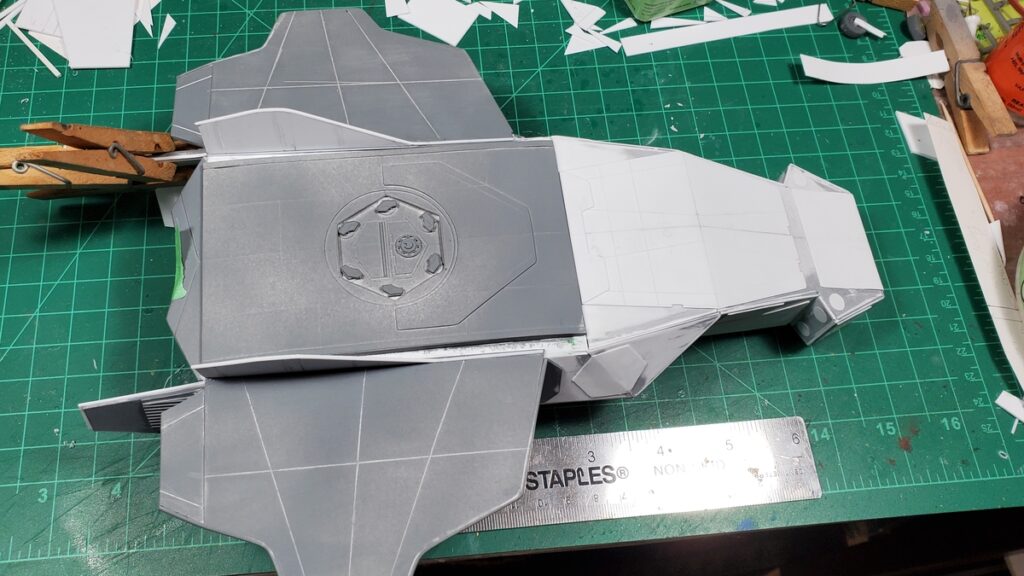
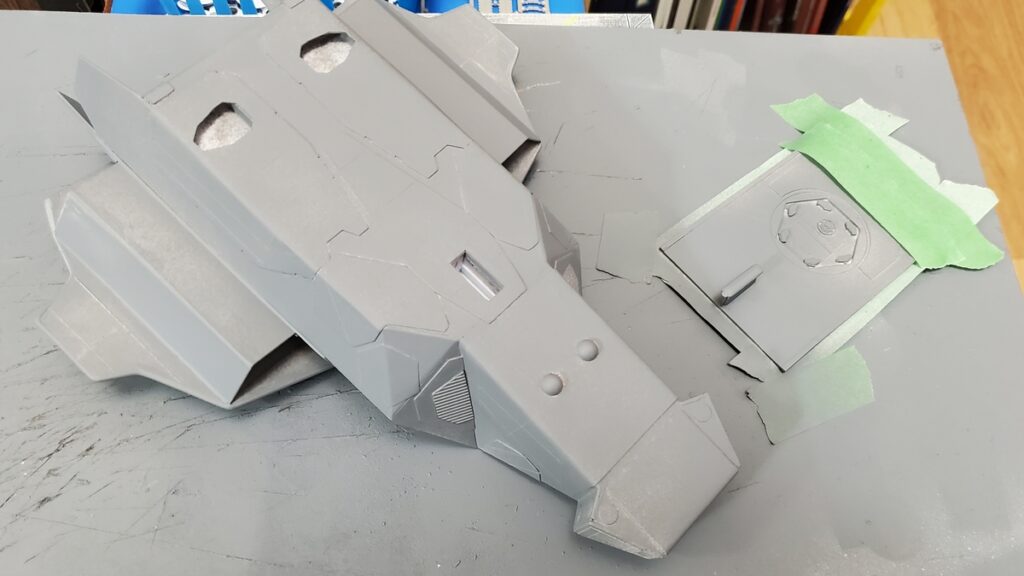
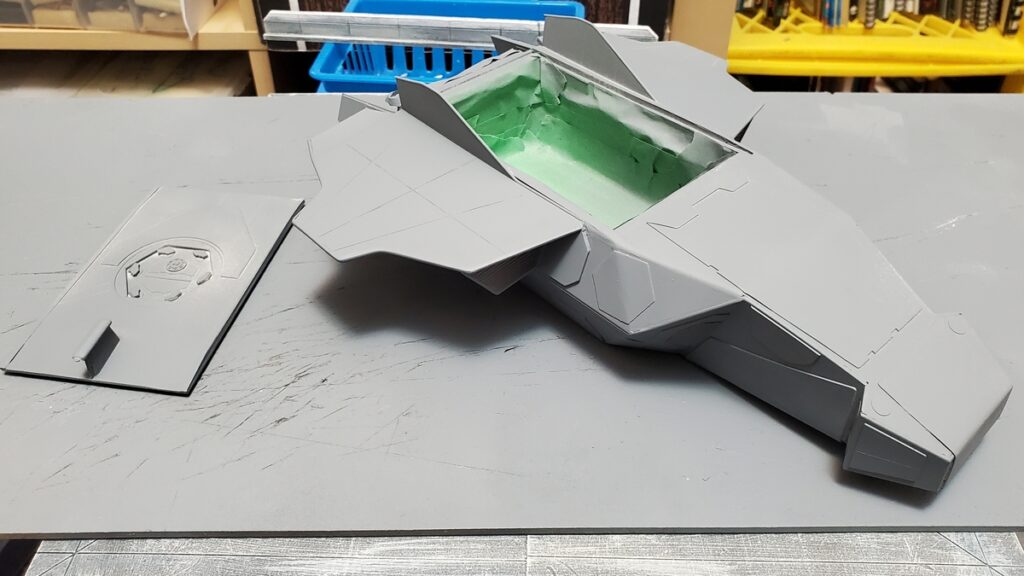
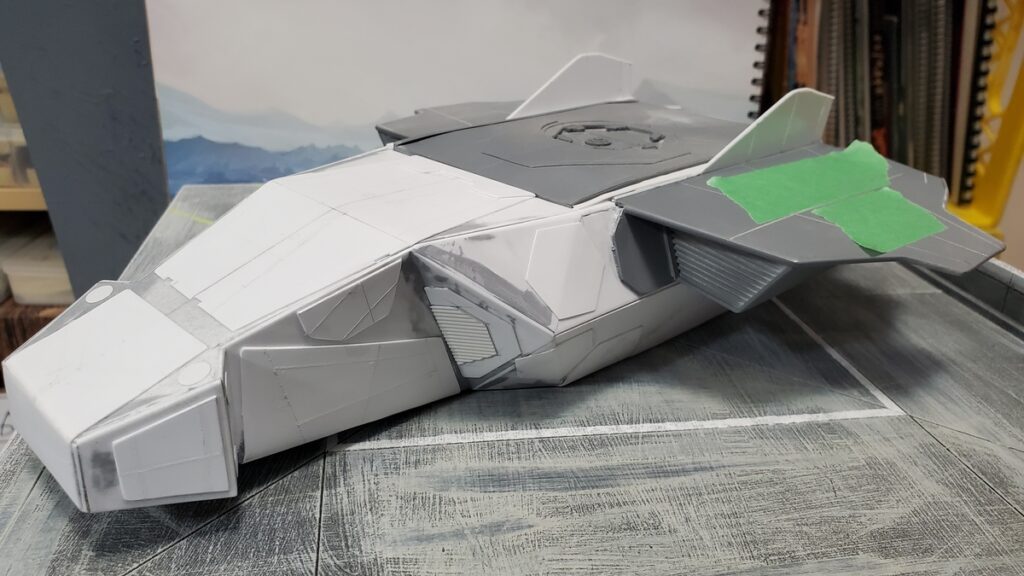
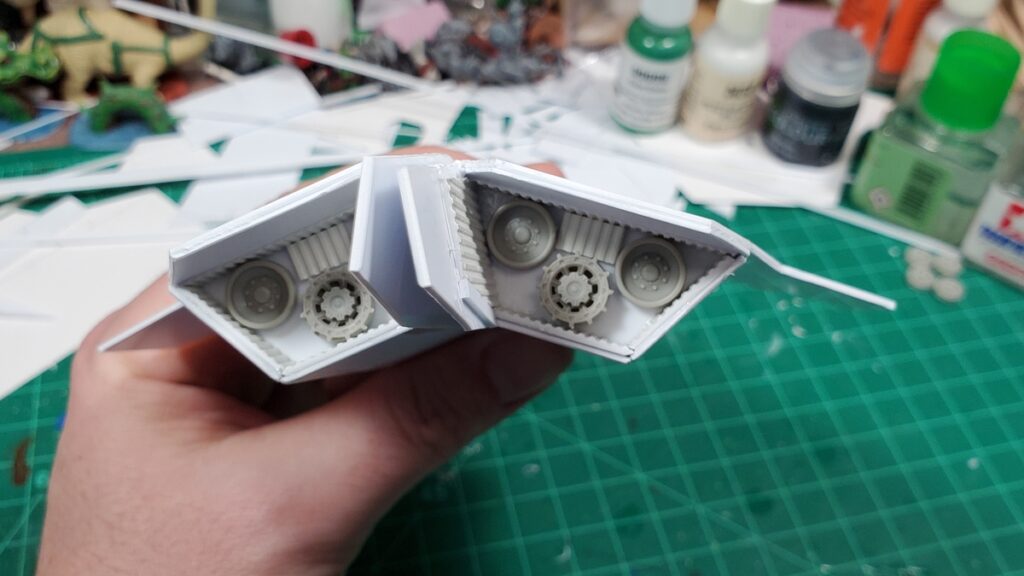
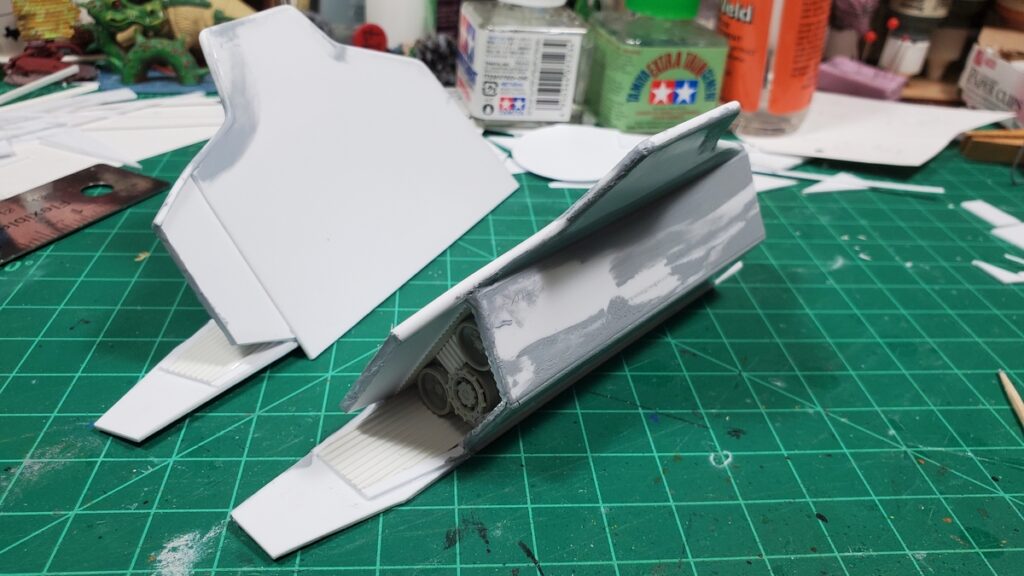
There was a bunch of pre-priming sanding, puttying and fiddling. The side walls of the fuselage pulled slightly skew during construction somehow, so the side rails that hold the roof panel in place had to be custom-fitted on each side.
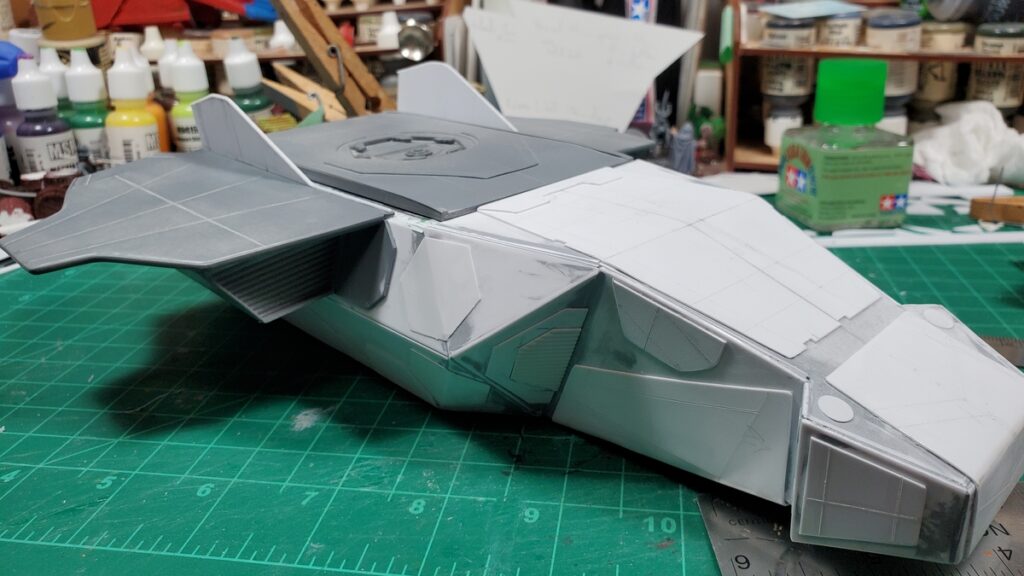
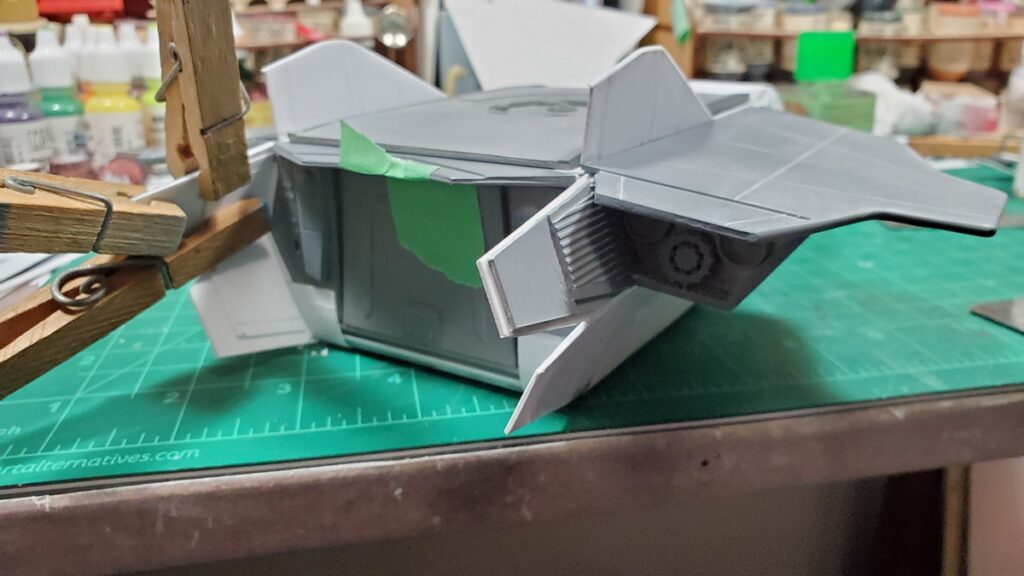
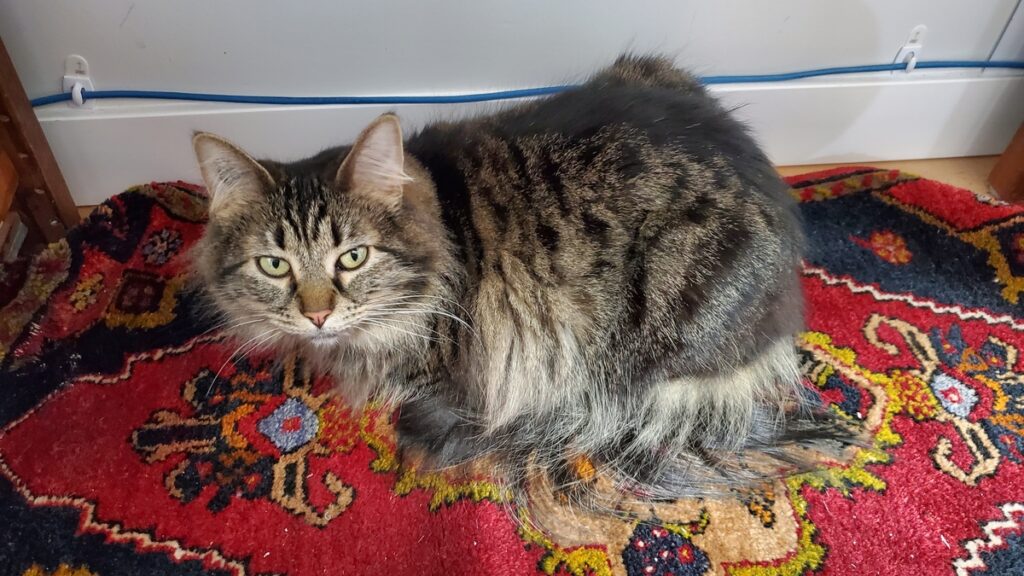
The shuttle, complete except for landing gear and roof rails, front quarter view.Rear view of the shuttle, with some final glueup of one of the rear baffle panels in progress.Top view, showing the engraved panel lines in the wings nicely.PRIMER! Here’s the underside, complete except for landing gear, all primered.Primer, top view, with the already finished, painted, and decaled cargo bay masked off.Proper supervision is essential to all well run projects. Sophie la Floof spent quite a bit of time on the rug under my project bench making sure things went smoothly.
The landing gear only went on after painting, decals, and weathering were all done, so I don’t have any photos of that to show off yet.
By the time this posts audience voting on Build Something Contest 2025 should have started over on Lead Adventure! Go check out all the great entries! BSC rules say no sharing WIP or finished painted pictures until either the contest is over or you’re eliminated from it, so there will be a bit of a pause in shuttle pix here, but I do have a gallery fully of painting photos to show eventually.
If you want something done, give it to a busy person to do is a saying that floats around. It’s often true that when you’re in a certain creative groove, you can spin off other projects much faster than you might otherwise get to them!
I had extra plastic kits parts around from the 1/72 LeClerc MBT kit I bought to pillage for kitbashing parts, I had some rather cool pieces of offcut styrene around, and I wanted a landing pad to stage photos of the shuttle on, so it all came together in a trio of related projects.
The Drone
This started life with the top of the LeClerc turret, the cap off an Angosturna bitters bottle rescued from the recycle bin, some googly eyes and other bits from the dollar store, and various styrene bits.
The angosGMBH Distraction-class Autonomous Sensor Drone is set up for planetary and space surveying and exploration, with various sensor loadouts depending on mission. No crew space is available, although the tiny cargo/sample bay on the port side could accommodate a human-sized sophont in a space suit for a very short, very uncomfortable ride, if it hasn’t been adapted into a drone bay for auxiliary sub-drones. Some Distraction-class are themselves autonomous intelligent citizen-drones, although most have only limited-ML minds, and some platforms are old-fashioned remotely operated vehicles.
The drone went together in a single evening and was primed and painted the next day. I got zero photos of it in raw styrene.
Drone primed, side/top view.Primed, underside view.Primed, rear quarter view.Paint in progress.Paint in progress.Paint finished, no decals or weathering yet.Side profile with paint finished.
The Distraction-class has since been decaled and weathered; I’ll try to remember to get some proper finished photos of it soon and post them.
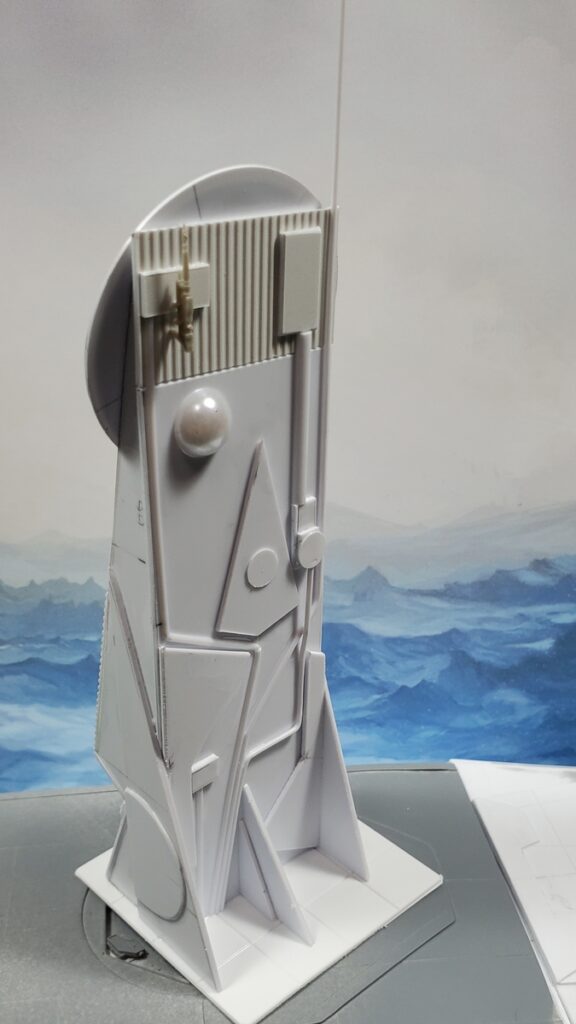
The Sensor/Comms Tower
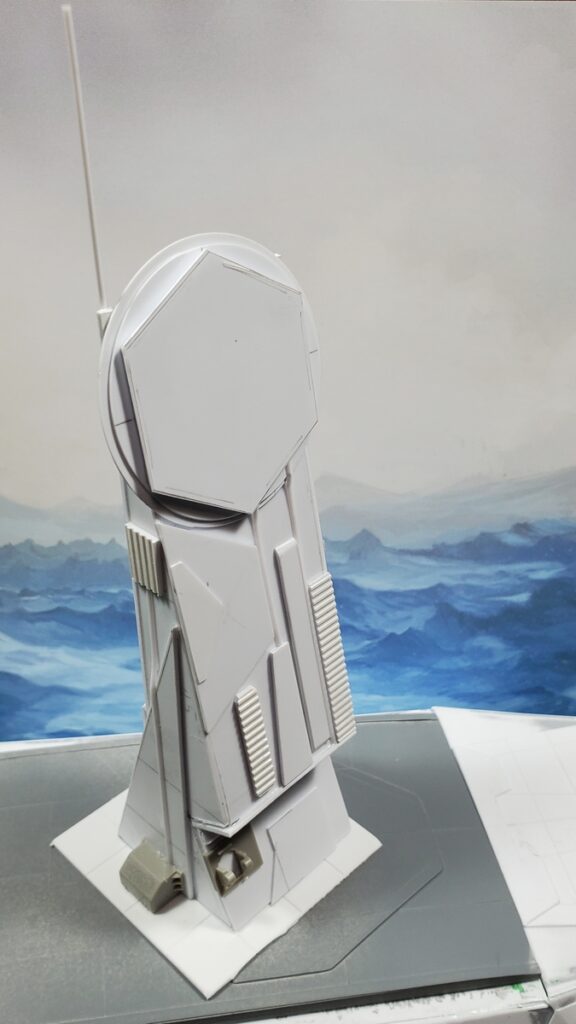
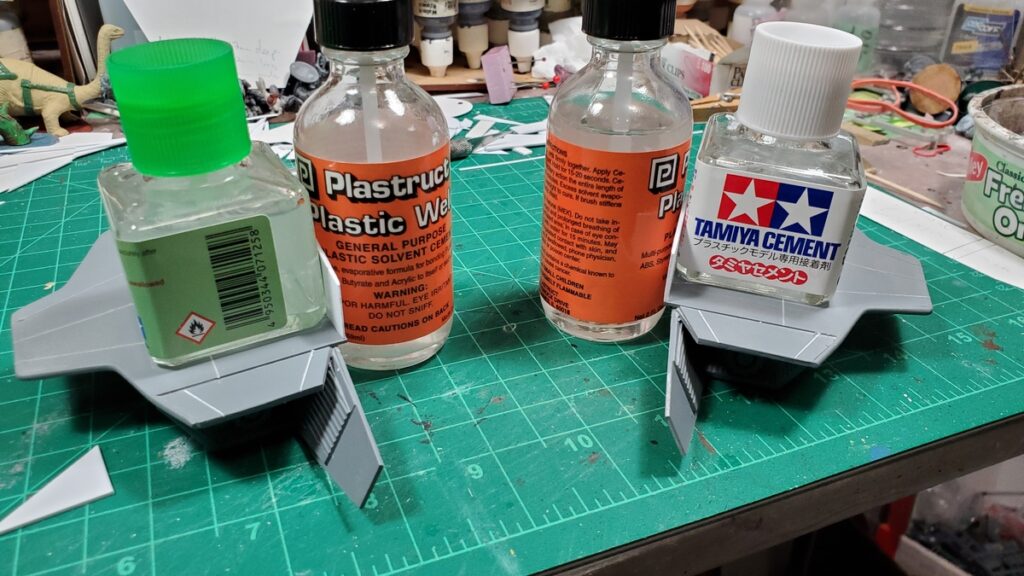
This started with the increasing amount of styrene offcuts piling up around the edges of my workbench. Many of them were too large and too interesting in shape to just throw away, so I started fiddling around while waiting for solvent cement to cure on the shuttle and built this little tower in a couple of evenings.
It’s about 5″ tall to the top of the actual tower. The side profile is the offcuts from the nose skin of the shuttle, the various circles and hexagons are from building the docking port in the roof of the shuttle. The rest of the thing are either random offcuts from shuttle building or just stuff from my raw materials stash.
The tower, front view, bare styrene.The tower, rear view, in bare styrene.
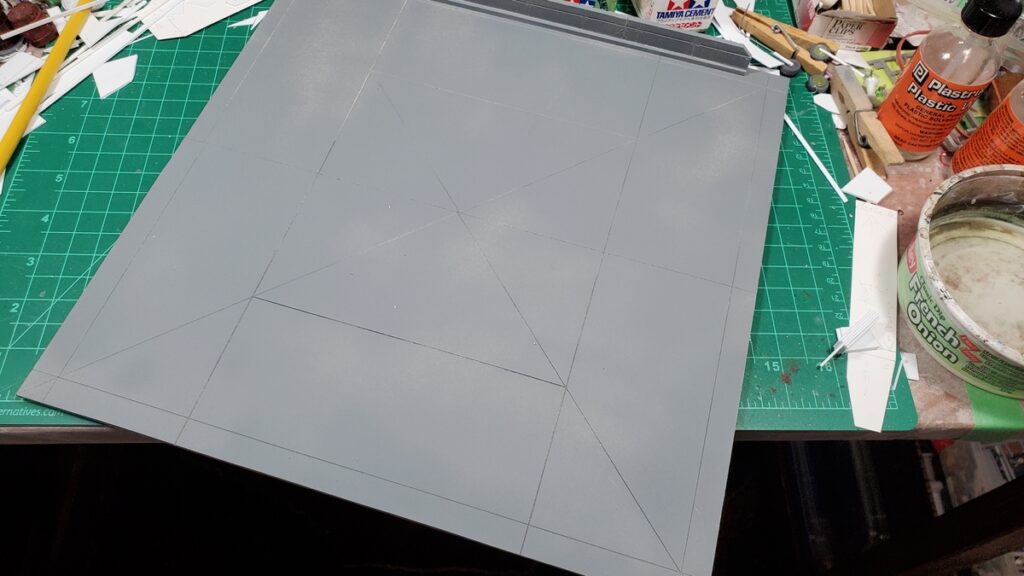
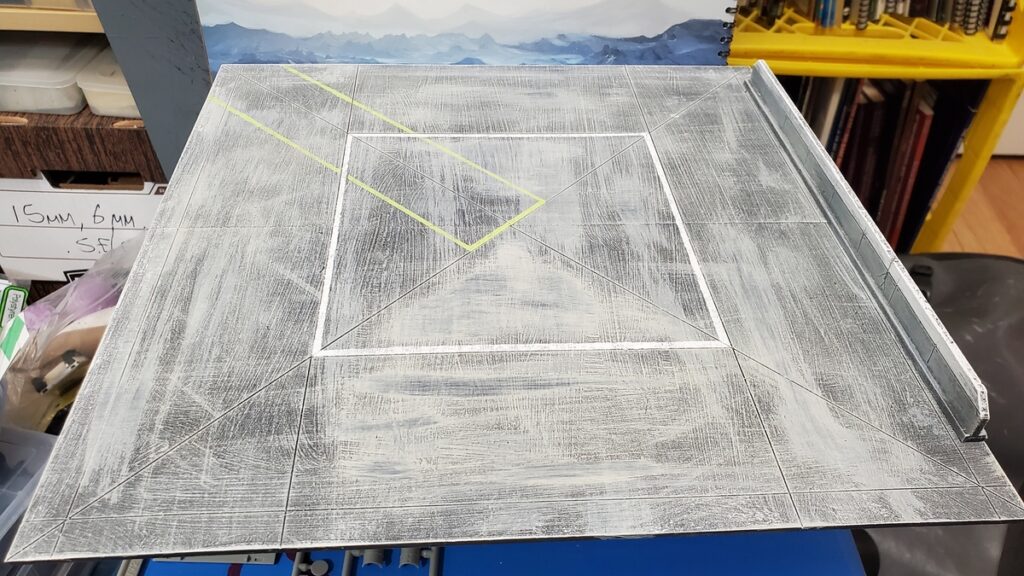
The Landing Pad
This is from the last big piece of 1/8″ foamed PVC in my stash; I’m going to have to go get more from our local signmaking/plastic supply shop because it’s wonderful to work with. Stronger, cleaner, and easier to cut than foamcore, it can be embossed and engraved easily and cleanly, and it’s less murderous on knives too.
The whole thing is 12 inches by 12 inches, assembled from two 12×6 pieces with some connection strips underneath. It got grey primered, then a messy dampbrush/drybrush combo of various tans and greys over that, followed by a few washes in black, grey, and dark blue. There’s expansion cracks engraved right into the PVC, and after the main paint had dried I did a couple of marking lines with tape and a stippling brush in white and bright yellow-green. (Reaper’s Dungeon Slime paint. Highly recommended if you want an obnoxiously bright hazard warning colour!)
I also did a low wall piece with PVC offcuts. It’s 10″ long and about half an inch high. It got the same paint as the pad, with the top third or so painted white when I did the pavement markings on the pad.
Primed and waiting for paint.Painted and marking lines done. Nice and simple, just a few minutes work over a couple of days. Painted wall piece off to the right.The mostly-complete shuttle posing on the finished landing pad.
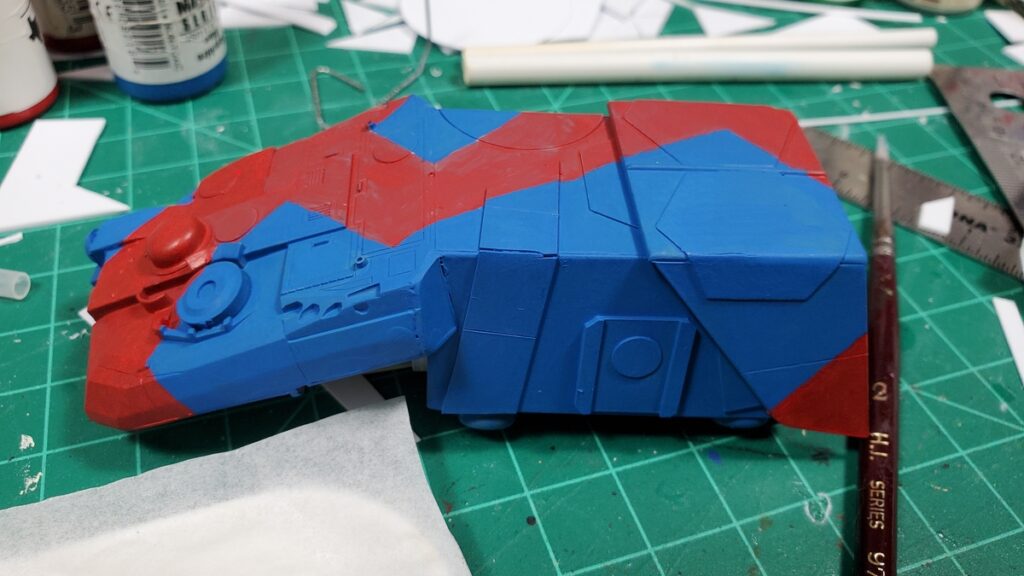
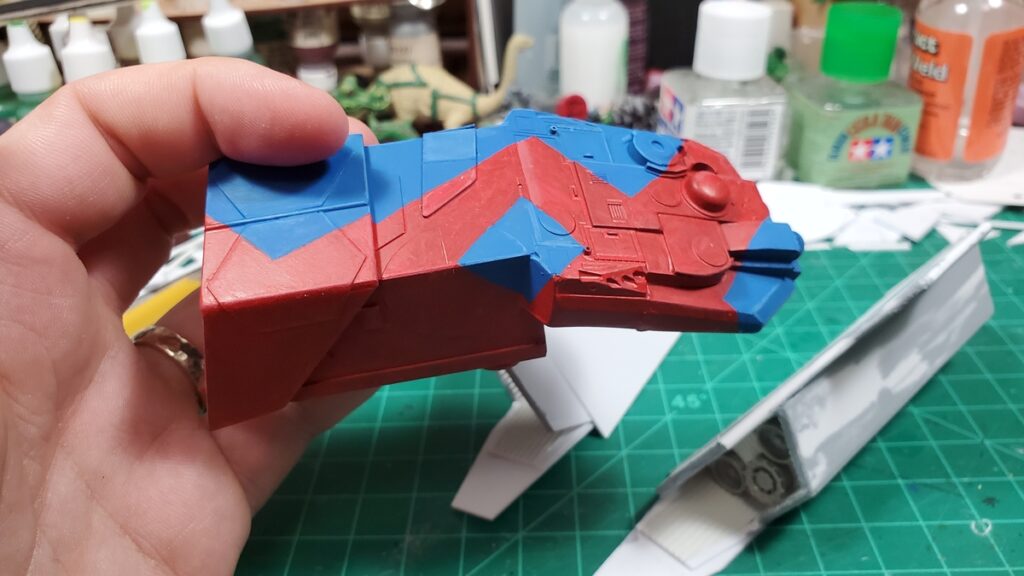
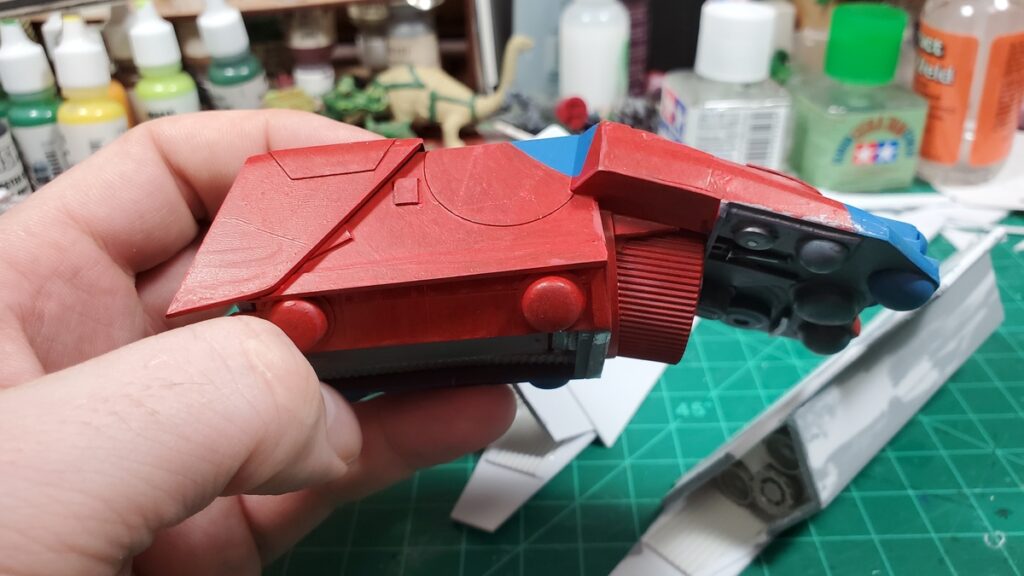
I’ve got a few final complete primered shuttle photos to show off soon, and after the Build Something Contest rules allow, I have a bunch of painting progress photos to post. The shuttle was a big painting project and painting took most of March and the first week of April!
The long-overdue fifth installment of my Build Something Contest blog posts! This one takes us from the end of Part Four, where we had the start of detail panels, no wings yet, and the cargo bay just primed.
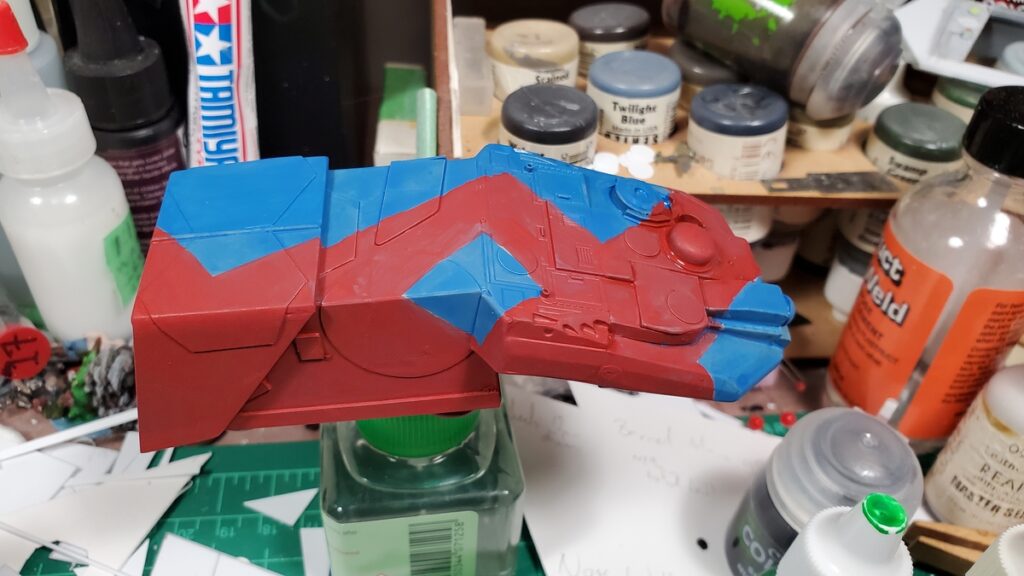
Per BSC rules I can’t share WIP or finished painted photos yet, so there’s still going to be gaps in this build log. I have a bunch of WIP paint photos taken and will share them when the contest has begun.
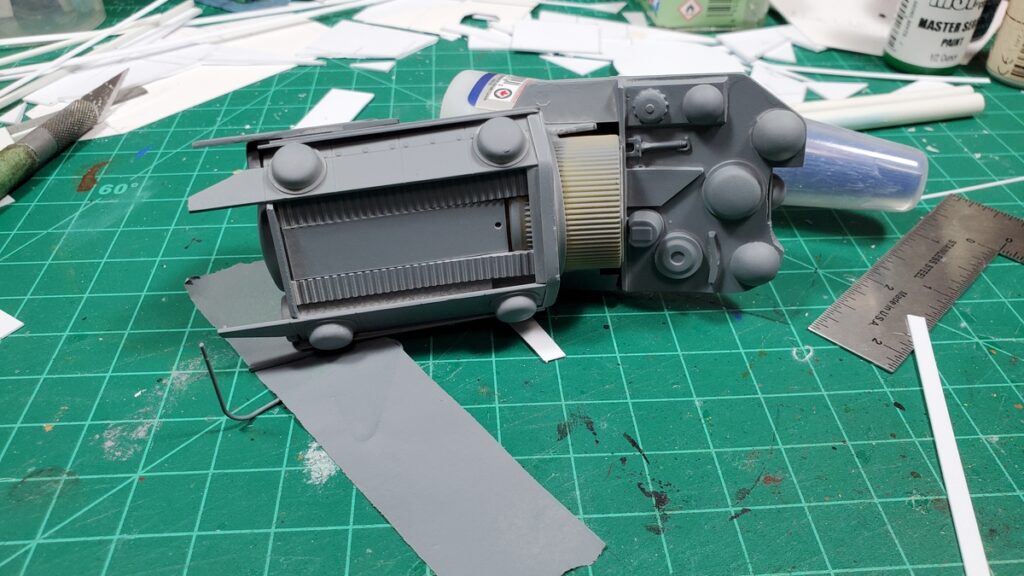
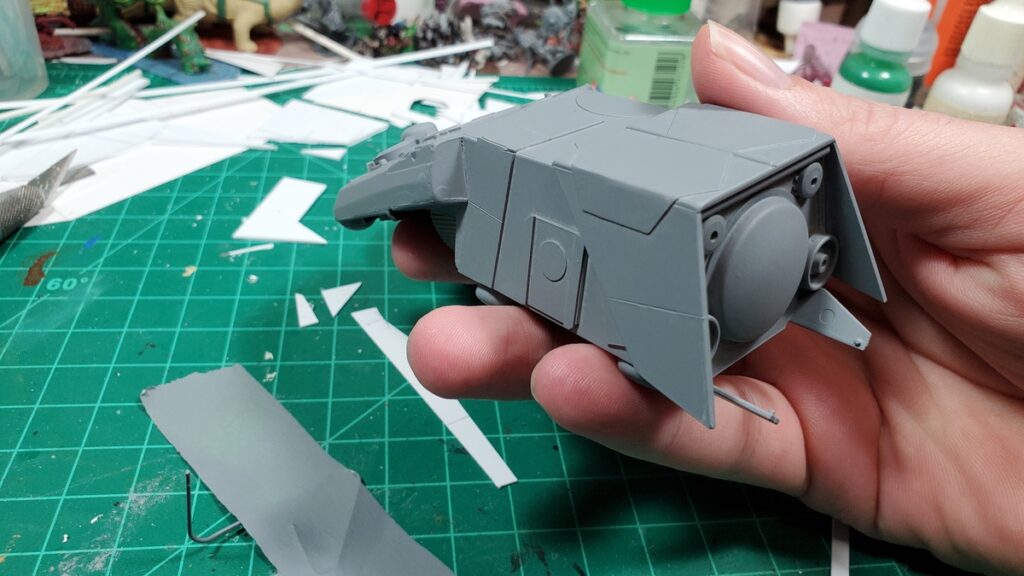
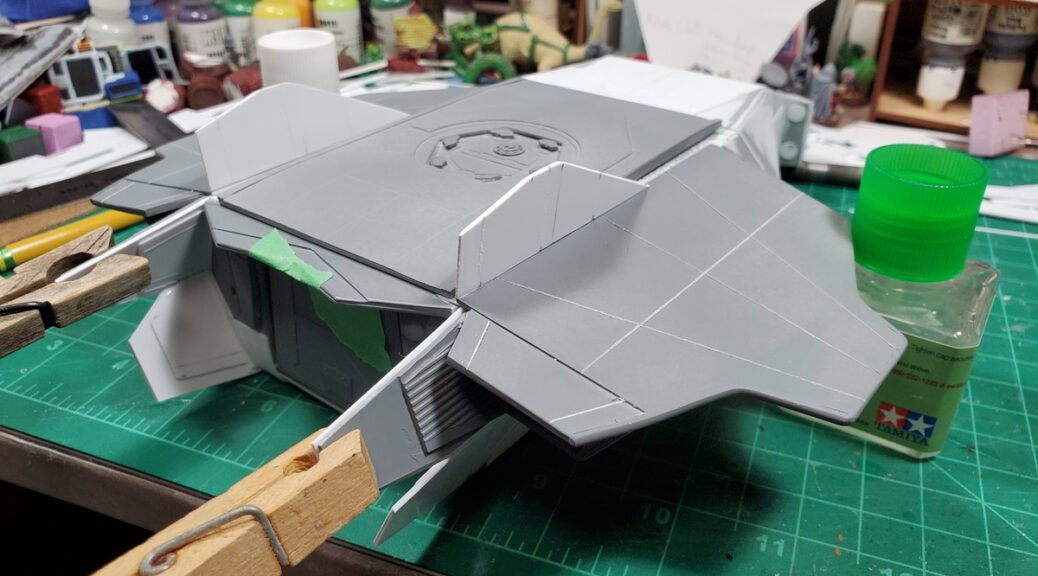
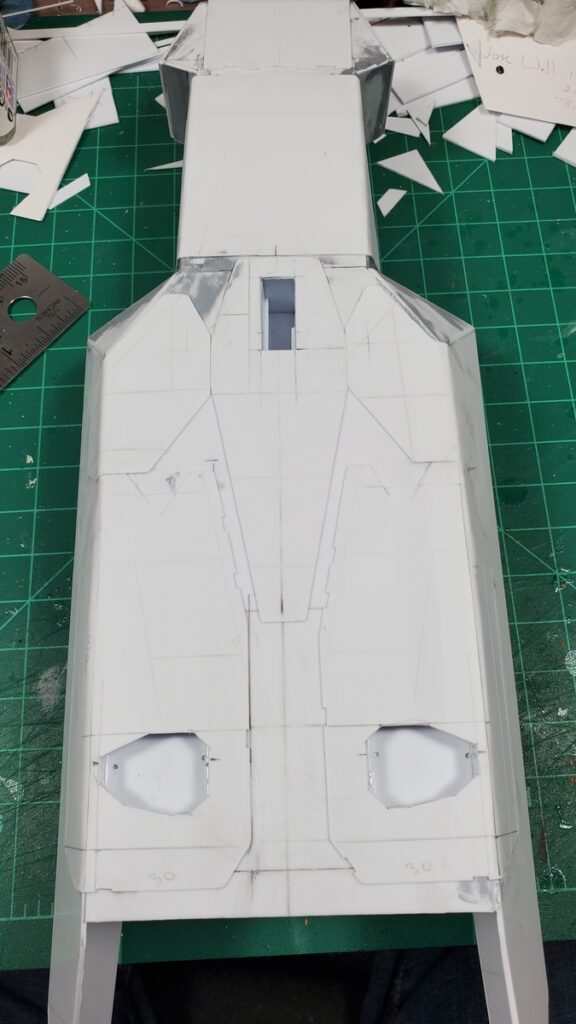
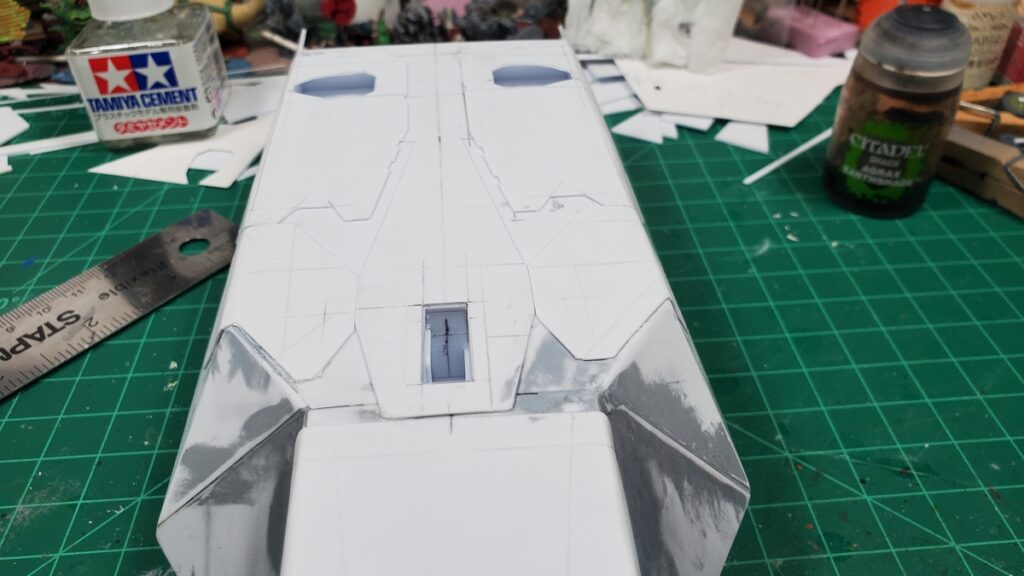
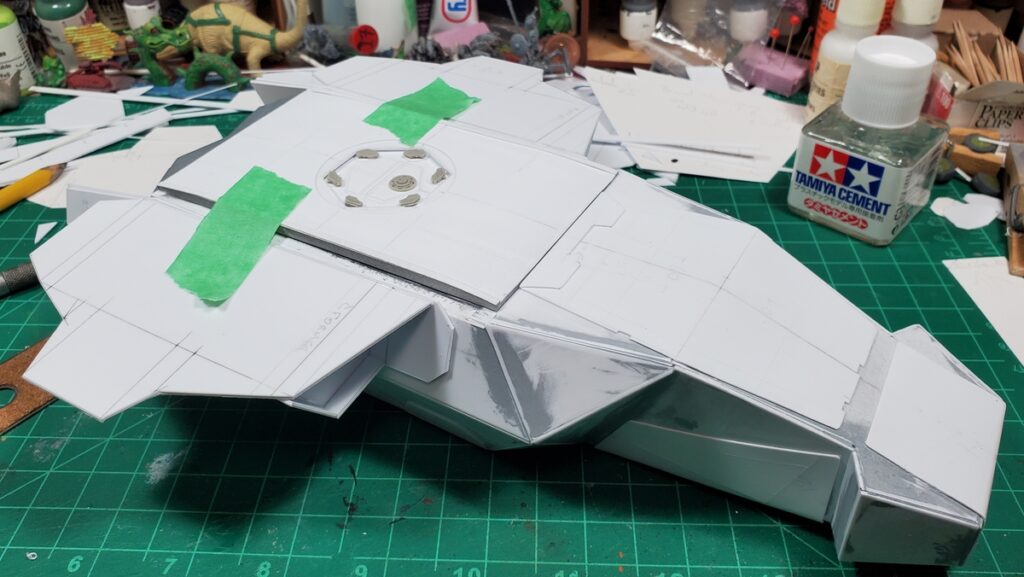
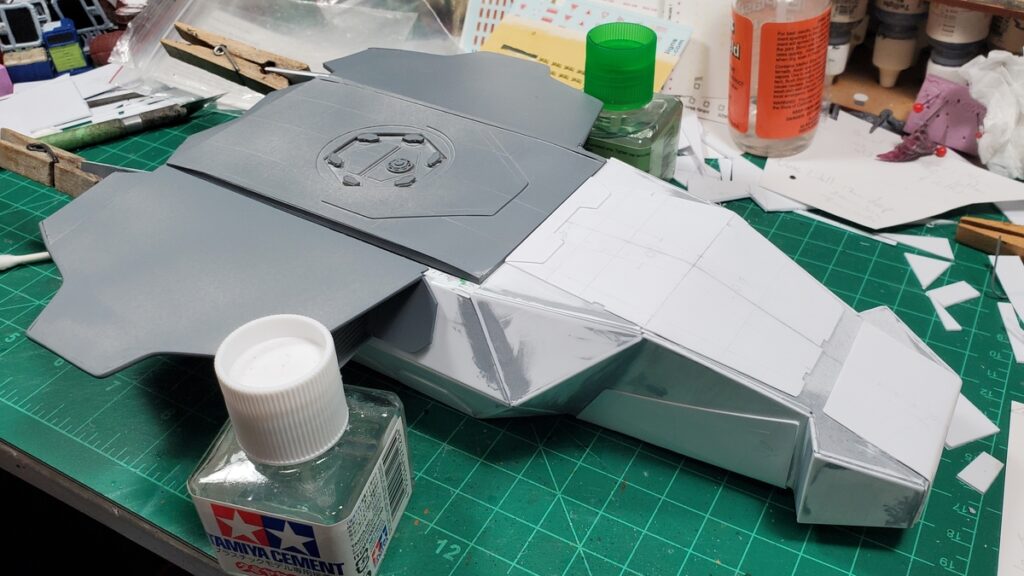
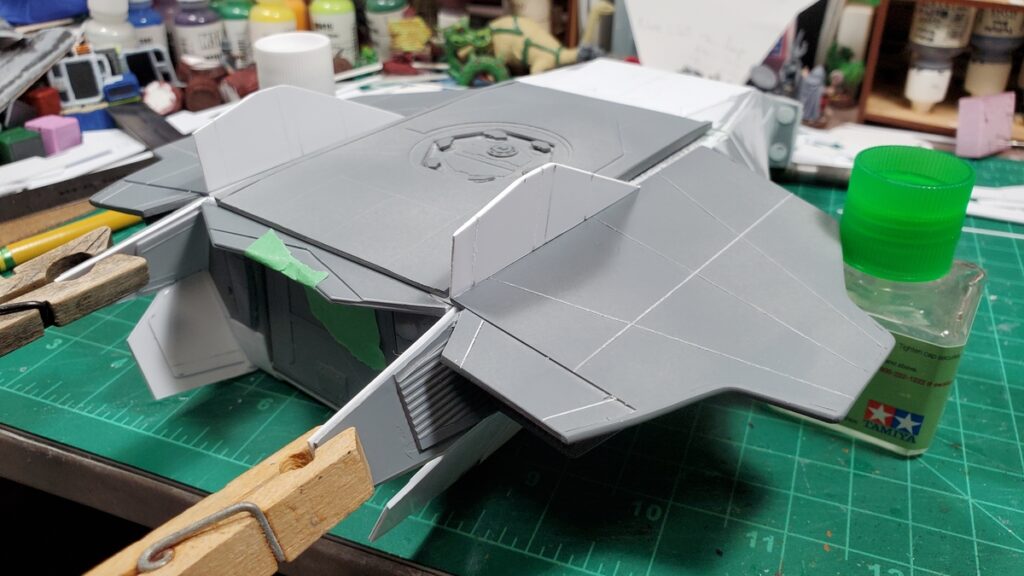
Feb 22 – the underside gets detail panels.Feb 22 – underside detail panels, looking aft.22 Feb – the engine pod assembly begins.22 Feb – layout of the two wings on 1mm styrene sheet.22 Feb – engine and wing subassembly taped in place on the fuselage.22 Feb – wings taped to fuselage.22 Feb – wings temporarily mounted to fuselage, overhead view.24 Feb – wings and engine pod details.. Front view, showing the intake grilles.24 Feb – wing and engine subassembly, rear view with jet/rocket nozzles.24 Feb – another view of the rear of the engine pods.2 March – putty work on the engines and wings.3 March – putty and test fit of roof and wings on the fuselage.3 March – decal sheets assembled. There are almost three dozen decals in the cargo bay and another twenty or so on the outside of the finished shuttle.9 March – final test fit of the wing/engine subassemblies9 March – the wings get the vertical stabilizers added.9 March – rear ramp view with detail panels on the insides of the rear fuselage extensions.9 March – the wings finally get glued on! Major construction is finished, on to priming and painting!
Along the way while finishing the shuttle, I built a 12″x12″ landing pad as a photo prop and gaming scenery, a small ‘drone’ using some of the LeClerc MBT parts that hadn’t be used in the shuttle build, and a 6″ tall sensor tower that used up a bunch of the offcut styrene from the shuttle that was too interesting to just throw away. I’ll share photos of them in another post.
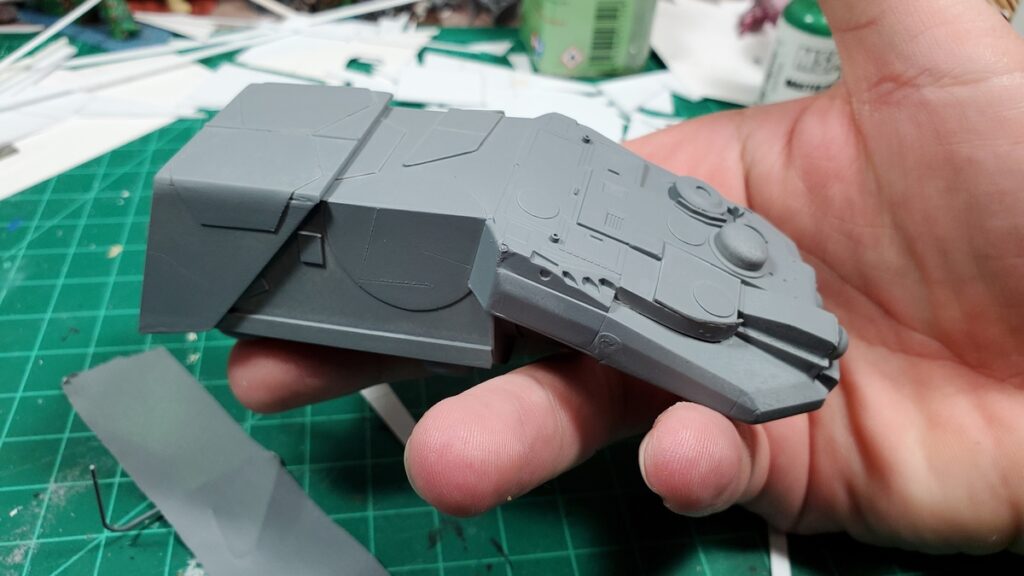
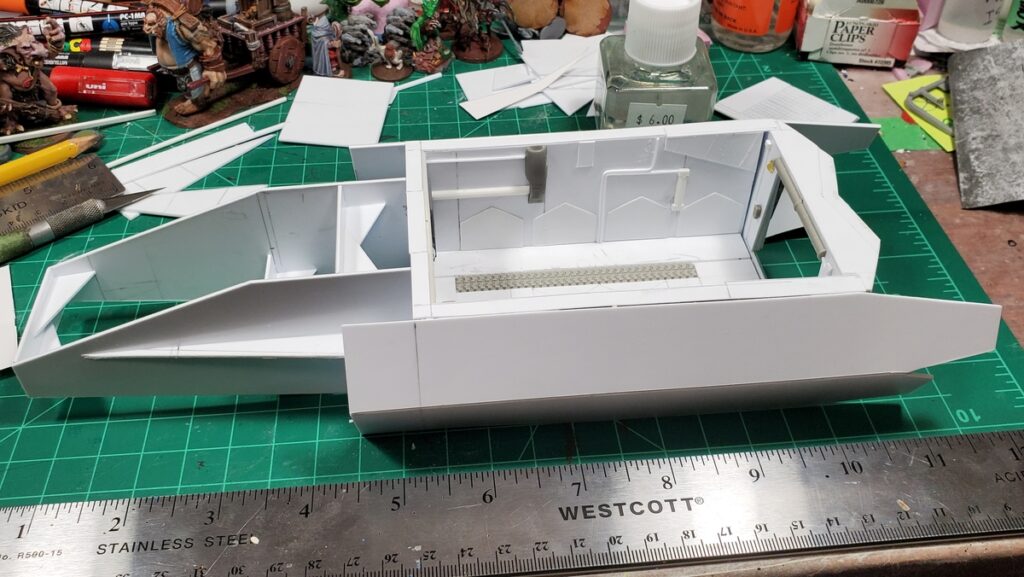
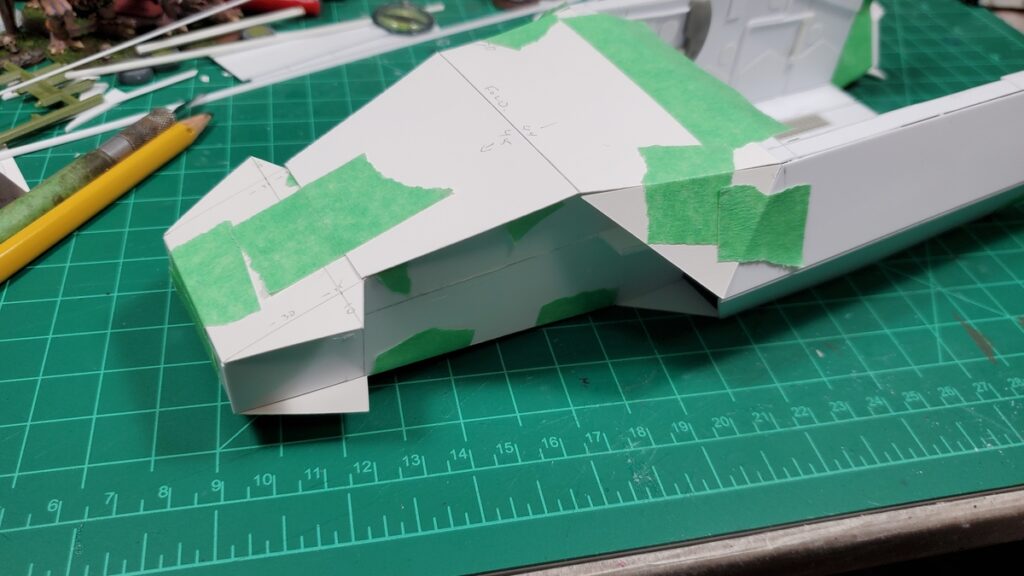
Decided to go with the nose next instead of the wings and engines, and as predicted in my last post, it required a lot of mockup work, in two stages.
First, I did an internal frame to establish the basic proportions of the nose and give me a nice solid frame to hang the skin from.
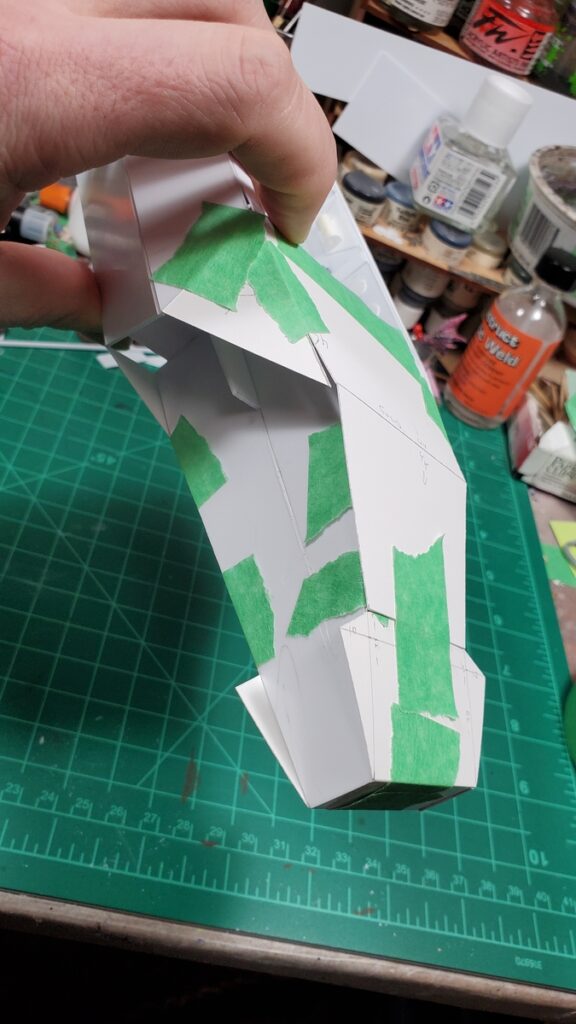
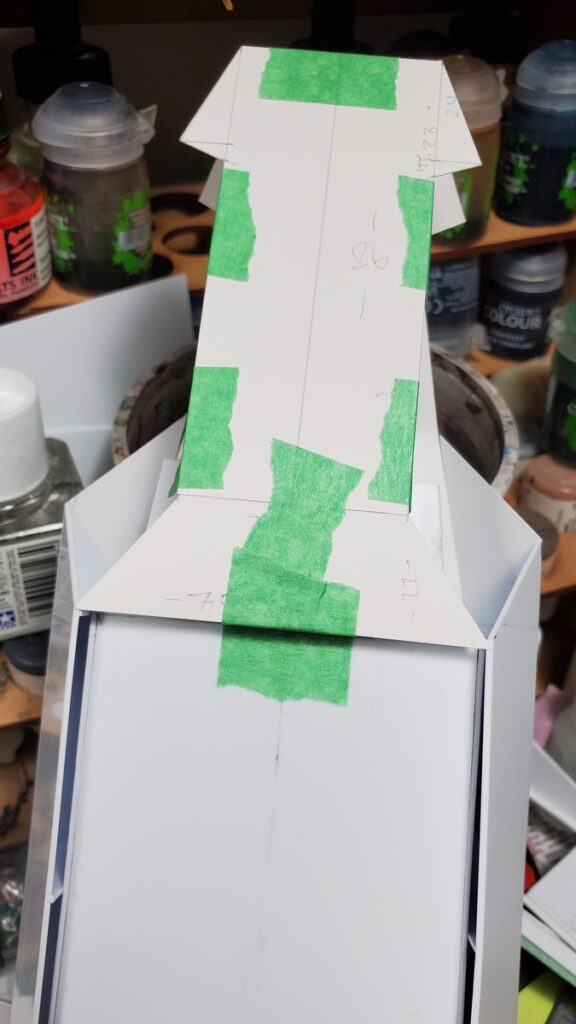
I redid parts of the skin mockup three times, including scrapping round three for part of the sides and going back to round two’s ideas. The advantage of all of the fiddling with cardstock and masking tape, of course, is that I knew what I was doing (mostly) when I switched to 1mm sheet styrene and started the real thing.
I also cut back the outer (top/bottom) corners of the sides where they extended forward, and that was the right call, it made integrating the nose and sides easier.
The hammerhead nose was a spur of the moment idea while planning the first mockup piece and I really like how it’s come together; the hammerhead let me play with the angles and bulk of the nose area more than a more straightforward taper would have.
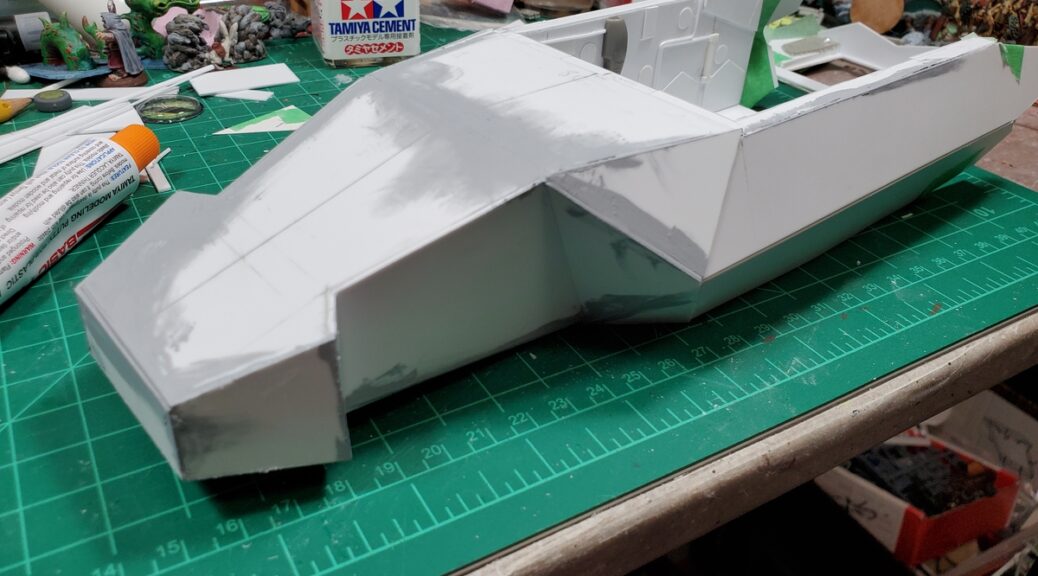
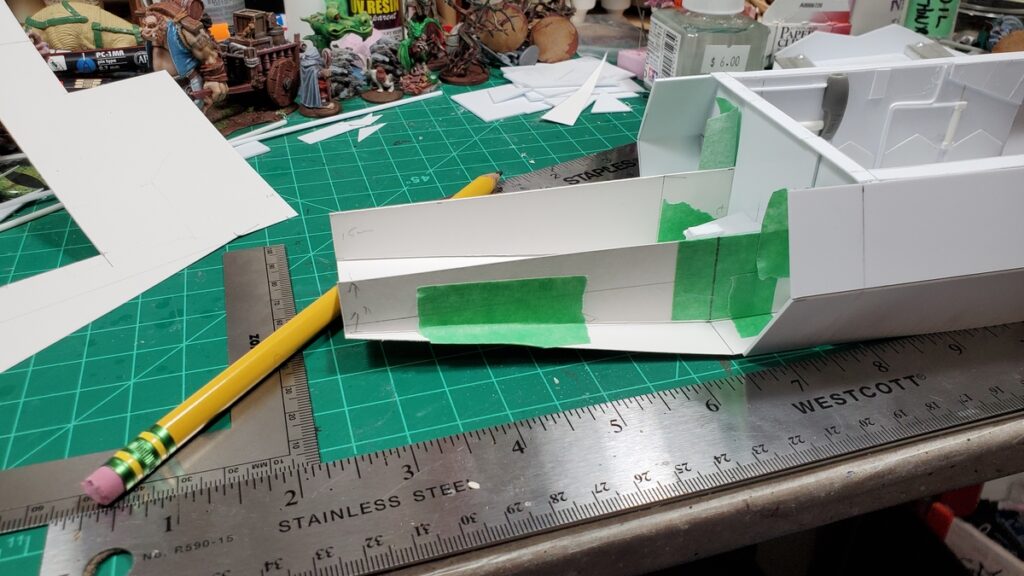
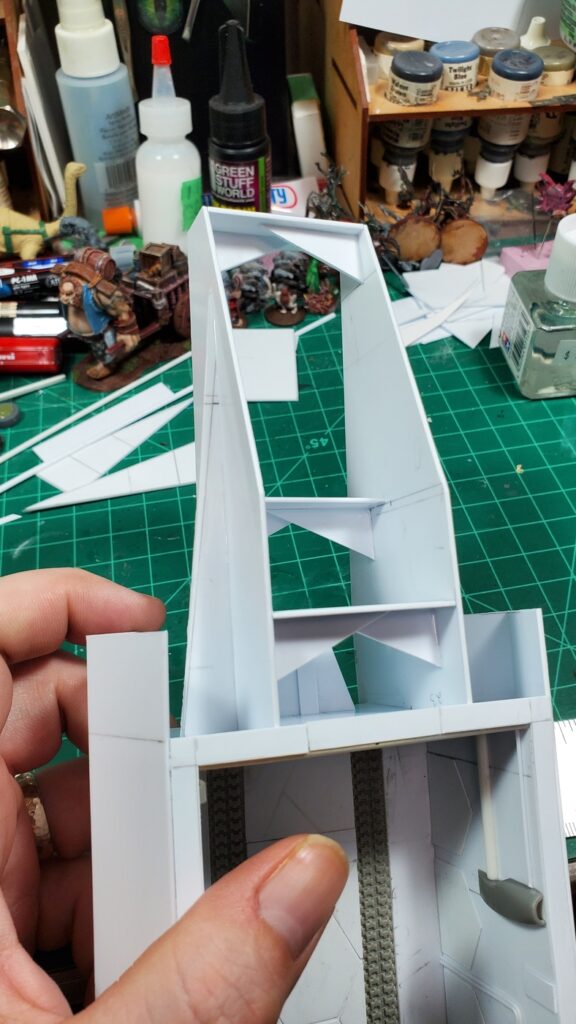
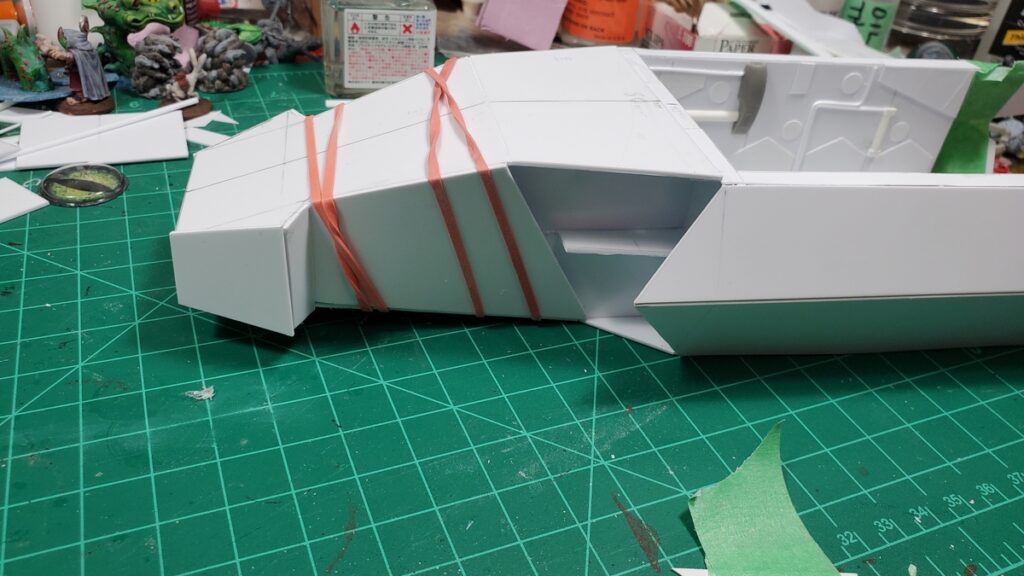
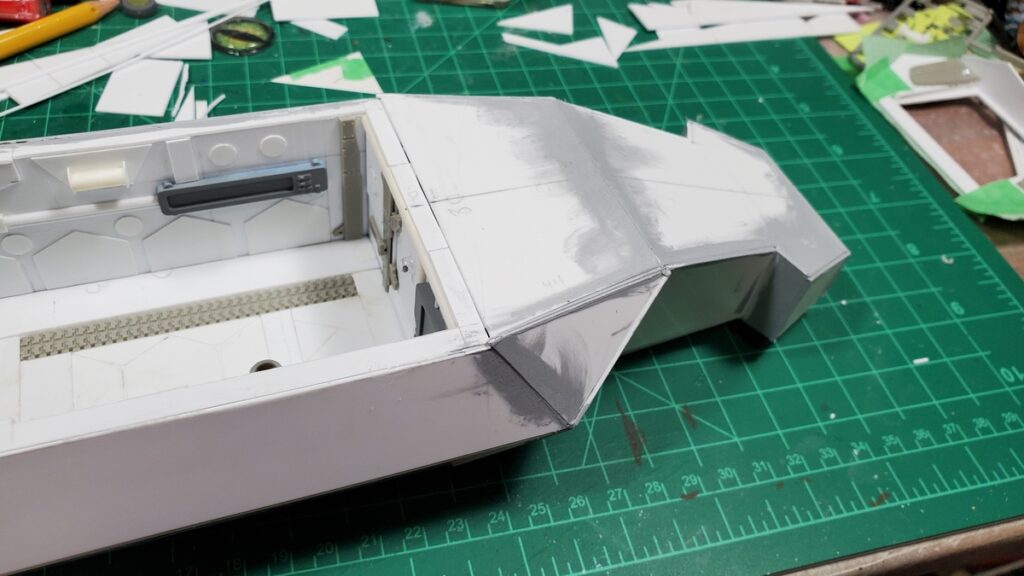
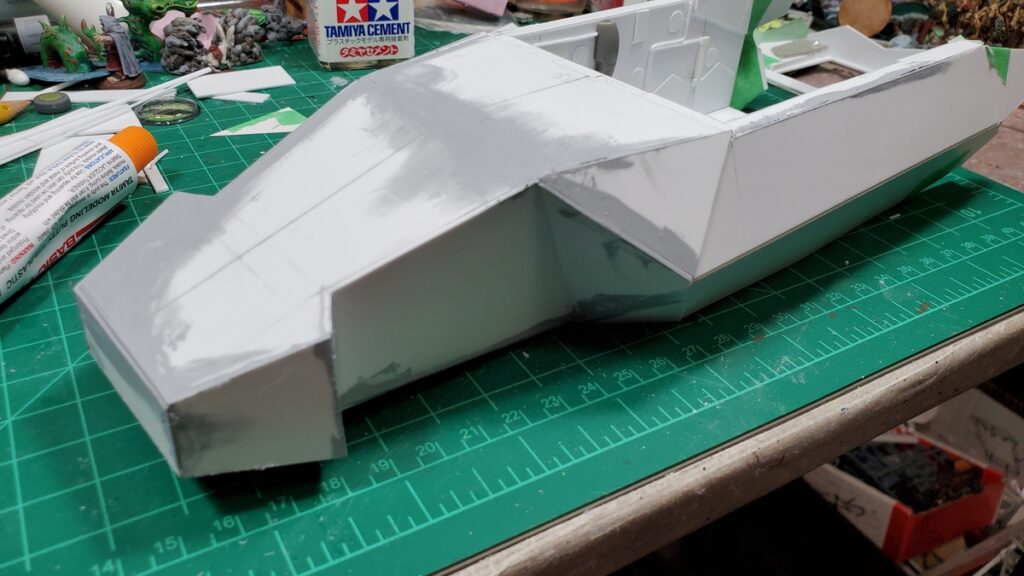
Mockup for the nose frame.Nose frame finished in 1mm styrene. I wound up cutting most of the long thin brace on the outer side off, but all the internal bracing gave me a nice solid, trouble-free start to doing the skin.Finished nose frame. The whole beast is just under 11 inches long, nose to back end, which is perfect.Closeup of the top left with skin mockups in progress.Nose skin mockup in progress, figuring out what to do between the hammerheads and the start of the body/sides.The underside of the nose, mockups in progress.Finally cutting styrene! The big panel behind the hammerheads has a twist to it, so it got anchored down with elastic bands and left for the plastic cement to cure for a bit.Styrene skin in place, sanding and puttying cleanup started. There is going to be a LOT of sanding.Current state of the nose, with putty smeared around a lot of the seams and sanding in progress.
I really like how the whole thing is shaping up, it has a good bulky angular look to it. There’s going to be a round of detail panels over this initial skin, after the endless sanding and puttying is done – some of the seams didn’t come out quite as well fitted as I’d like, so there’s going to be some remediation before detailing can start!
Still to do, in rough order of size/complexity of the subassembly: the engine pods and wings; the roof for the cargo bay; landing gear and landing gear bay doors; skin on the belly.
I’m away this coming long weekend and have some things to get organized before we go away for the long weekend, and as mentioned, the next while is likely to be mostly sanding, so it might be ten days or so before there’s another blog-worthy update to this project!
My Build Something Contest 2025 thread on LAF is here; the rest of the contest has some very cool entries – there’s another couple of shuttles or dropships, some neat magical walking constructs, and a bunch of other cool concepts among the other contestants! Entries just closed on February 8th so everyone who’s in for this year is in!
It’s Build Something Competition on the Lead Adventure Forums again and once again I’m running them, so have been a bit behind on my own entry (unlike Brian, who is racing ahead with construction).
This year’s theme is Vessel or Conveyance, so most are doing movable things like shuttles. Although we have law firms, we do have two alcohol-related entries – my distillery and Tarnegol’s brewed. May the best booze win!
Inspiration and initial thoughts
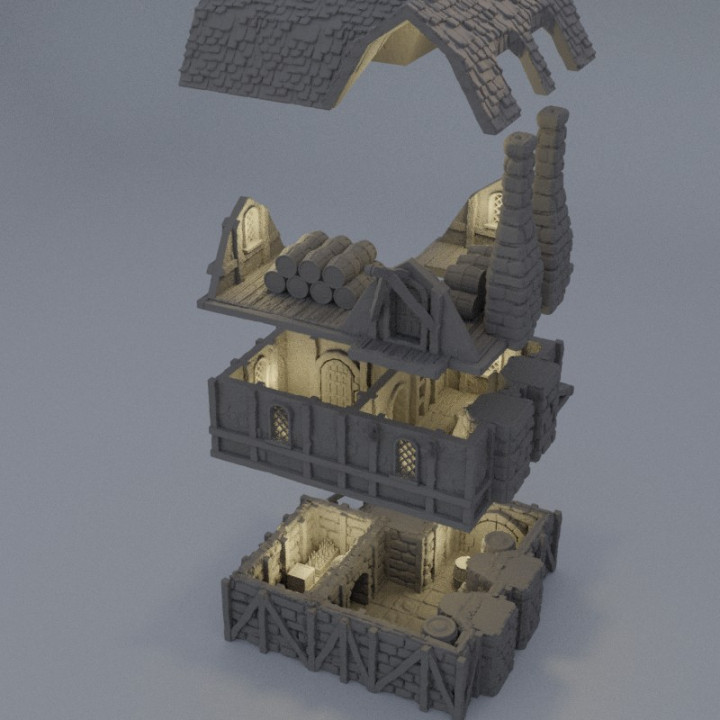
to start, I did a bunch of Googling to find good images. There’s actually a whole 3D printable stl for a distillery by MiniatureLand on MyMiniFactory, so that was a good place to look for inspiration:
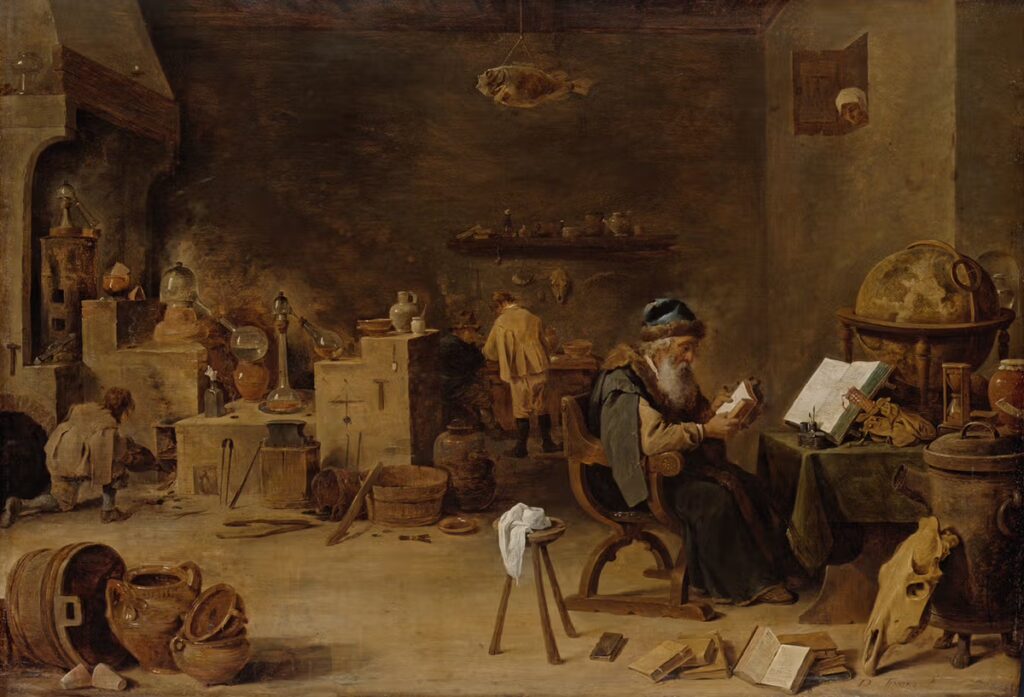
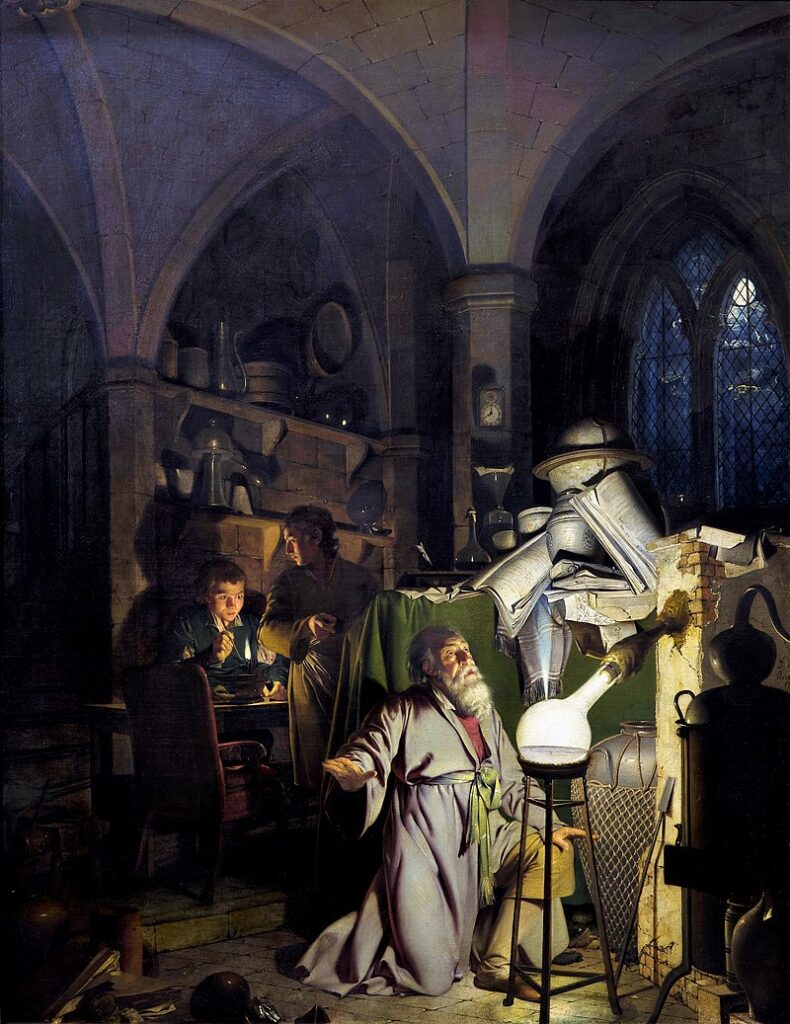
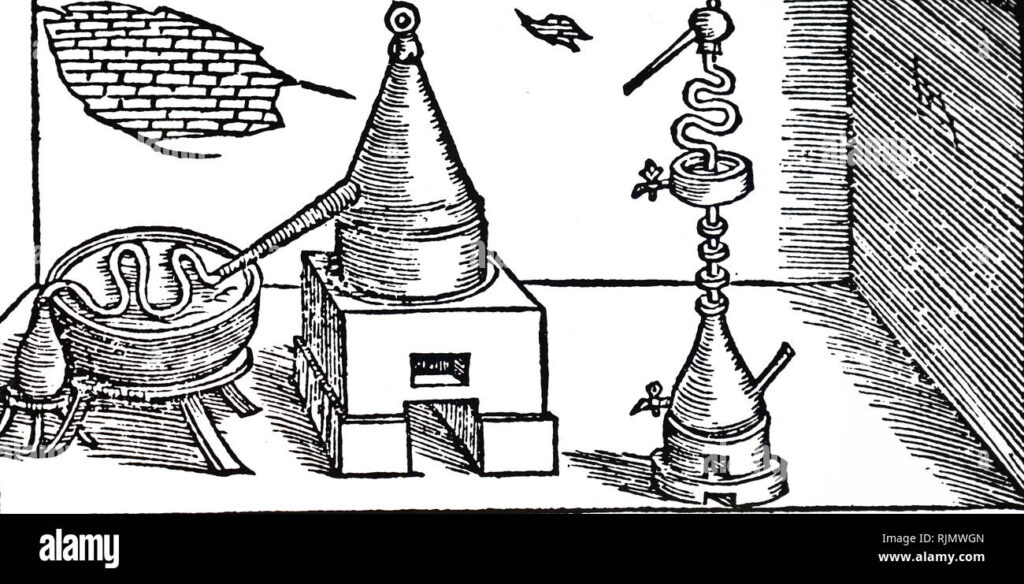
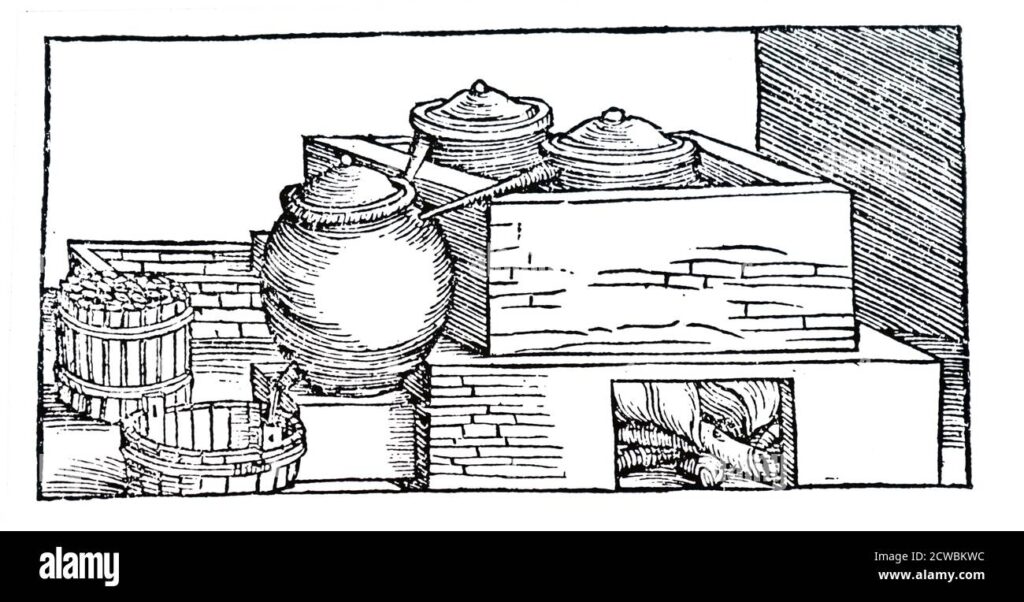
Distilling itself is a product of alchemy, which are basically the same art with different outcomes. And historically, people did a lot of a alchemy, but strangely really only started distilling drinkable alcohol in large quantities in the early Renaissance, right as European alchemists started building on what the Arabic scholars had done. That does mean we get lots of great art about alchemy:
Il laboratorio dell’alchimista by Giovanni StradanoThe Alchemist by David Teniers the YoungerThe Alchymist, In Search of the Philosopher’s Stone, Discovers Phosphorus, and prays for the successful Conclusion of his operation, as was the custom of the Ancient Chymical Astrologers, by Joseph Wright of Derby
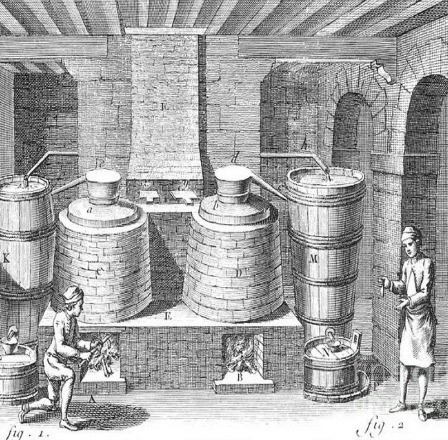
And of distilling itself, it really flourished in Renaissance Italy, which happens to be what I’m based on fantasy city on, so happy times. There are lots pieces of art of the key part of distilling: the still (the vessel from the competition theme):
Planning the building
With all those inspiration pieces done, I start the process of figuring out how big I wanted to make the building. I really want to tie it into my planned sewer/basements I’m doing for my city, so that fixes one part of the building: one edge must be 3″ tall for the basement, with the building on top.
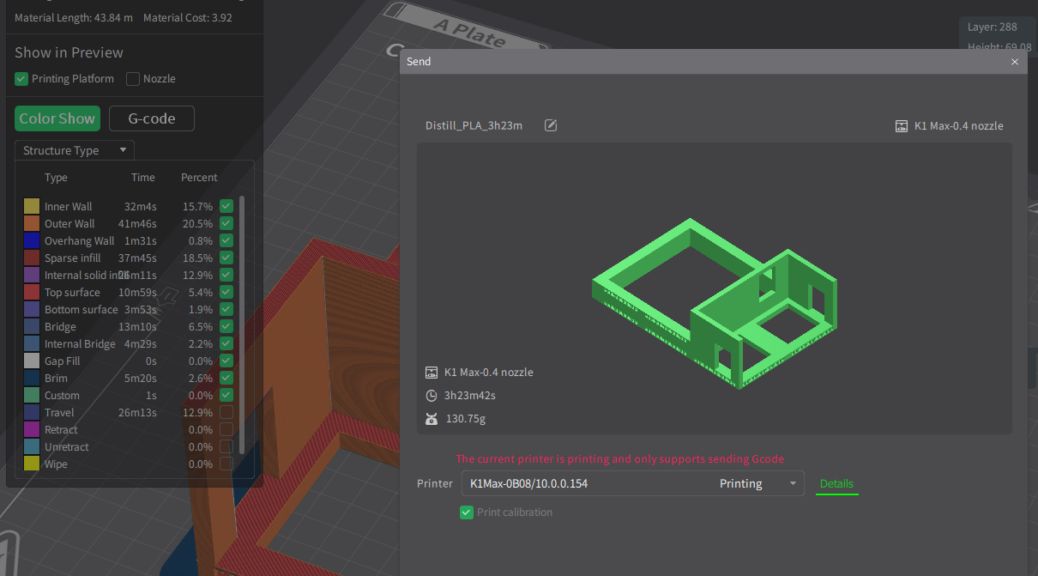
With that set, I drew up some simple plans, ultimately deciding on a 6″x9″ building, with big double doors in the long end. The base of the building will be 3D printed, with foam building on top.
Base of the building including the basement.
And thus ends today’s post – with an initial base printing. Onward to actual construction tomorrow
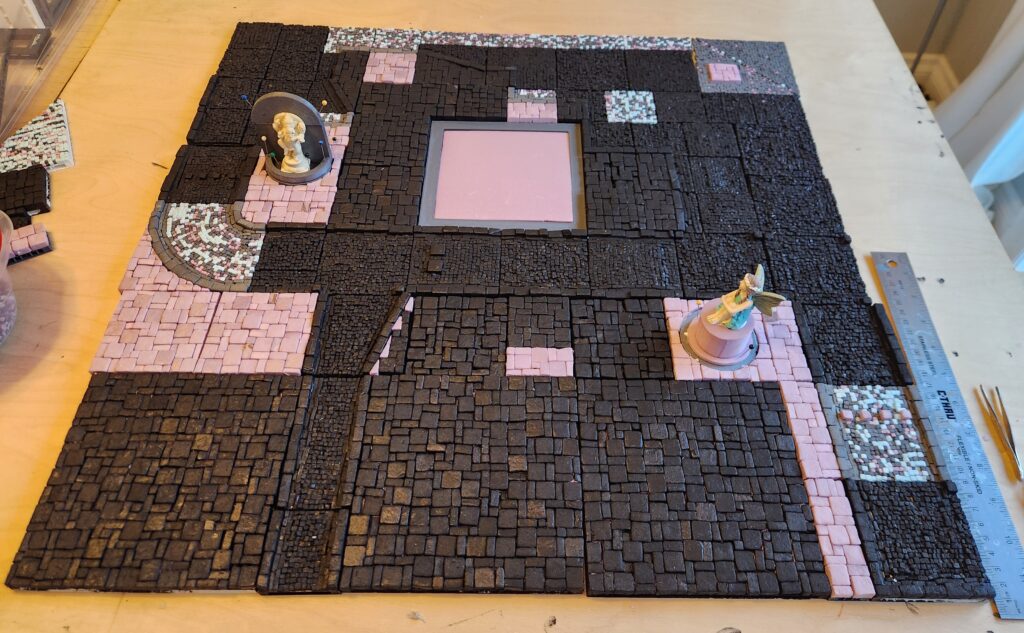
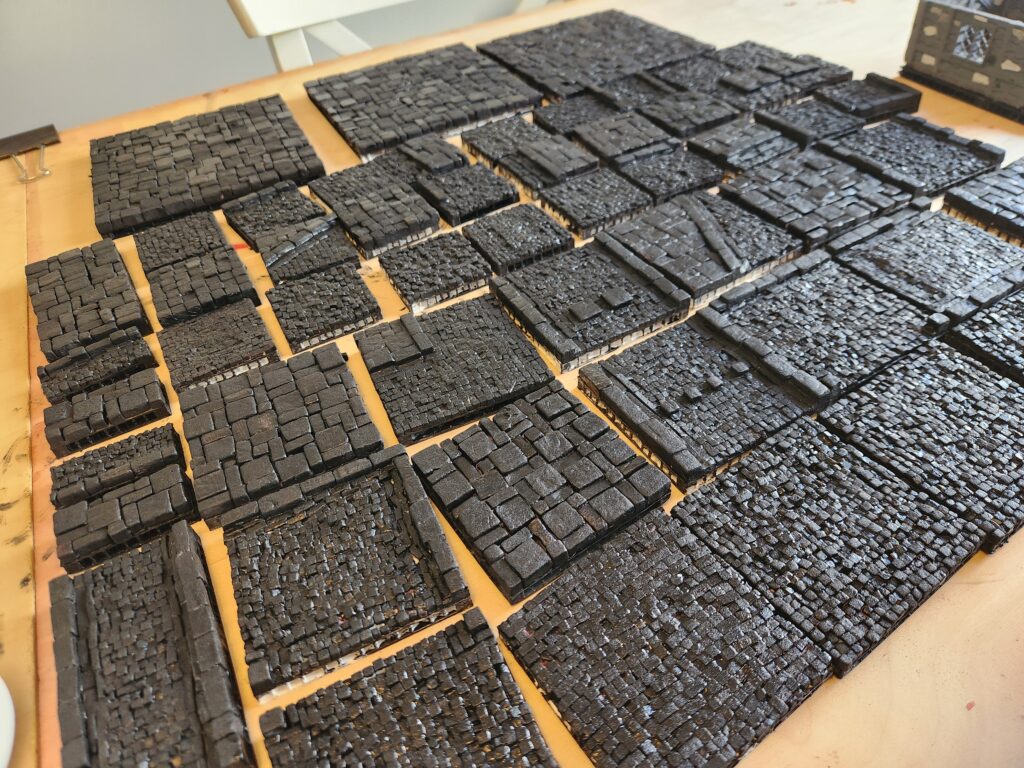
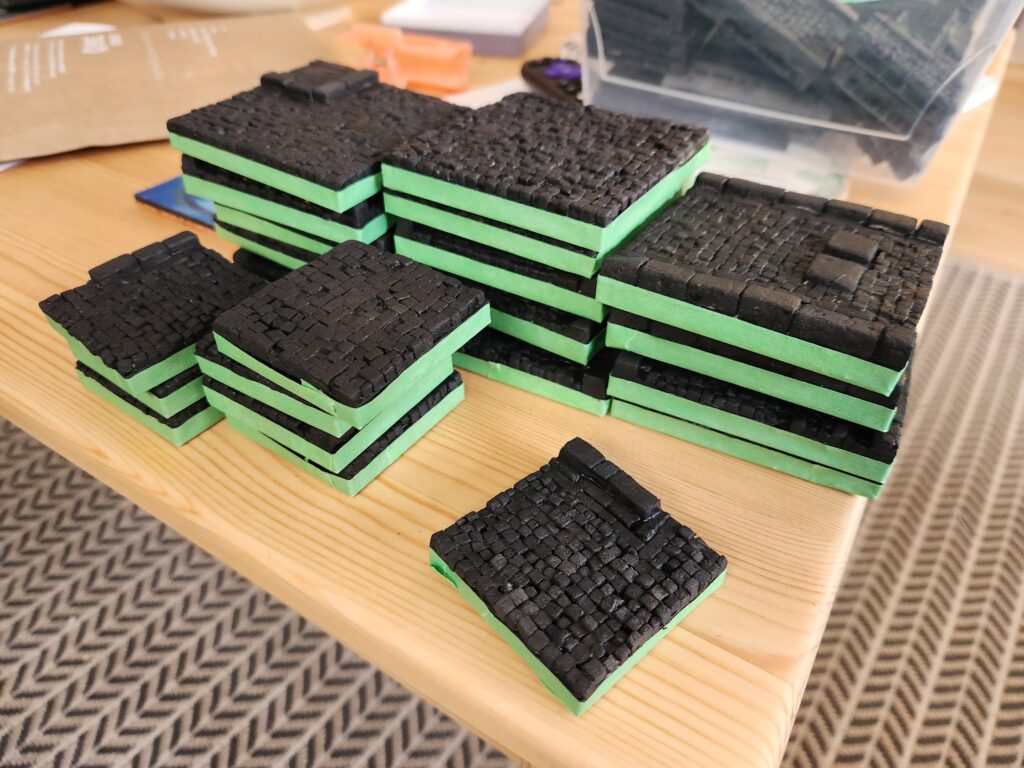
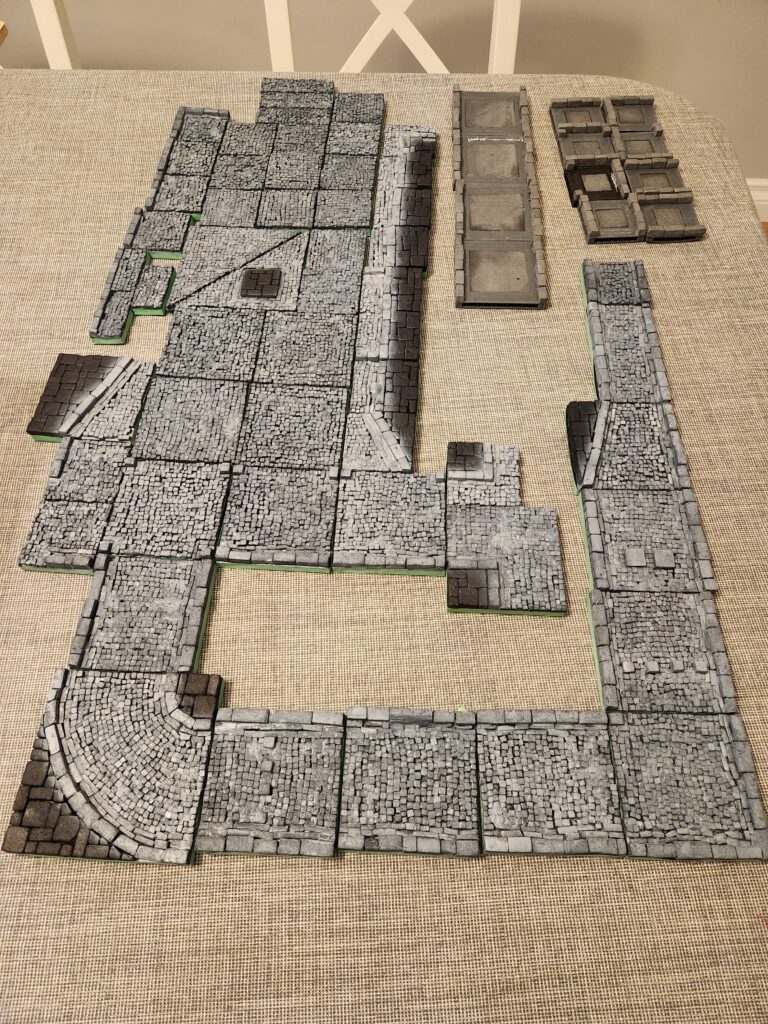
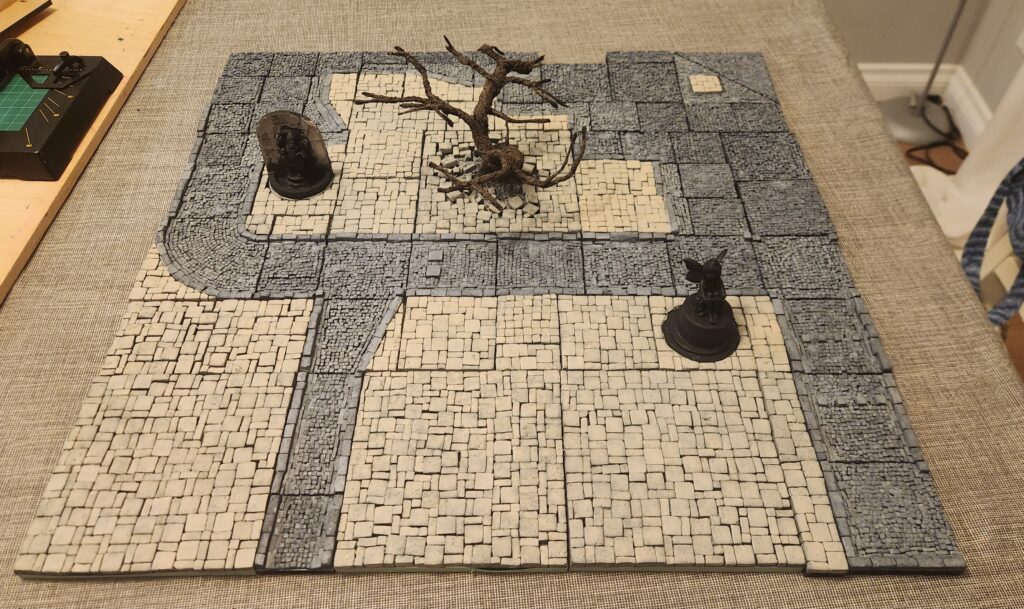
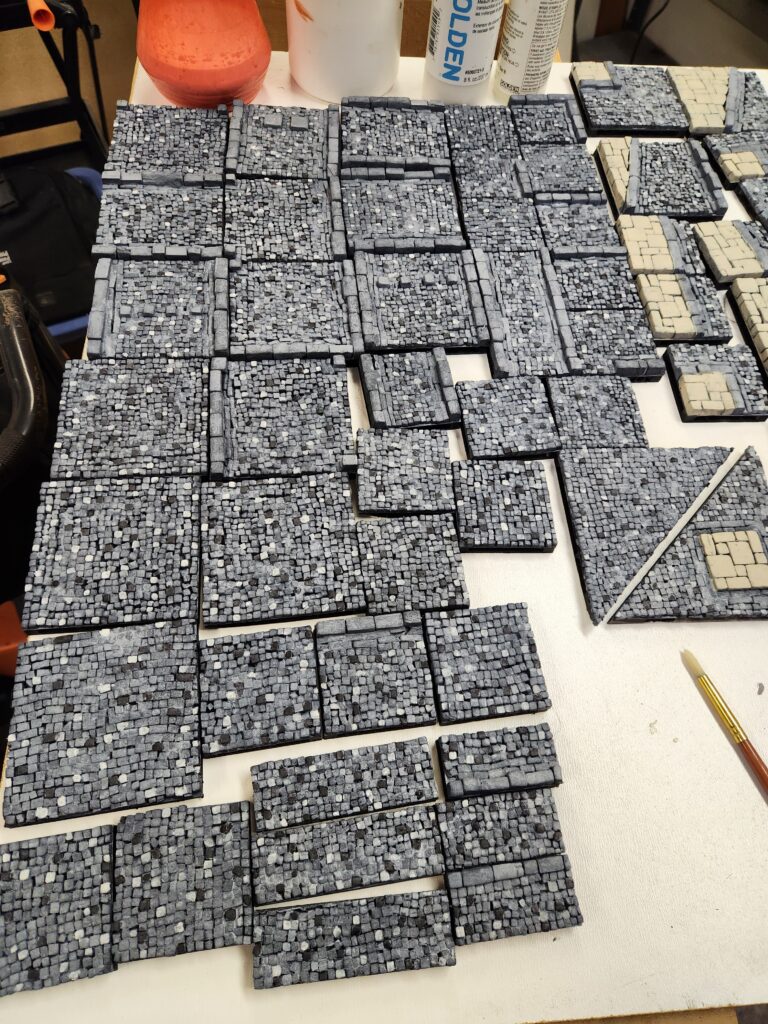
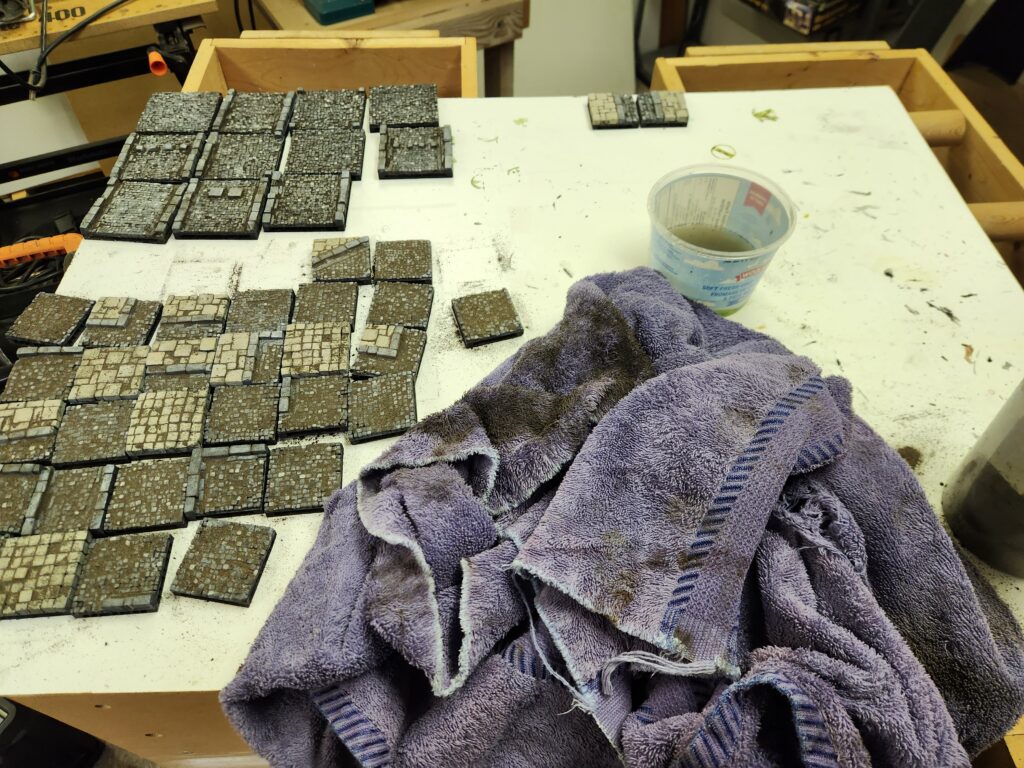
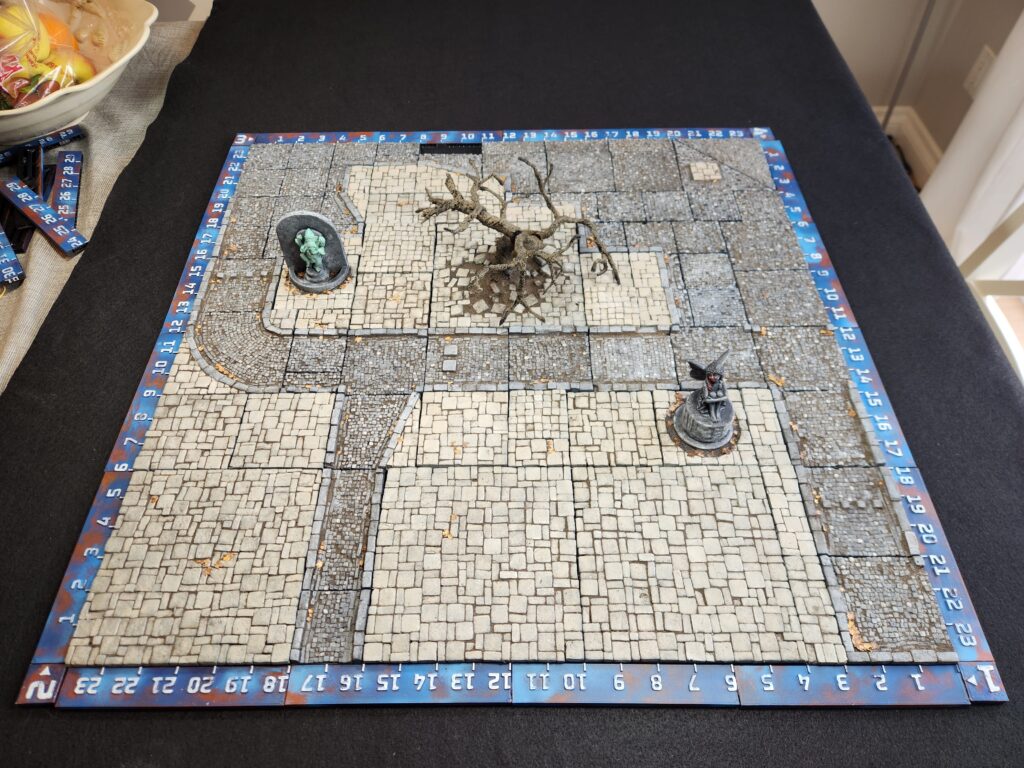
For the past year I’ve been building some modular fantasy/medieval city tiles for our Sellswords and Guilders games. It has been a long process of building as I’ve chosen the hardest method possible – laying the cut foam stones individually. But I finally have a full 2′ x 2′ square of them done. The impetus this time was our local move into Mordheim and yet another competition – this time the quarterly painting competition on Bloodbeard’s Garage Discord, which had a theme of “unfinished”. Talk about the ultimate un never finished project!
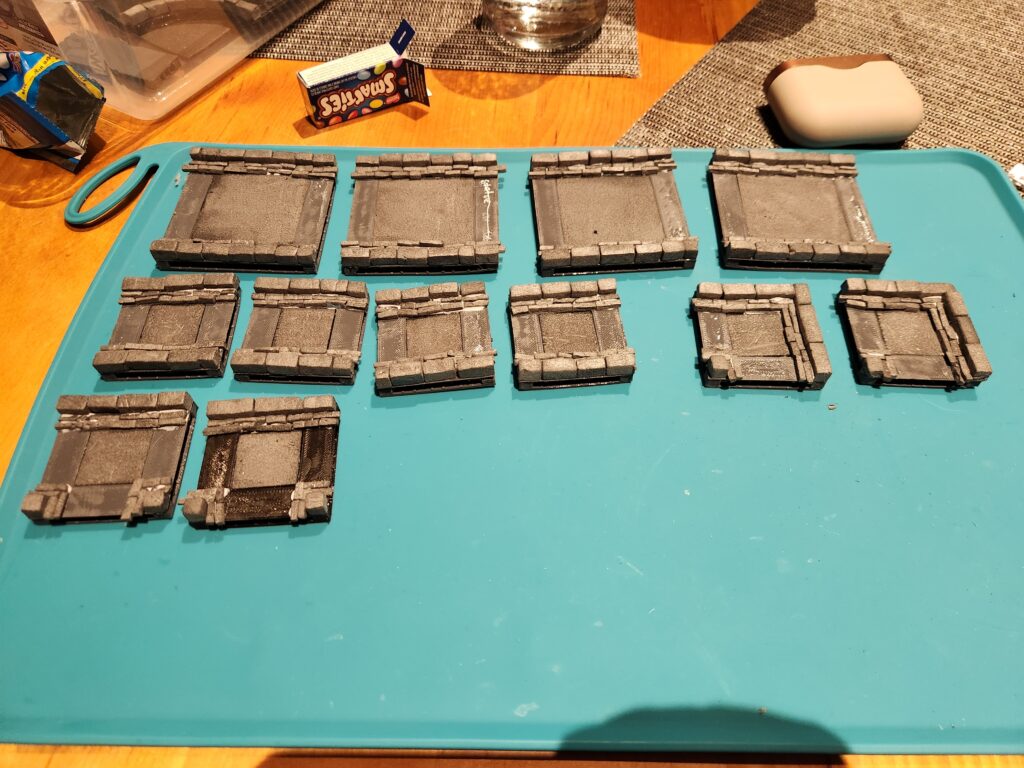
Building the tiles
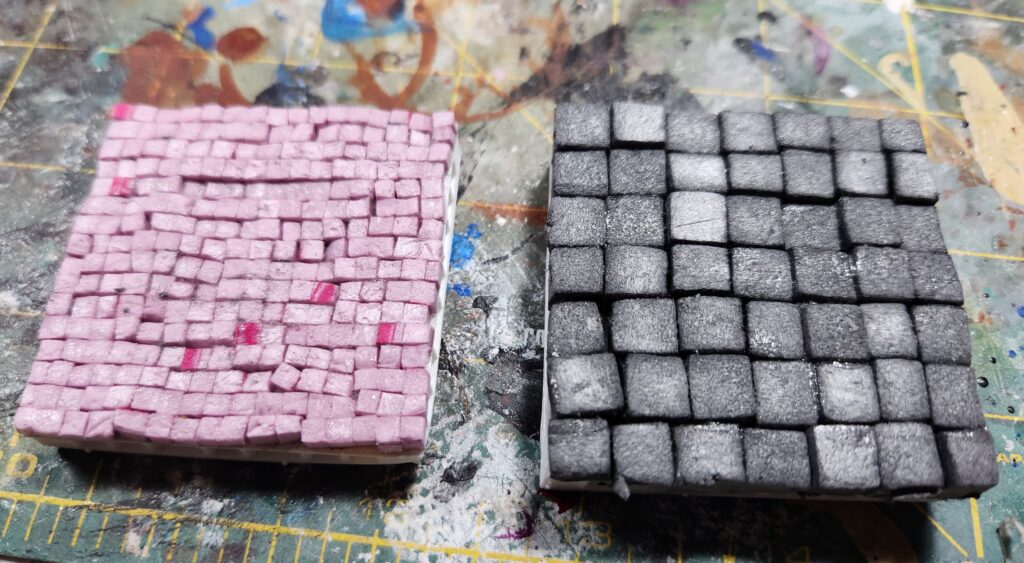
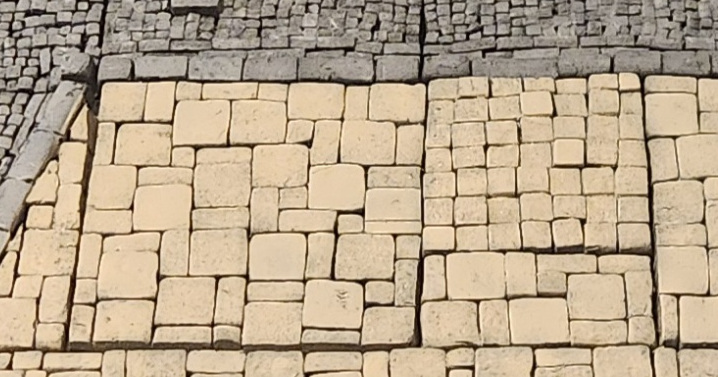
As with my other modular boards, these are all based on 3D printed Open Lock tiles. I then used my Proxxon hot wire cutter to cut a few different sizes of tiles. I tested two initially: 1/8″ and 1/4″. Ultimately, I liked the look of 1/8″ (as did my wife, but she thought it was nuts).
First test tiles
I also made a 2nd change early on – for the sidewalk I moved from just 1/4″ cubes to a mixture of 1/2″ squares, 1/2″ by 1/4″ rectangles and 1/4″ cubes, always tessalated so that no two of the same touched fully on their long side.
Original style in the upper right, new style in the other pieces
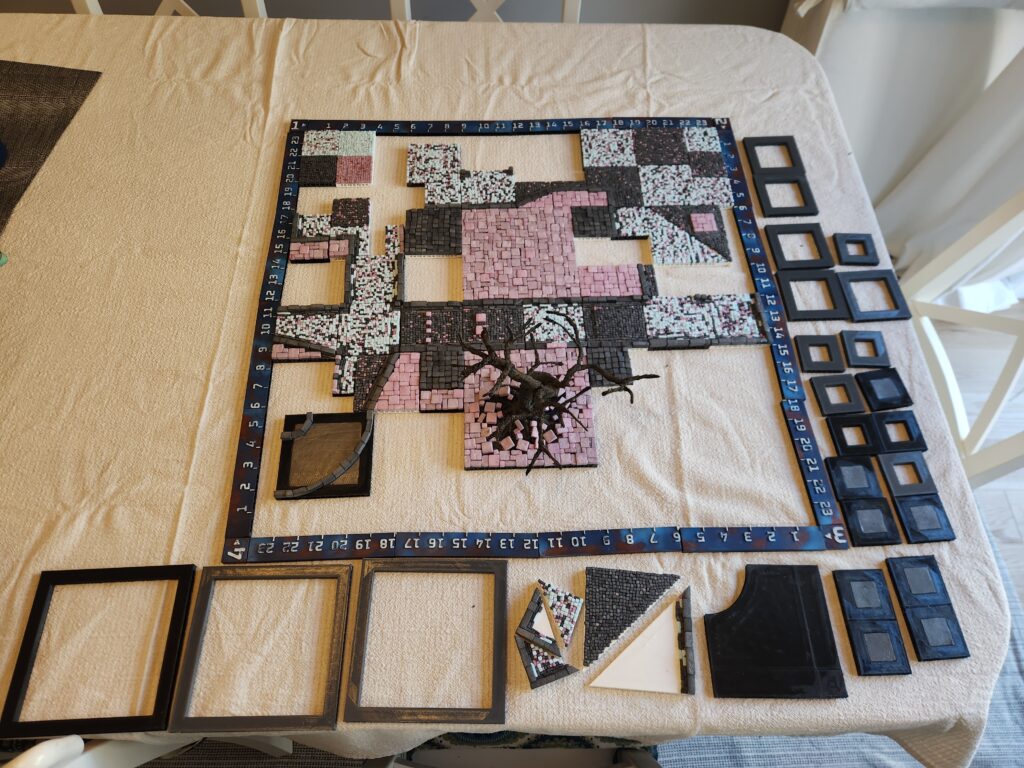
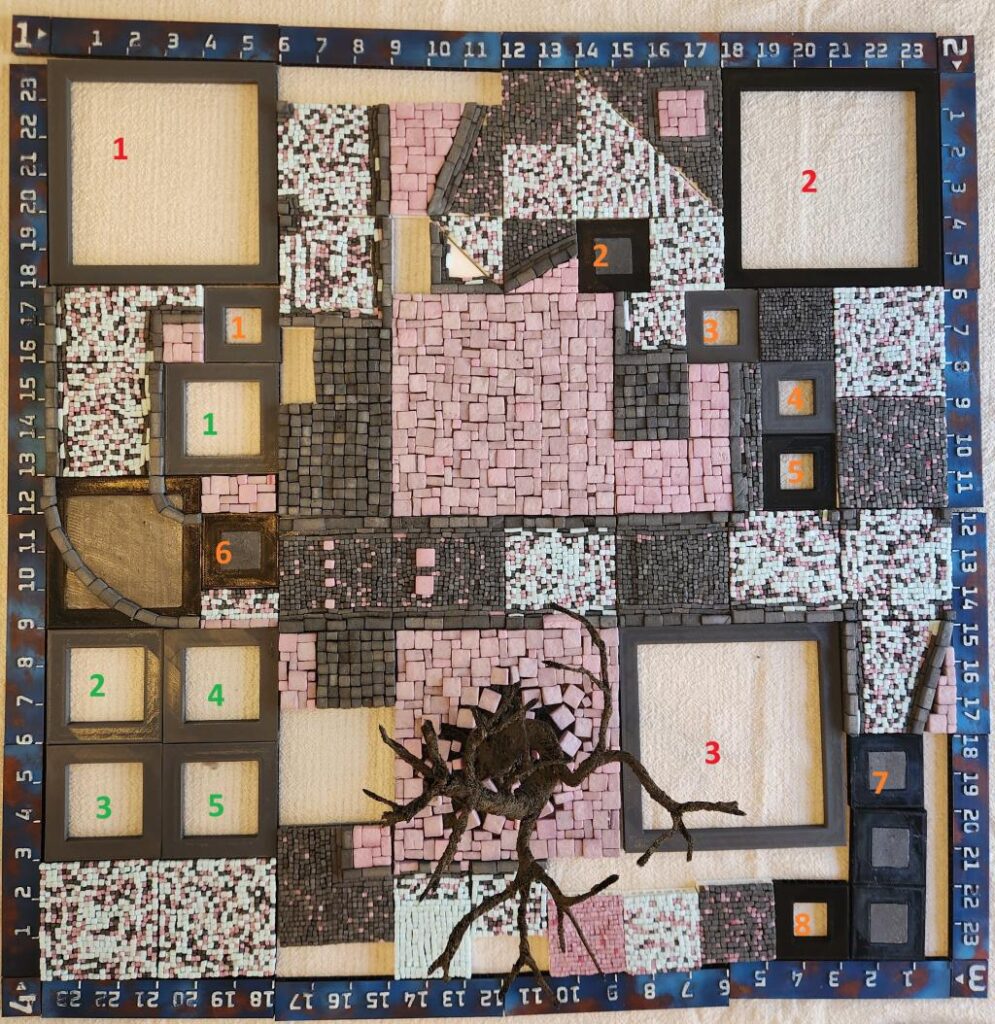
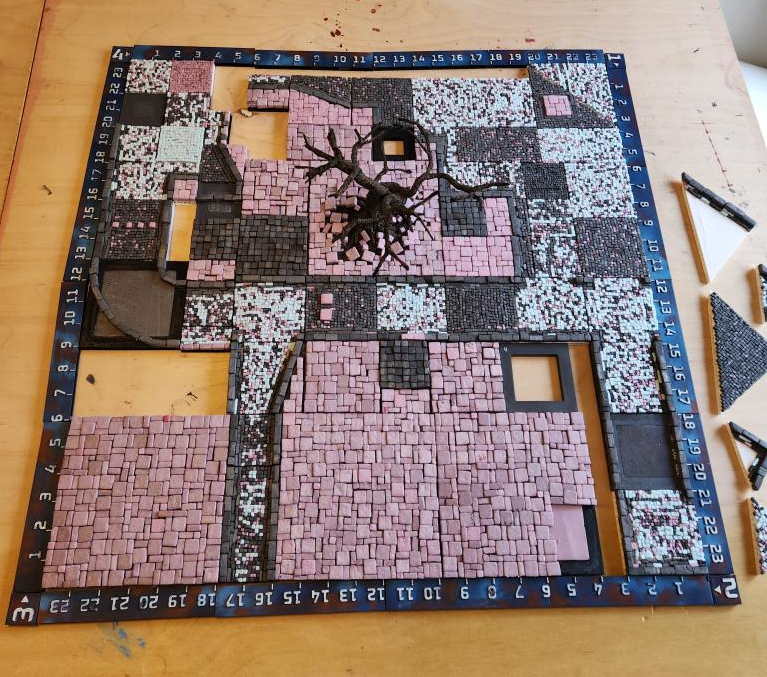
After a lot of work, I had bits and pieces of a table, but certainly nothing enough for even a 3’x3′ (our standard board size). After a hiatus, I got moving again. I also switched glues – from standard PVA to Aleene’s Tacky, which sped up production. So I planned out my initial 2′ x 2′ planned out (well, sort of, I tweaked it almost immediately):
Initial layout2nd layoutFinal layout
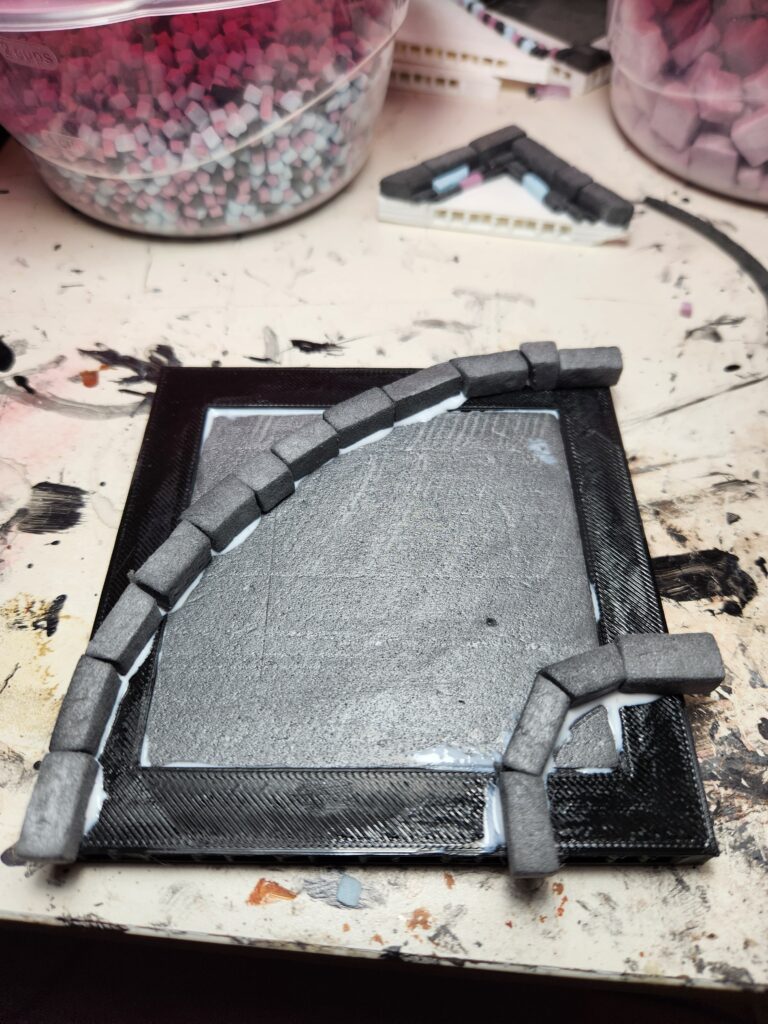
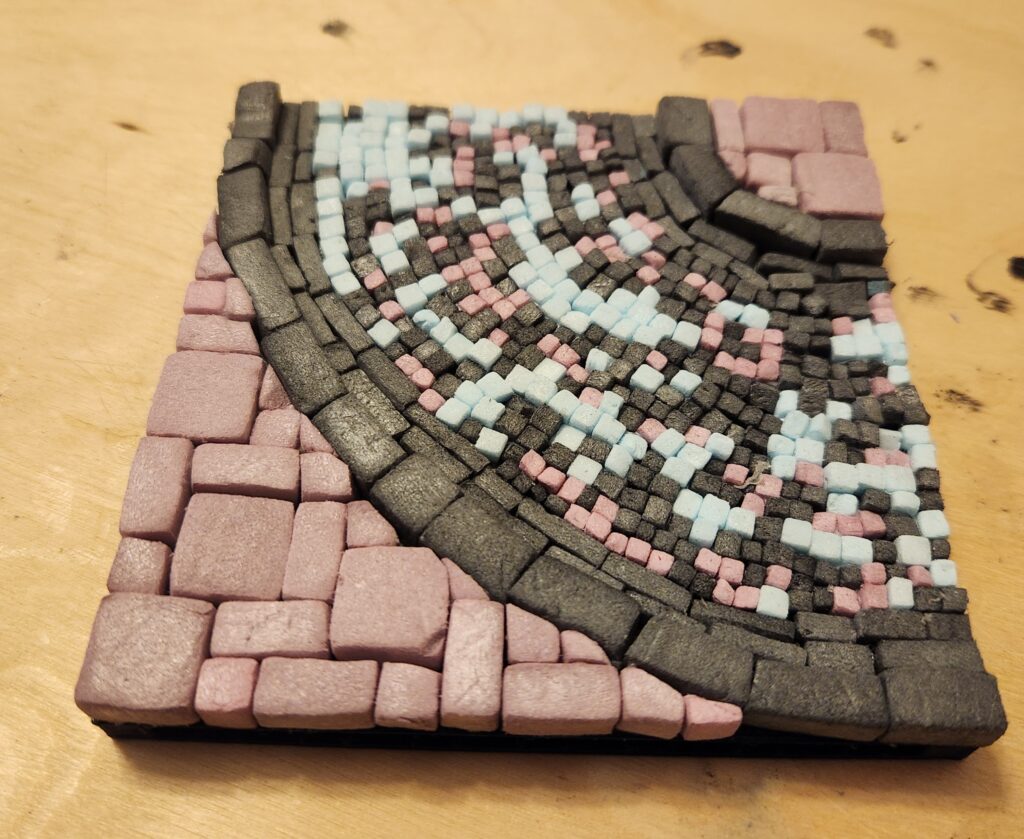
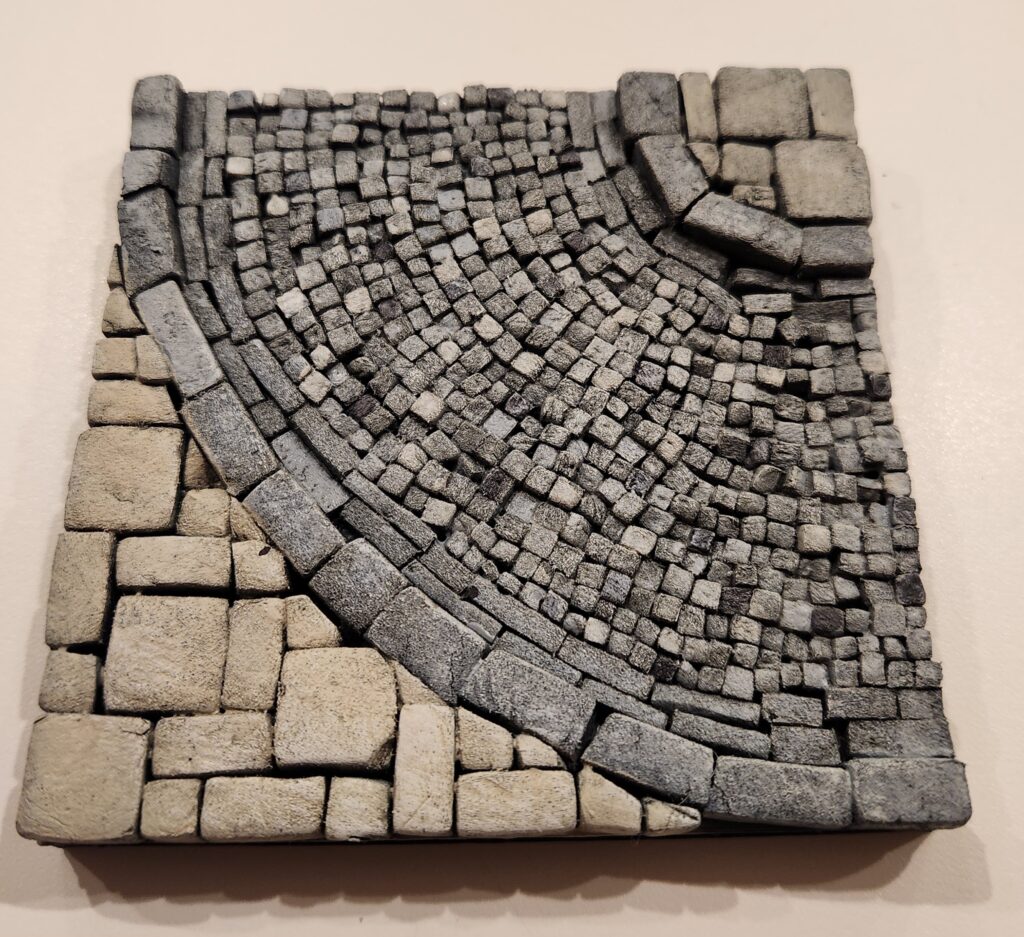
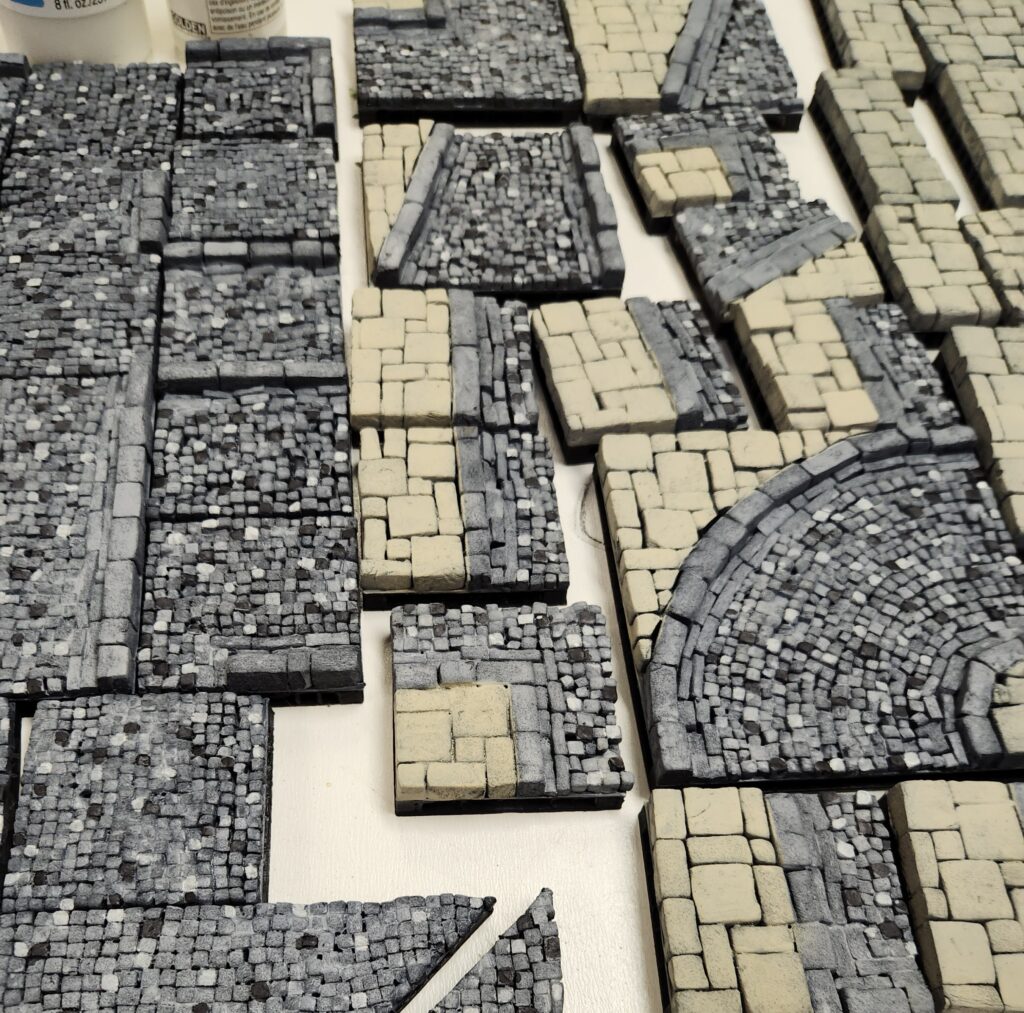
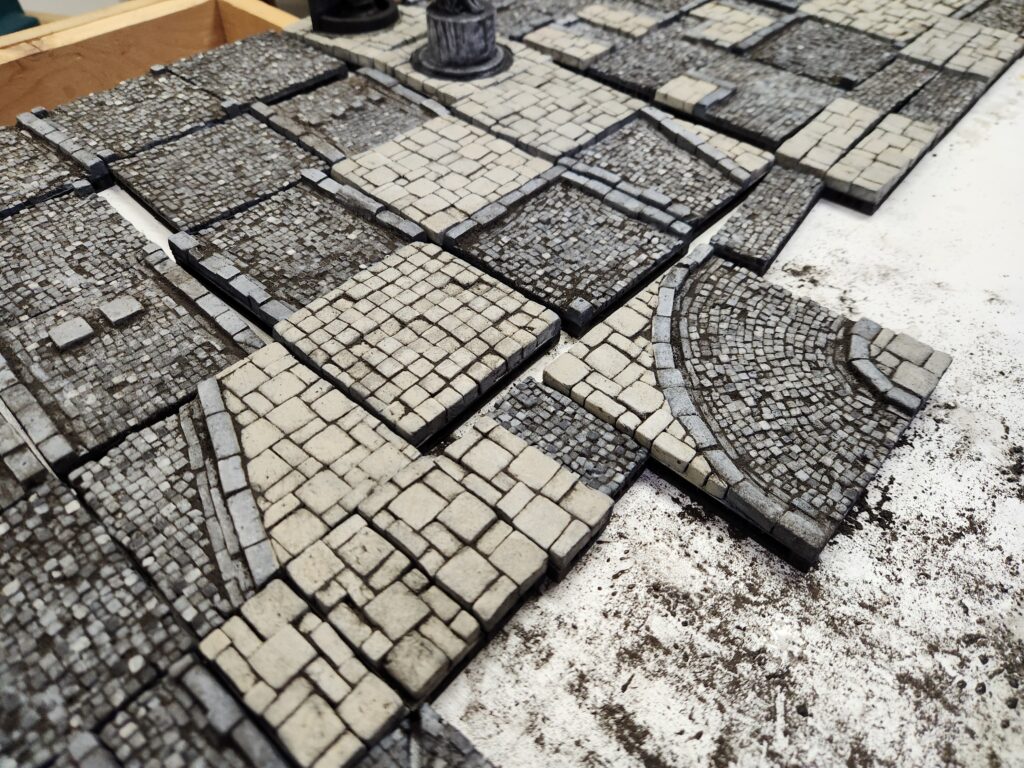
One of the pieces I’m most proud of is the curved road section. I was (w)racking my brain to figure out how to make it look good, thinking I was going to have draw lines at angles, but then I realized I could just lay the stones outward from the inner curve.
Outer curbs laidFully laidPainted but not yet dirty
And then, a few (a small number, really) of hours later, I was finished tiling:
Construction done
Painting
For painting, I started simple – a coat of craft black paint mixed with white glue (and a bit of wetting agent to make it flow better), and then airbrushed on some thinned Vallejo Black Surface Primer (a hateful paint if I’ve ever used one).
The first black primer, to tie to all togetherTaping the edges prior to painting
I then re-watched RP Archive’s inspiring city tile video again and decided to follow his painting and weathering method as much as possible. I highly recommend it – it certainly inspired me in my project.
To start the colour, I airbrushed a neutral grey (Demco Artist acrylic) onto the cobblestones and linen (Folkart craft paint) onto the sidewalks. This is also when I noticed I’d left one 1″ x 3″ piece in the painting box. Oops.
Grey cobblestone base layer (with new tiles in the upper right)Whole board painted
Next up I highlighted some of the cobblestones with a dark grey (Army Painter Gravelord Grey Speed Paint) and light grey (Reaper Paint Misty Grey mixed with a satin glazing medium). I wasn’t too fussed about painting exactly here – there were multiple additional layers of paint and weathering coming to hide any issues.
With highlighted cobblestonesOnly cobblestones, not sidewalk, were highlighted
And then a white dry brush across the whole thing:
To finish off painting, I did a black-brown wash. Unlike RP Archive, I did it a bit heavier in pigment – 6 drops of carbon black, 3-4 of burnt umber and 3-4 of sepia in 50ml (all were Liquitex acrylic Inks). It took ~100ml to coat the full 2′ x 2′ board.
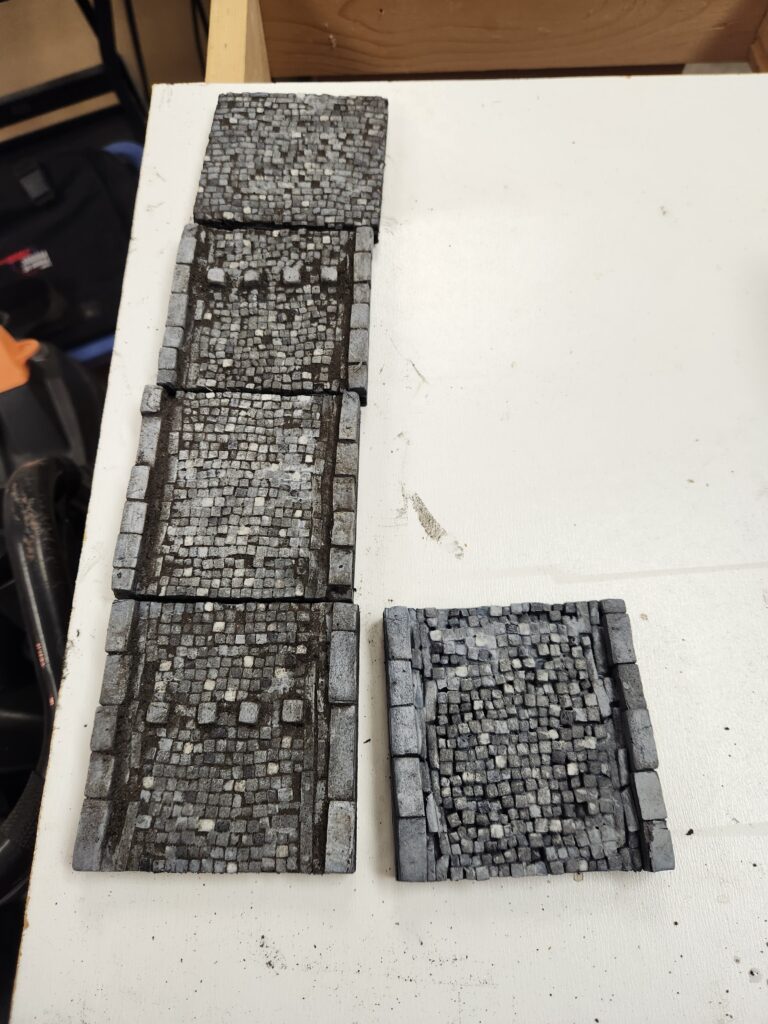
Washed tiles on the left, unwashed on the right
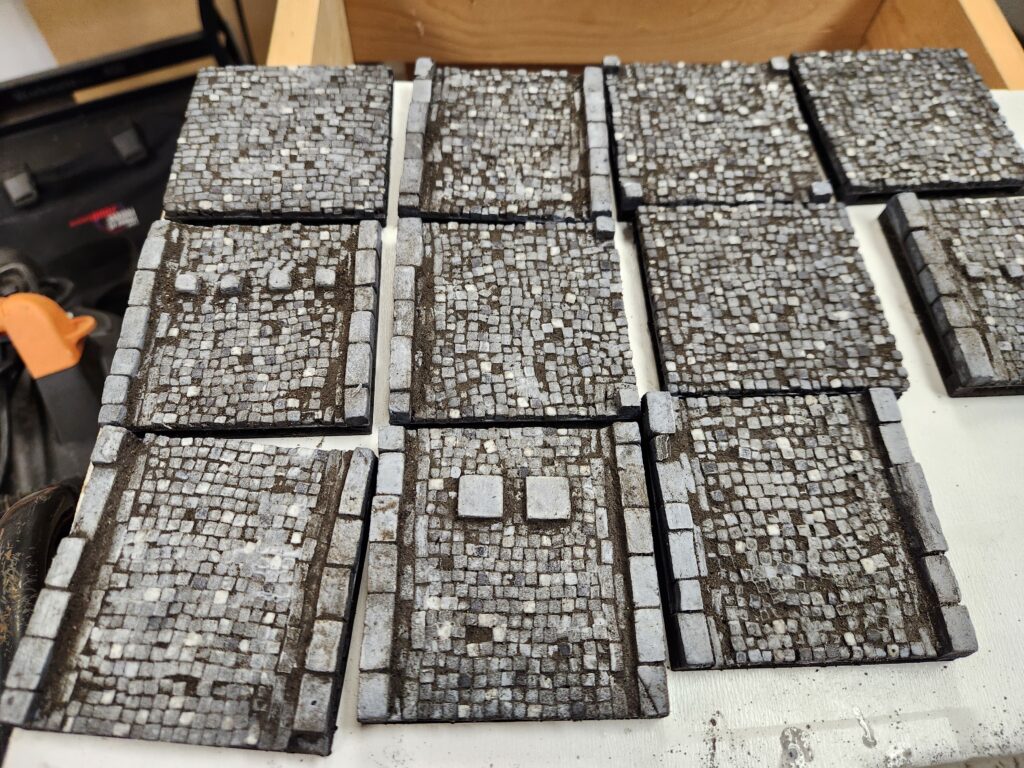
And then we get onto dirt. Here I also differed slightly from RP Archive. I had a dark brown grout, so I mixed it 50/50 with dirt, which I sieved with a 1/4″ chicken wire, then baked for a few hours and then sieved a second time in an old tea strainer. This left me with a very fine powder mixture of dirt/grout.
To apply the dirt, I tried the method he suggested in his video but found it didn’t work for me. So I changed it up:
Sprinkle on dry
Spray lightly with watered PVA + wetting agent
Use my fingers to smear the damp mixture around the tile
Dip my hand in water, thoroughly soak the tile
Use a towel to clean off the tile
Repeat 4 and 5 until I was happy with the level of dirt
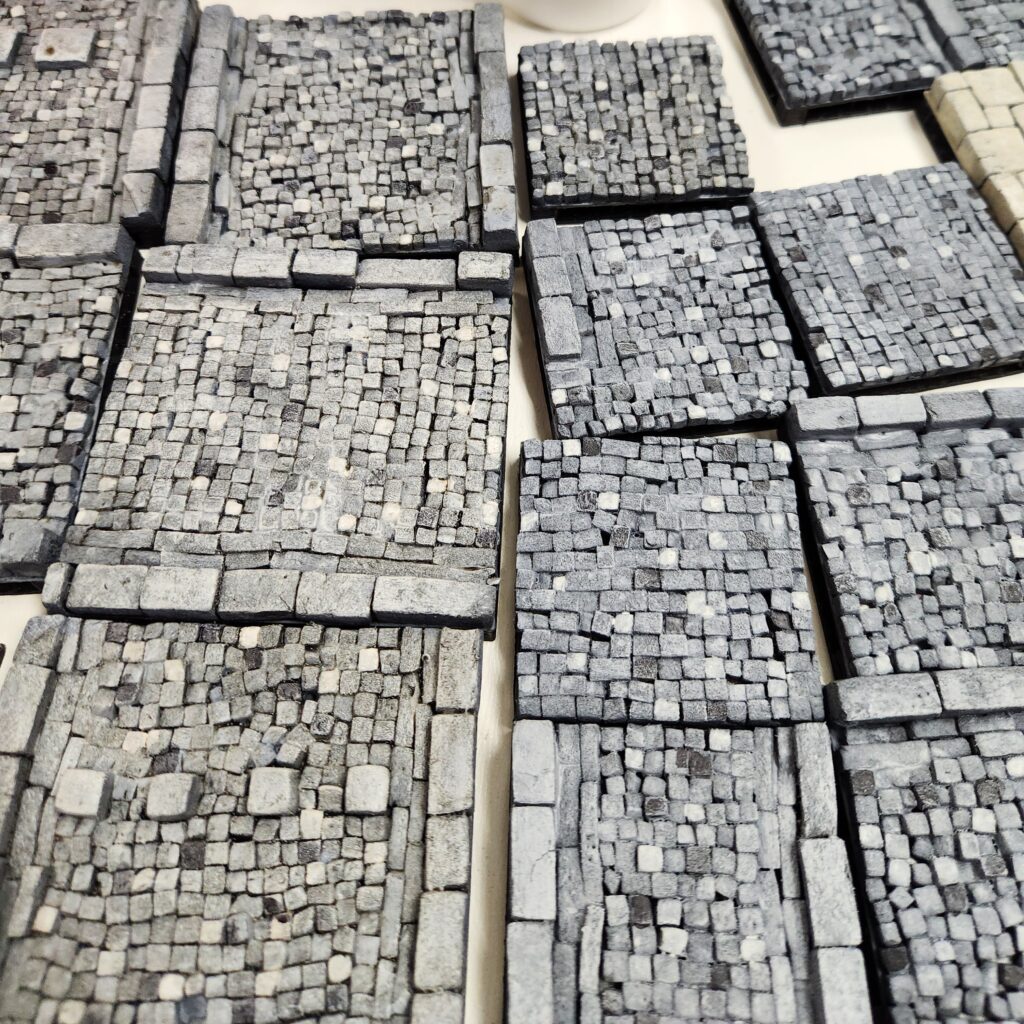
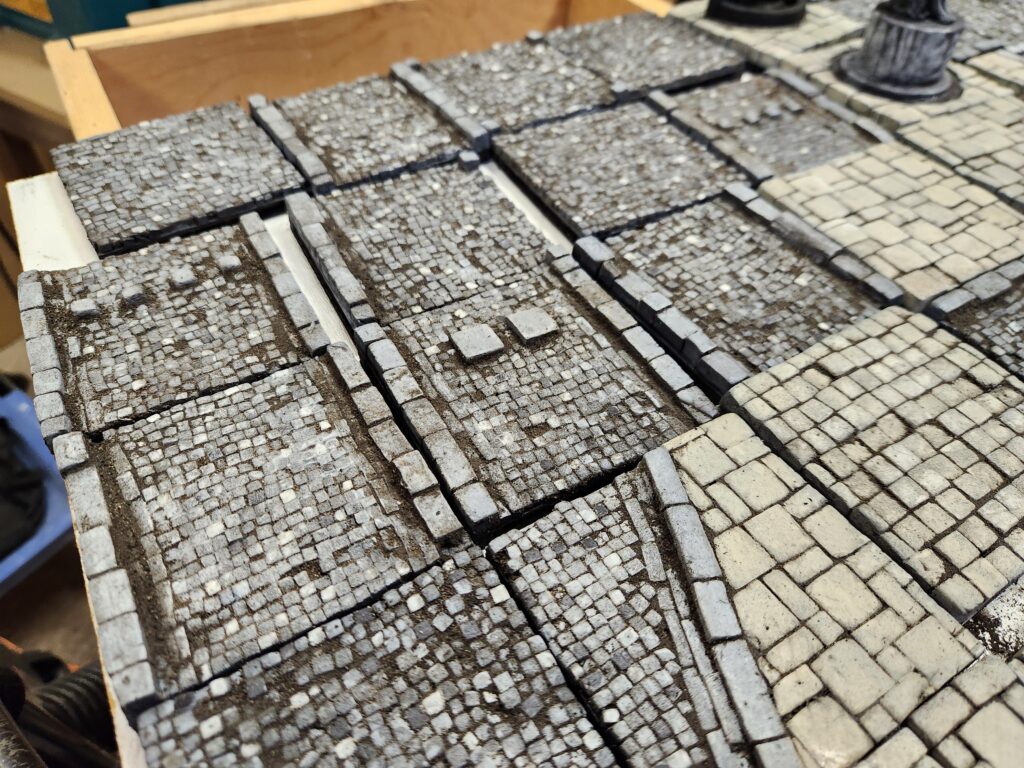
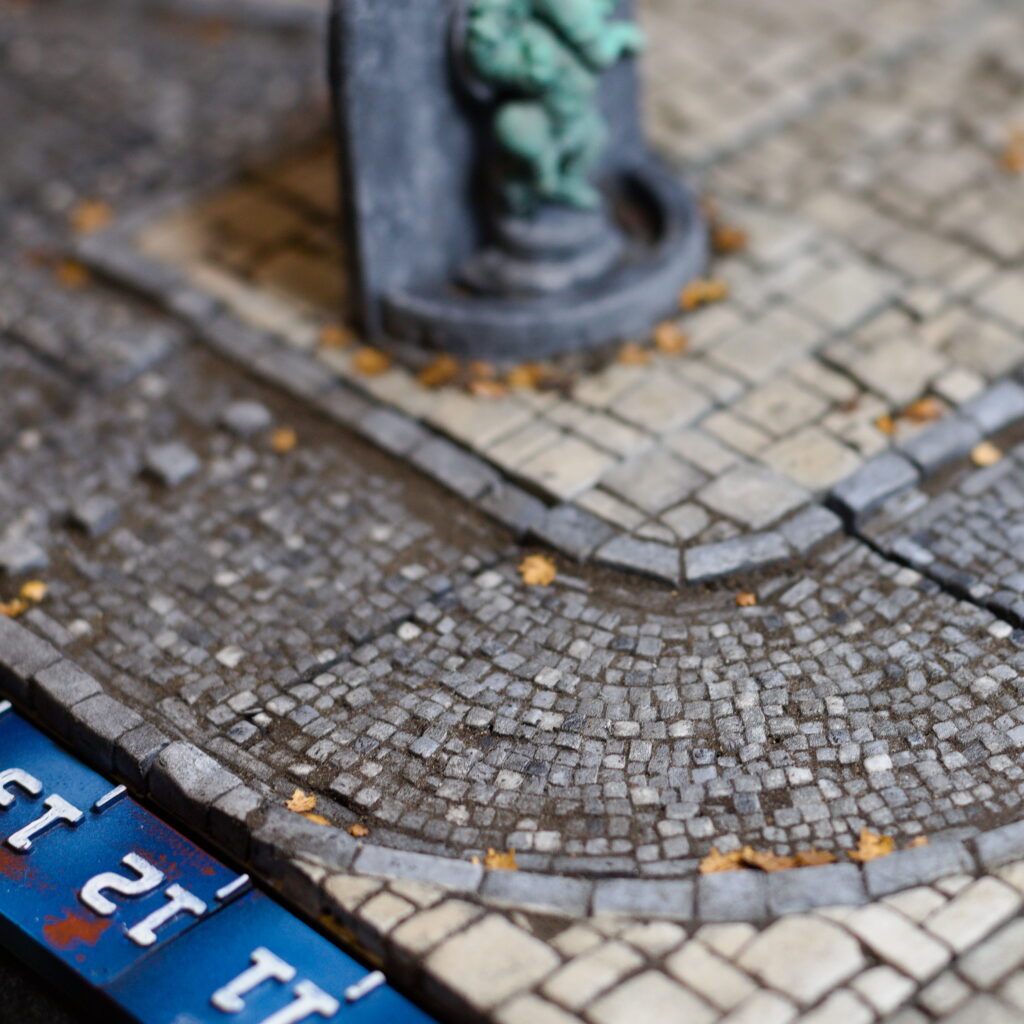
I left a fair amount of dirt on the cobblestones, especially in the corners and in deeper pockets, and almost none on the sidewalk pieces. I found the grout and dirt dried almost instantly, so by the time I was finished all the tiles, they were dry enough to take outside and soak in watered PVA to seal them in. I’m going to have to do a 2nd coat, as some of the dirt is still a bit loose.
Comparing dirty (on left) with just painted (on right)Very dirty process of dirty-ing up the tilesDirty tiles 1Dirty tiles 2Dirty tiles 3
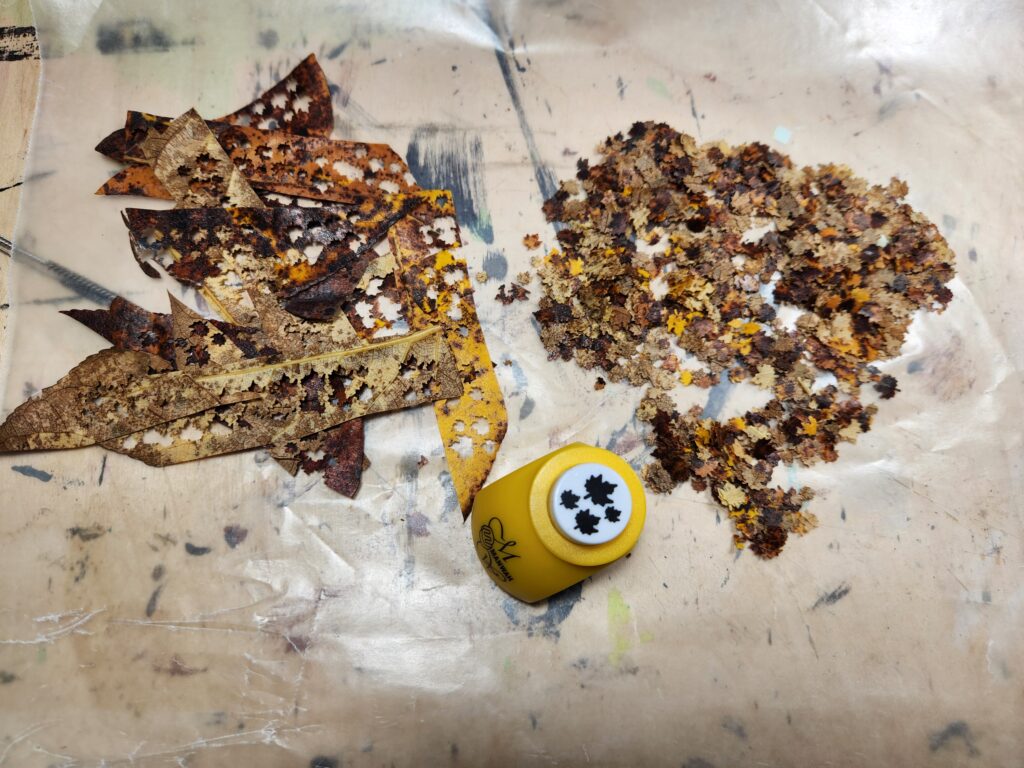
Lastly, I had punched a bunch of leaves using an AliExpress leaf punch (non-affiliate link – I used the 05 colour). I dried some straight and soaked some in glycerin first, then dried. I found the glycerin ones were slightly translucent and showed the tile through them, so I’ll use them for something else (I’m going to try dyeing with inks and fabric dye next). Note that some of the colours were lost as they were dried, which was a bit unfortunate but expected.
Punching leaves from leaves.
I glued them down on the edges where leaves would naturally blow to, a truly finnicky process as the dried leaves were quite stiff. I tried soaking them in watered down PVA, but that didn’t seem to help – although I suspect I could rehydrate them by soaking them overnight. Some definitely will still lift (and have), but they are trivial to replace.
Leaves glued in the corners
Painting the Statues
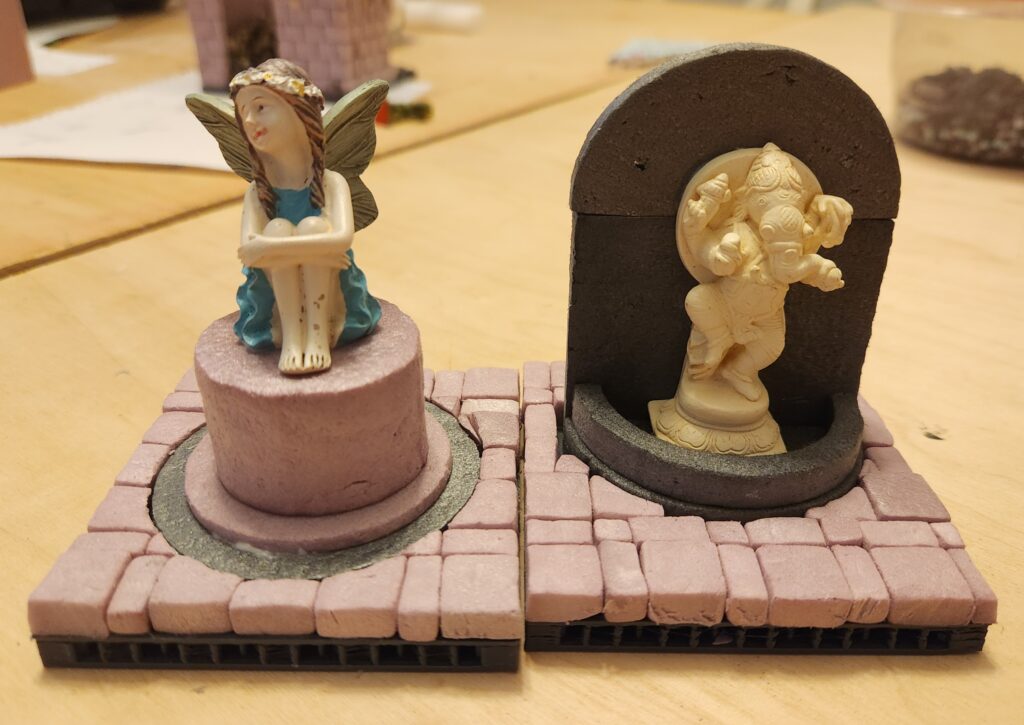
For the statues, I painted them fairly simply. They were both on foam plinths or backgrounds. They were base-coated along with the tiles.
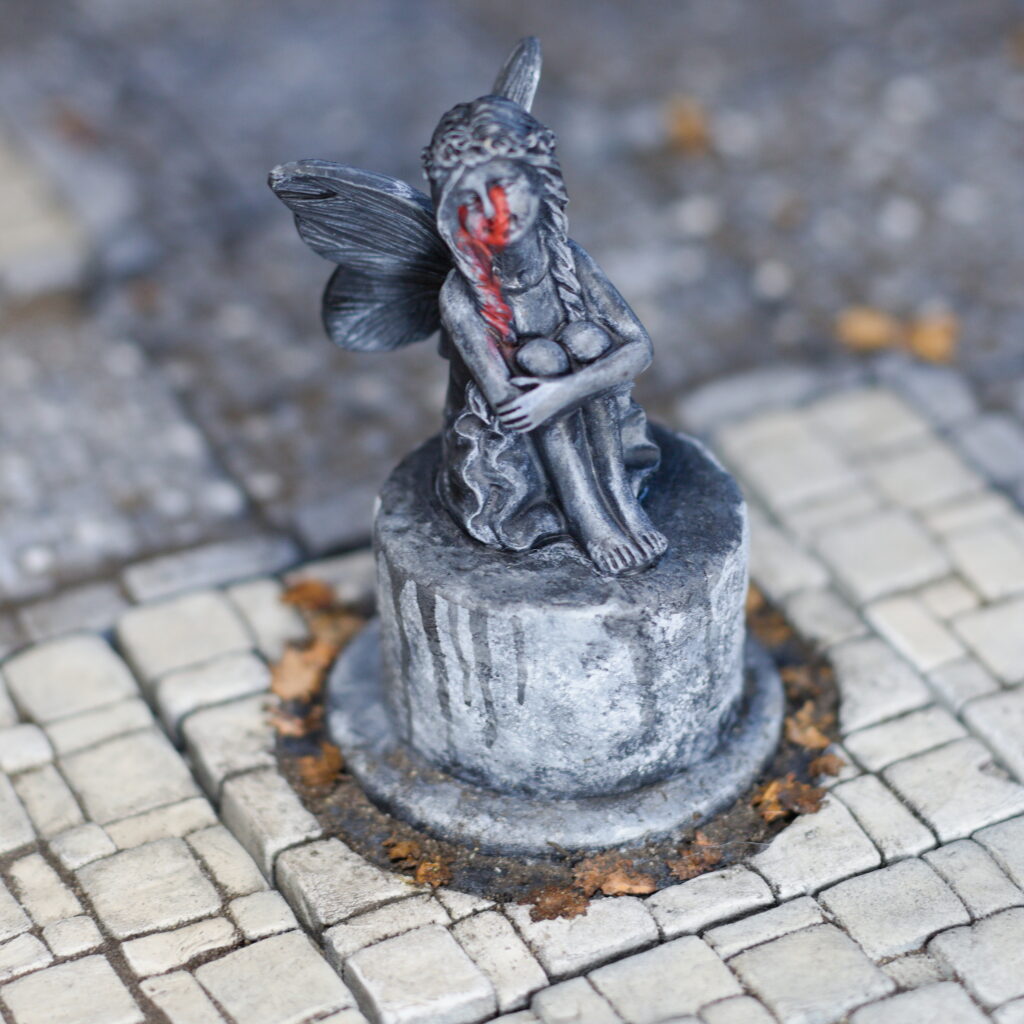
The bleeding eyes girl was quite simple – dry brush various greys on her and her plinth, along with some thinned greys for the streaks. Her eyes are painted with Reaper Fresh Blood.
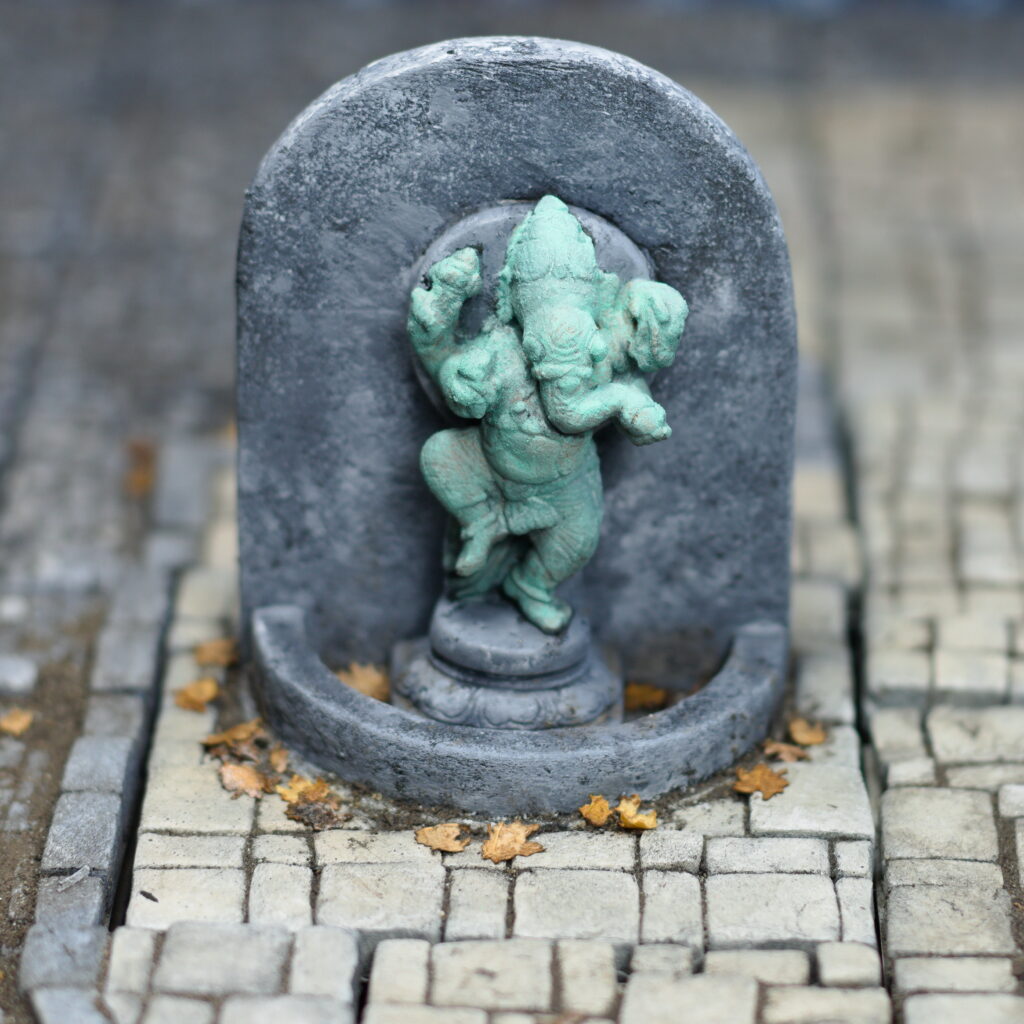
For the Ganesh statue, I painted the statue itself with Reaper Old Bronze and then found Army Painter’s Verdigris Technical Paint, which I applied in a couple of coats. It works, but honestly this paint job is a bit simple and for larger statues I’d want to follow something like Garden of Hecate’s excellent tutorial. For the stone backing, I tried some stippling and washes, but ultimately went with sponged on greys and whites.
The Tree
The tree is fairly simple – a bunch of pipe-cleaners twisted up and then melted, with a texture paint (in my case, a DIY texture paste of brown paint + sawdust). It isn’t done, but eventually am going to try and match some of the look here:
Finished Look
And just like that, this 2′ x 2′ set of tiles was done.
The finished tiles
But of course, I need a lot more, especially if I want to get a full 4′ x 4′ Mordheim table done. So the next set is already underway:
Well, maybe not. The next set already underway, aided by Halloween candy.
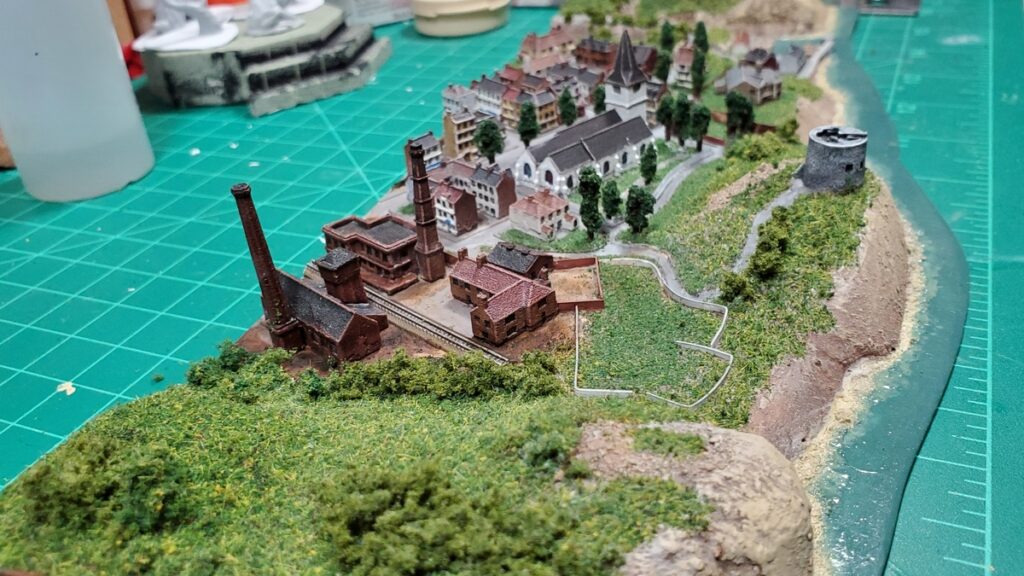
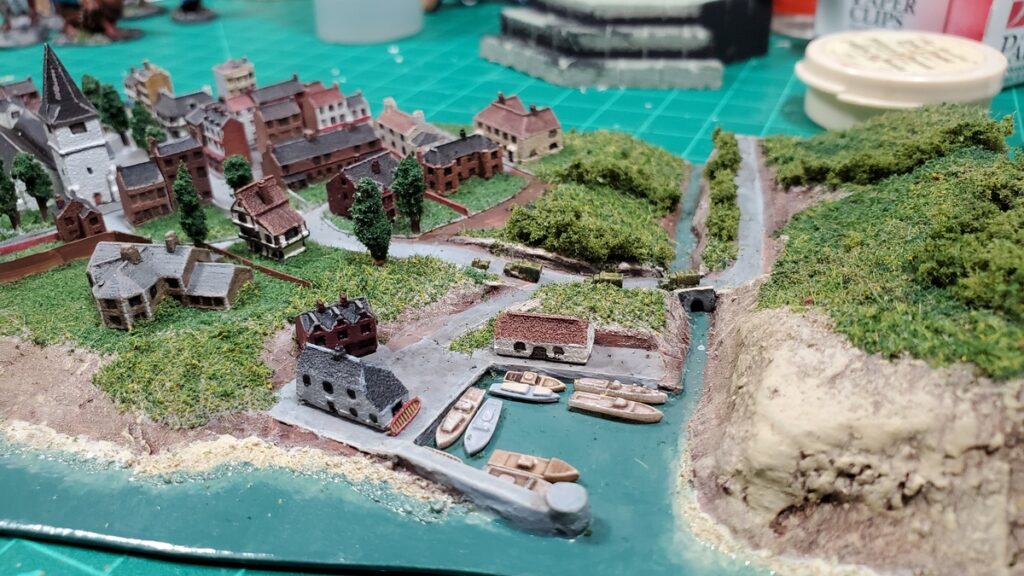
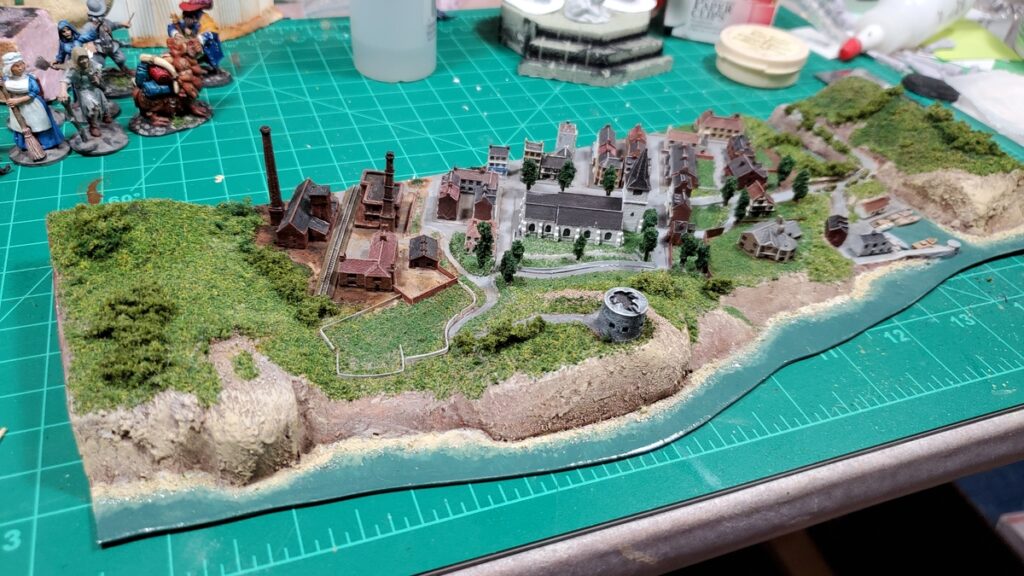
I’ve finally finished another module for my 1/1200 scale coastal naval terrain. This is another 12″ long by 4″ deep piece with part of a reasonable size town on it, and has been sitting around for two years or possibly a bit longer, so it’s nice to get it finished and out of the way!
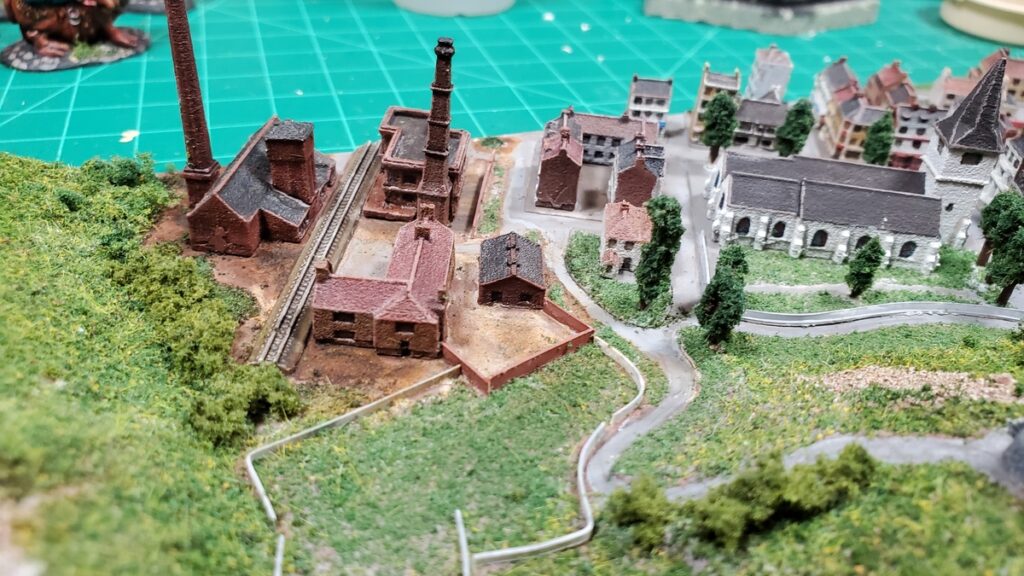
New coast module from one end, looking into the industrial part of town toward the church. Click for larger.
The other end, looking into the harbour & bridge and down the main street. The breakwater is a bit of sprue from plastic figures, which got me that nice round end and curve. Click for larger.
The construction is my standard setup, written about previously (see other related posts at the bottom or my naval scenery summary post) with a base of 1mm styrene sheet, a mix of materials for the basic ground forms, and a lot of different flocks for ground cover.
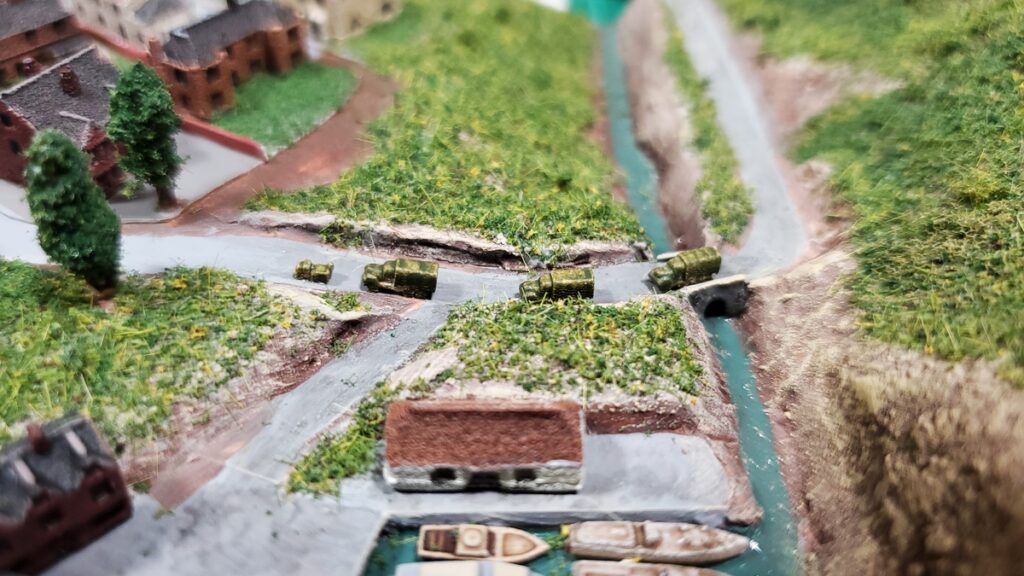
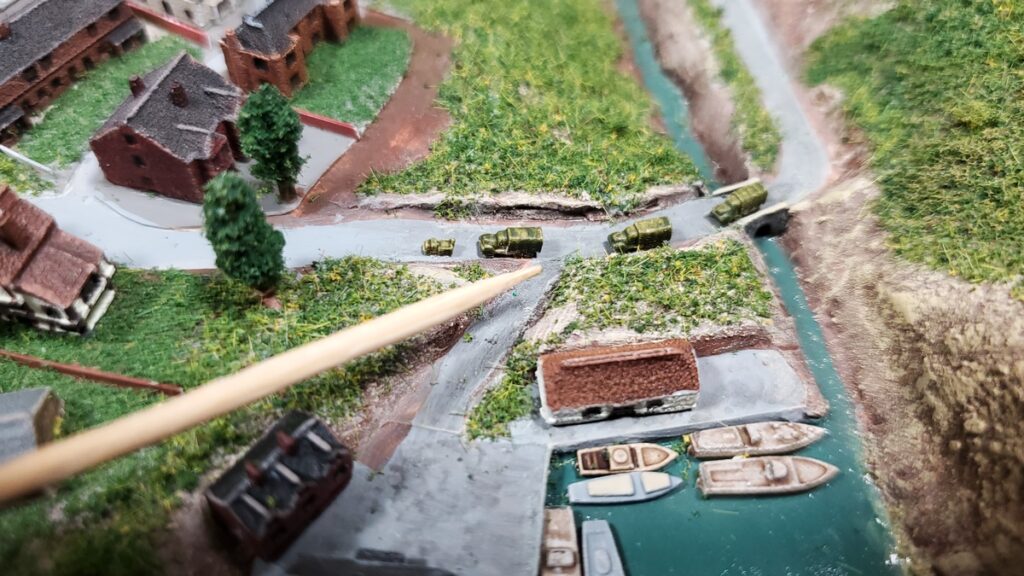
The Shapeways trucks, a small military convoy driving into town.With a toothpick for scale.
The one thing I might still add is some more of the marvelous Shapeways vehicles here and there…
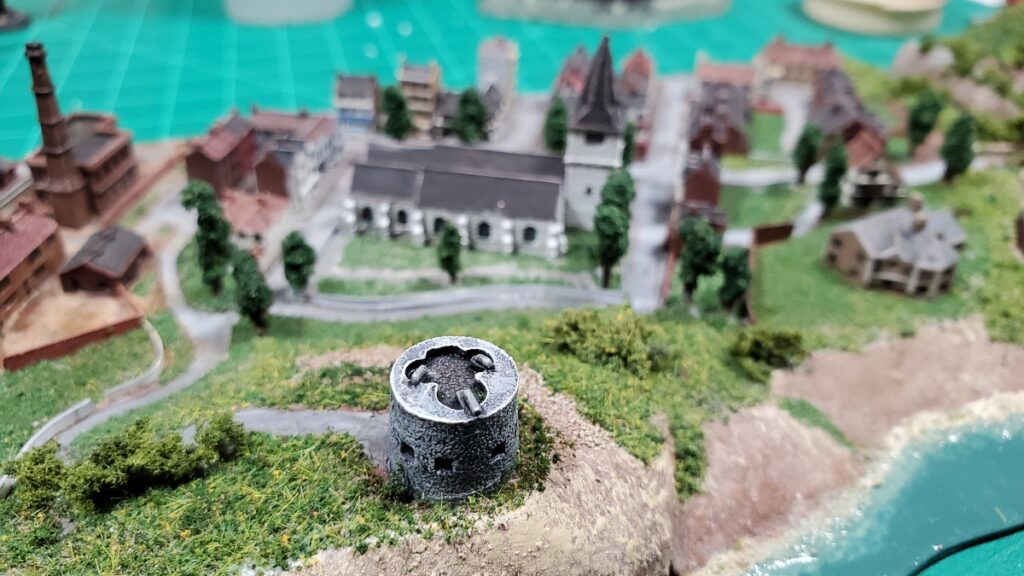
Left end, looking from seaward, mostly industrial.The centre, looking over the old Martello tower toward the church and centre of town.The harbour, stream, and bridge end.The whole module from seaward.
I don’t have any immediate plans for more coastal modules… but I do have a lot more buildings and vehicles to put to use, and I was thinking that a coastal gun battery would be an interesting addition – the British coastal batteries seem to have had a pretty quiet war, mostly engaging aircraft, but the Allies reported regular engagements with German batteries especially along the occupied French coast… so maybe a half-length 6″ module with a bit of a headland, some gun pits, and a couple bunkers? We shall see…